Weeknight Dinners
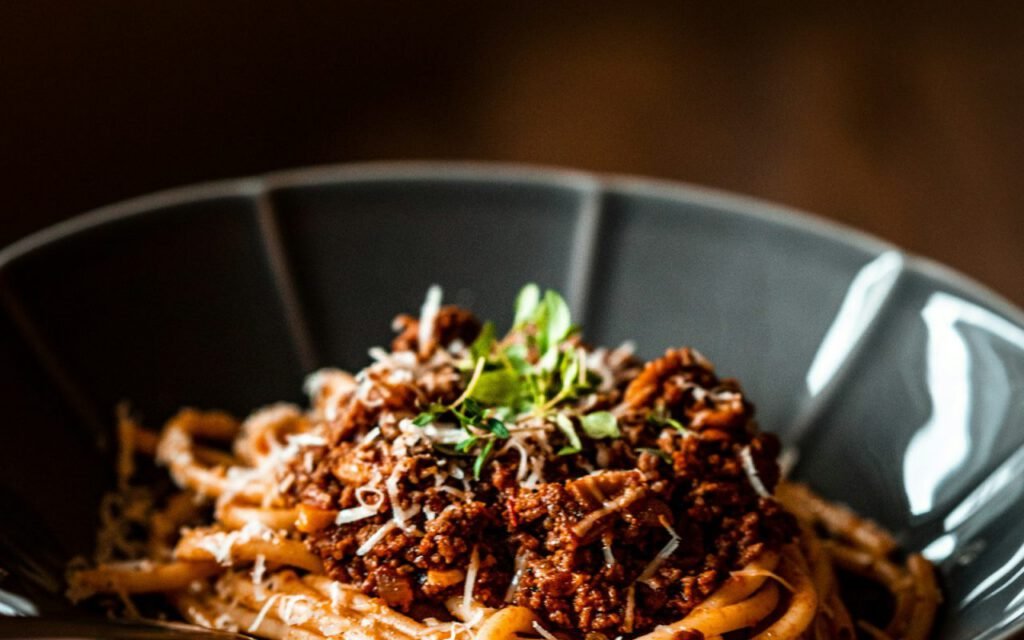
Weeknight Tomato Pasta With Garlic and Basil
Five pantry ingredients, one pot and 25 minutes. The sauce cooks while the water boils.



201 elements · 925 sections · Works with free Elementor
Five pantry ingredients, one pot and 25 minutes. The sauce cooks while the water boils.
Clear packages, honest delivery times, real samples.
The slide order matters more than the words. Here is the structure we now use for every hard conversation.
Two weeks with no notifications, no group chats, and one very quiet inbox — here is what we learned.
Most of an engineer's week is spent reading, not writing. Here is how we train for…
Fewer pages, better handoffs, and a rule that no one is ever on call alone —…
Zero downtime, one very stressful Saturday, and a rollback plan we thankfully never needed to use.
Five pantry ingredients, one pot and 25 minutes. The sauce cooks while the water boils.
More energy, a growing bump and the first flutters — a calm guide to weeks 13 to 27.
Wide pine floors, a working fireplace and a family that refused to rush the renovation.