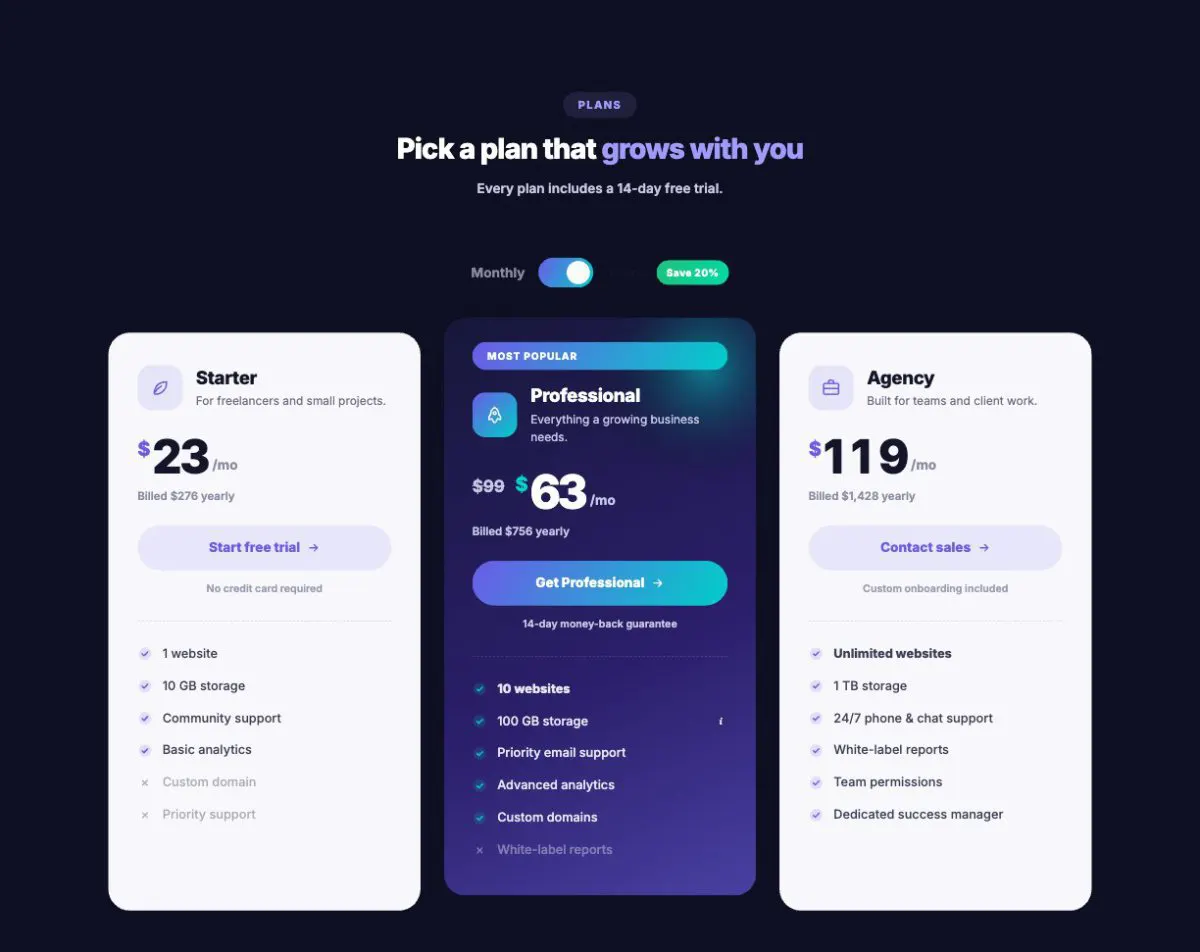
Starter
For solo founders shipping their first product.
$15/mo
Billed $180 yearly
- 3 projects
- 10 GB storage
- Email support
Widgets plus Theme, Header & Footer, WooCommerce and Loop builders and a 925-section library — in one plugin that works with any WordPress theme.
Requires Elementor (free) · Works with any theme · Updates included

 Pricing Table
 ElementorElementor Pro
 WordPress
 Contact Form 7
 Mailchimp for WP
 WPML
WPML Polylang
 ACFFlexbox containersAny WordPress themeRTL readyTranslation ready
Lead with the builders, finish with the details. Every part is a real feature you can open in this demo.
In 10 categories — from headings and pricing tables to magazines, bookings and dashboards. Each one has its own live demo page.
Single, archive, search and 404 templates.
71 headers, 62 footers, mega menus.
19 product-page widgets, AJAX filters, swatches and quick view.
Heroes, pricing, FAQs, headers, footers — 39 types, inserted from the editor.
Search by name or task, or jump to a category. Every card opens that widget’s own live demo page. New and hot widgets are marked.
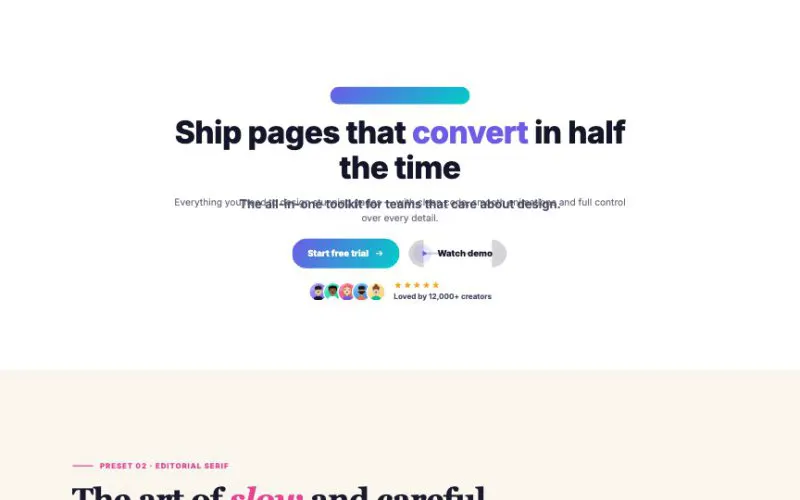 View demo#001Advanced Heading12 one-click presets, 18 title styles, 10 highlight styles — plus buttons, social proof and scroll-linked animation.Text & ButtonsLive demo
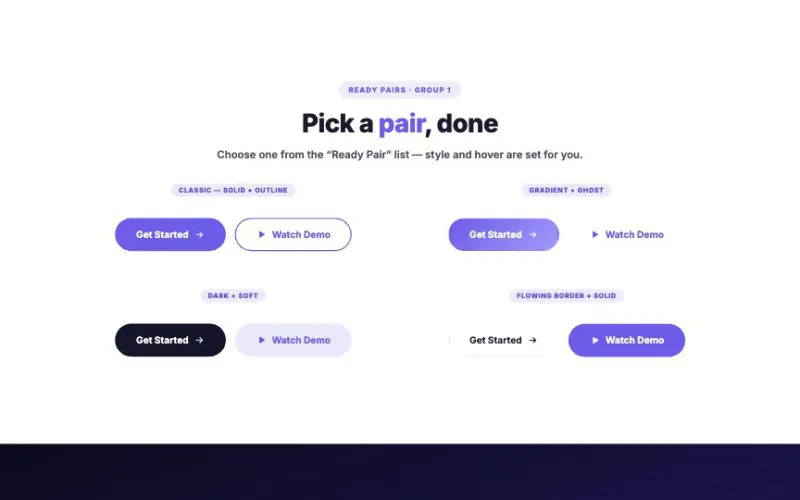 View demo#002Dual ButtonText & ButtonsLive demo
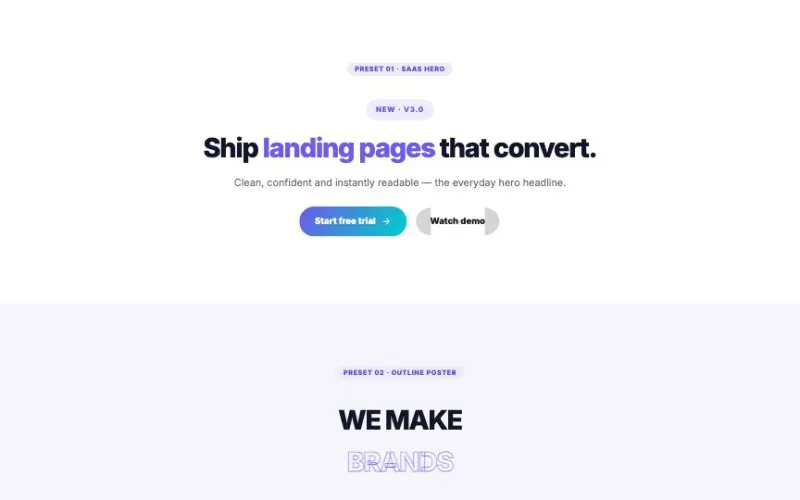 View demo#003Animated Text ProTypewriter, slides, flips, cube, zoom, blur, swing, wipe, letters drop / wave / rubber / spread / flip / pop, scramble, glitch and slot-machine.Text & ButtonsLive demo
 View demo#038Modal Popup BoxSix layouts (centered, split, fullscreen, corner, bar and side drawer), six kinds of content (newsletter, call to action, coupon, countdown, video, yes/no gate), seven skins and eight ways to open. Every button on this page opens a real popup, so try them.Text & ButtonsLive demo
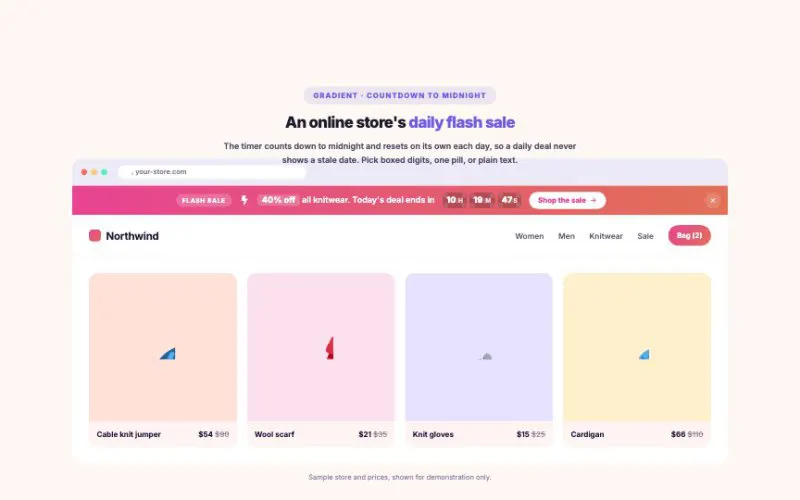 View demo#040Notification BarAnnouncement bars that people actually notice: rotating messages, a scrolling ticker, sale countdowns, progress goals and a one-line email sign-up. Place it in the page, pin it to the top or bottom of the screen, or pop it up as a floating toast. 8 skins, 3 shapes, smart dismiss.Text & ButtonsLive demo
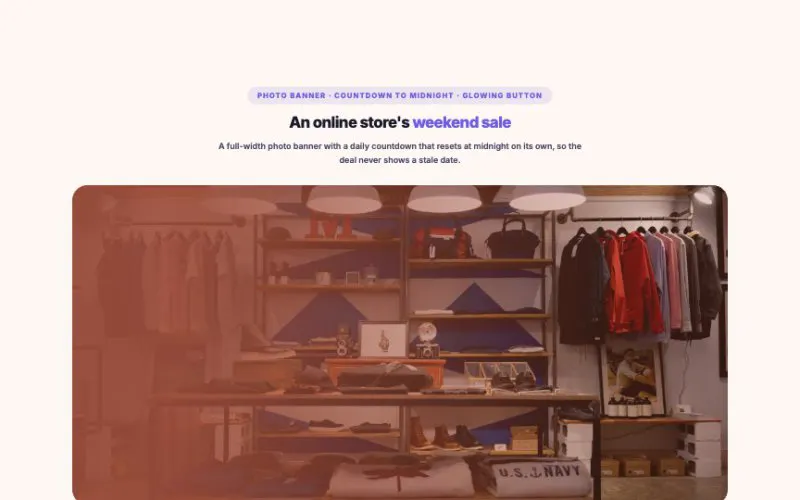 View demo#044Call to ActionThe block that turns readers into customers. 7 layouts (centered, split, boxed, photo banner, slim strip, email sign-up and app download), 8 skins, 5 button styles, highlight effects, an offer countdown and a soft light that follows the mouse.Text & ButtonsLive demo
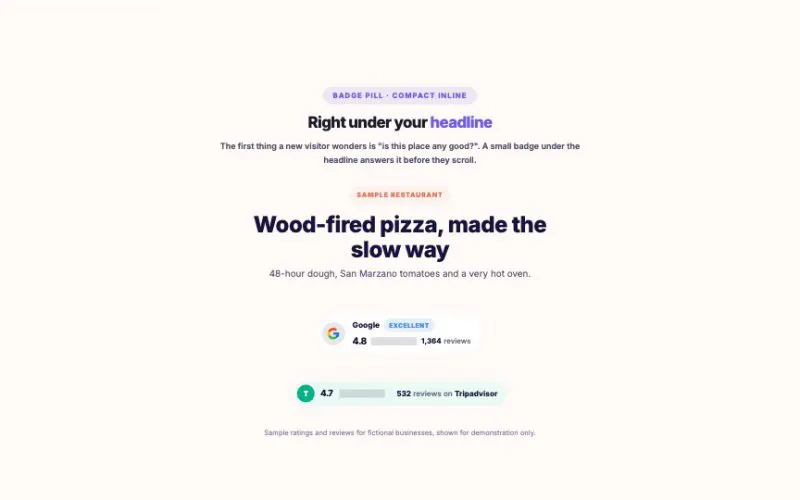 View demo#045Review BadgeShow the ratings you have earned where they matter: under a headline, beside a price, or in a corner of the screen. Stars fill to the exact decimal, numbers count up, and seven layouts cover everything from a slim pill to a rotating seal.Text & ButtonsLive demo
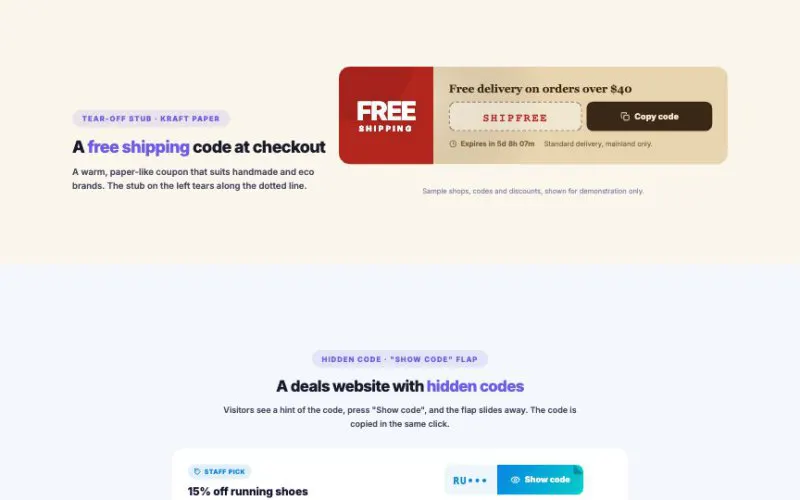 View demo#046Coupon Code BoxCoupons people actually use: one tap copies the code, the shop button copies it on the way out, and a live timer shows how long is left. Seven layouts, from classic tickets to a scratch card and a shiny gift card.Text & ButtonsLive demo
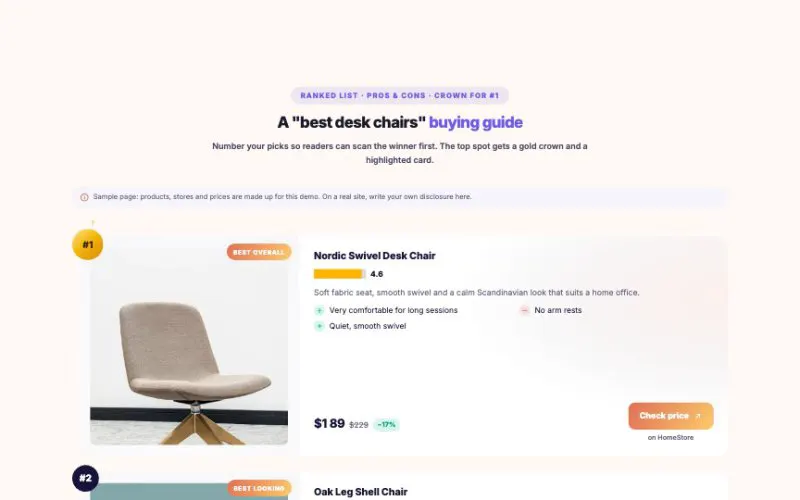 View demo#047Affiliate Product CardEverything a review or "best of" article needs: a top-pick review box with a score ring, pros and cons, specs, ranked lists, a comparison table and small in-article strips. Every buy button gets the right sponsored link attributes automatically.Text & ButtonsLive demo
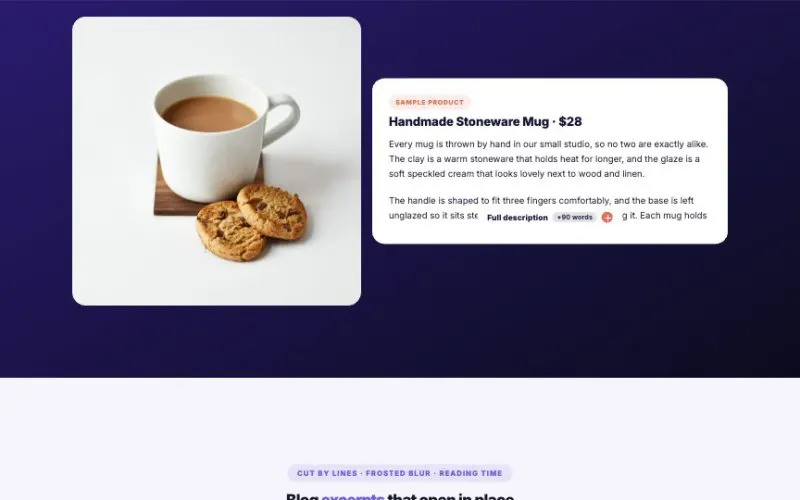 View demo#048Unfold / Read MoreKeep long text tidy without hiding it from anyone. Cut by height or by lines, choose from five fades that work on any background, three opening effects, eight buttons and eight containers. The button can even tell readers how much is left.Text & ButtonsLive demo
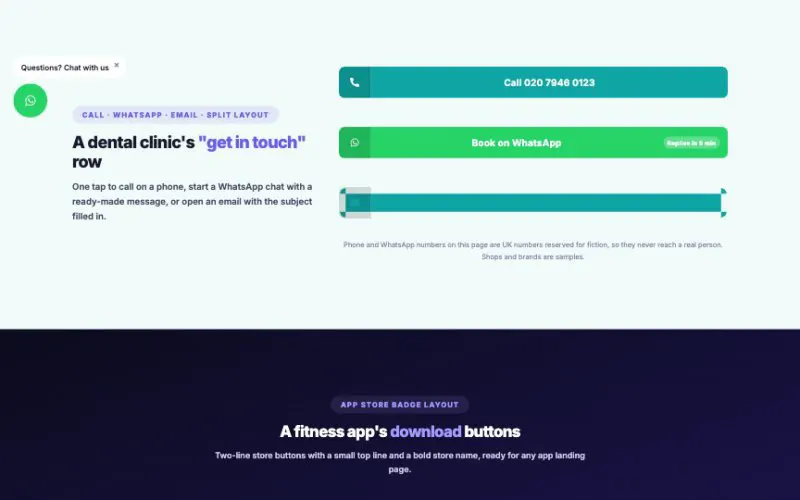 View demo#053Advanced ButtonButtons that do more than link: call, WhatsApp, email, copy a coupon, download a file or glide to a section. Twelve skins, fifteen hover effects, a gentle attention loop, confetti clicks, badges, a second button and a floating chat button.Text & ButtonsLive demo
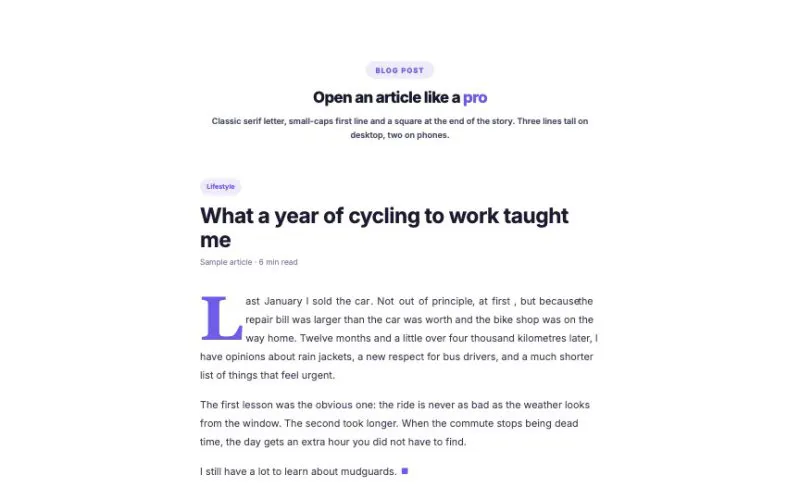 View demo#055Drop CapThe big first letter that makes a page feel like a book or a magazine. 18 letter styles, sized to fit exactly the number of lines you choose, with small-caps lead-ins, magazine columns, end marks and a reveal as the reader scrolls in.Text & ButtonsLive demo
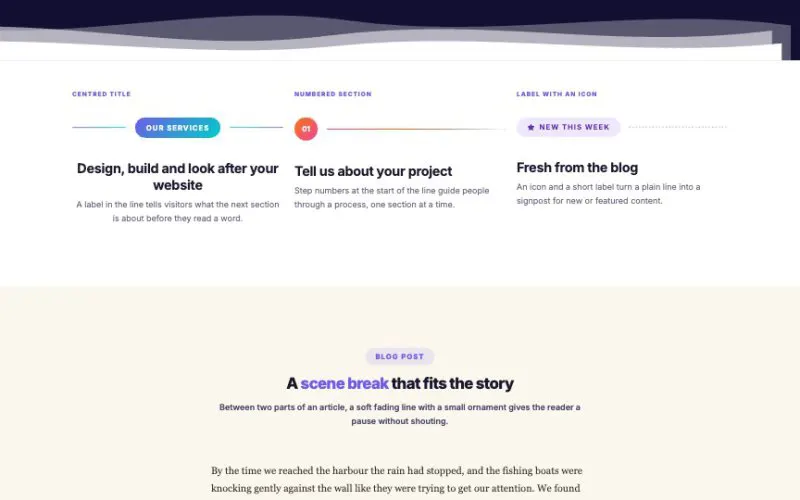 View demo#056Divider & SpacerLines that do more than separate: 12 line styles with icons, labels and badges, vertical dividers for stats, and 13 section shapes that let one section flow into the next, with lines that draw themselves in as you scroll.Text & ButtonsLive demo
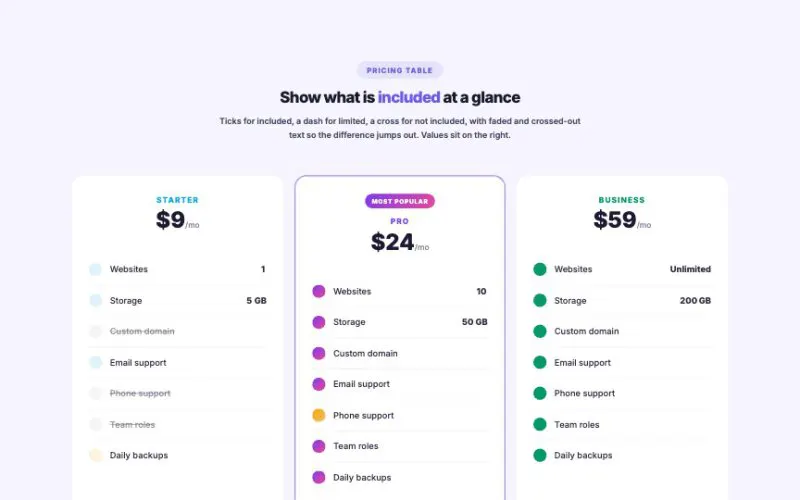 View demo#057List Item PlusesFar more than bullet points: 9 layouts (cards, timelines, steps, pills, spec sheets, expandable rows), 10 bullet types, 12 skins, rainbow and blended colors, included / not-included states, descriptions, badges and prices, with checkmarks that draw themselves in.Text & ButtonsLive demo
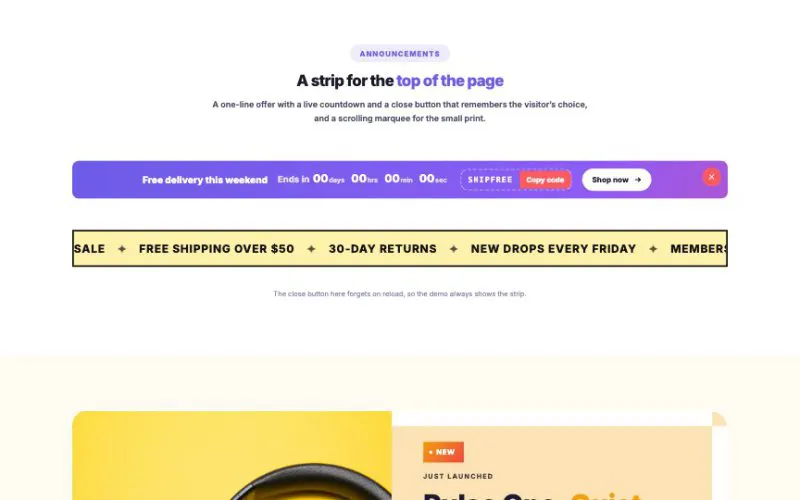 View demo#061Banner / Promo BoxA one-line offer with a live countdown and a close button that remembers the visitor’s choice, and a scrolling marquee for the small print.Text & ButtonsLive demo
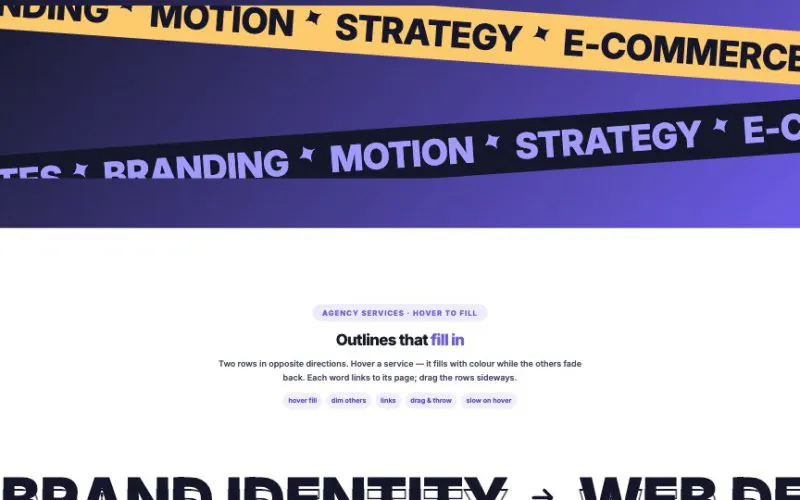 View demo#107Gradient Text MarqueeBig scrolling type for headlines, sales, services and client logos — six layouts from crossed tapes to a wave path, twelve text styles, and motion you can drag, throw and steer with the page scroll.Text & ButtonsLive demo
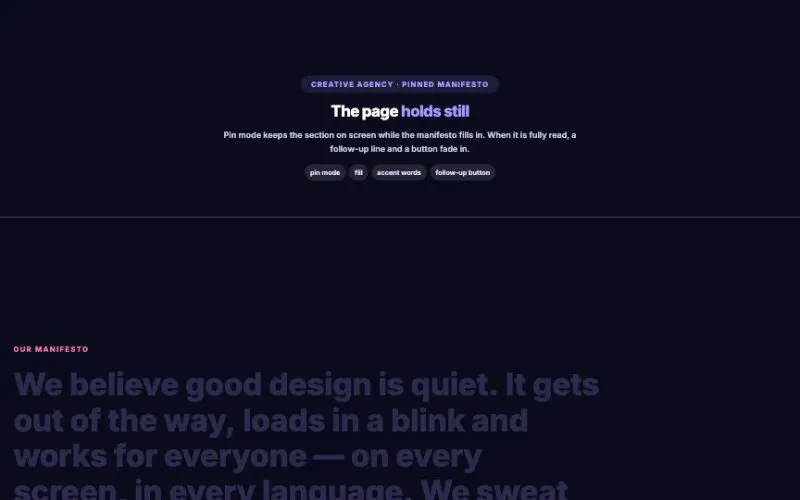 View demo#108Text Reveal on ScrollBig statements that light up word by word as visitors read — 15 effects, three modes (follow the scroll, play once, or pin the section) and reveal by word, letter or line.Text & ButtonsLive demo
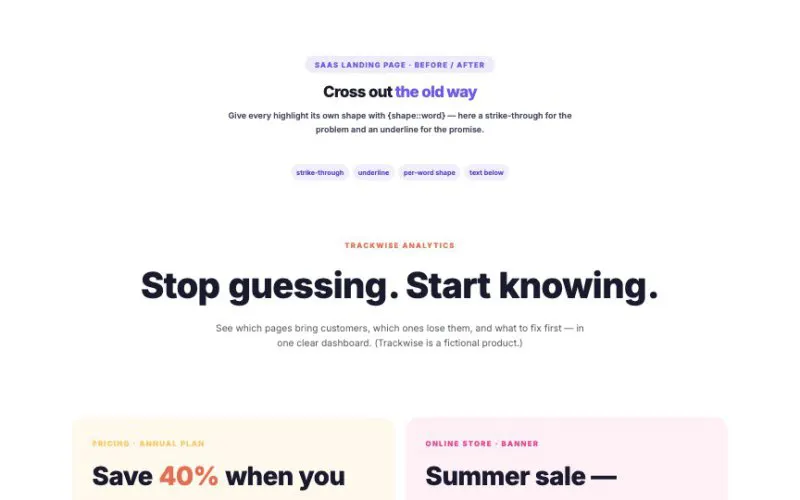 View demo#109Highlighted TextPoint at the words that matter — 16 hand-drawn shapes and 6 modern styles that draw themselves in, rotating words, per-word shapes, gradient and sketchy strokes, and five ways to trigger them.Text & ButtonsLive demo
 View demo#110Code Snippet BlockCode that looks like it belongs in a real editor — 20 languages, 14 themes, 6 window frames, diff lines, focus lines, notes, typing and terminal animations, copy, download and synced tabs.Text & ButtonsLive demo
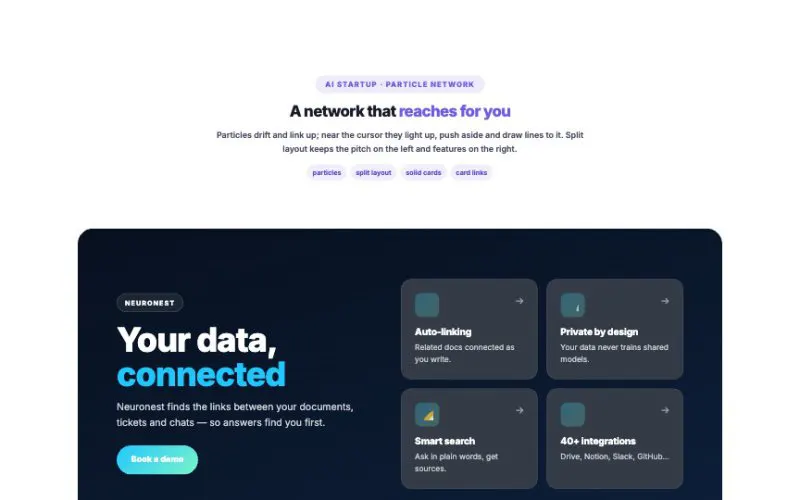 View demo#117Mouse-follow Spotlight SectionSections that react to the cursor — ten light effects from a soft glow to a particle network, plus cards whose borders light up where you point.Text & ButtonsLive demo
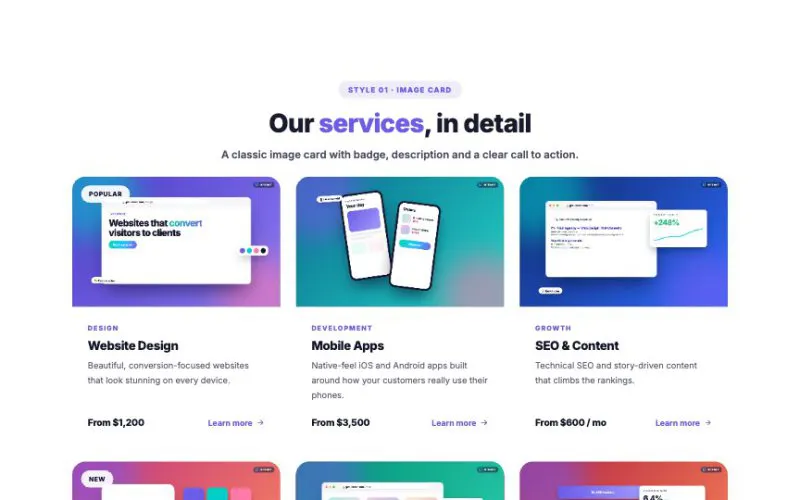 View demo#004Info Box12 image-rich skins — cards, overlays, hover reveals, horizontal rows, floating icons, price lists, process steps, gradient borders and 3D tilt — for service sections that look custom-built.Layout & MotionLive demo
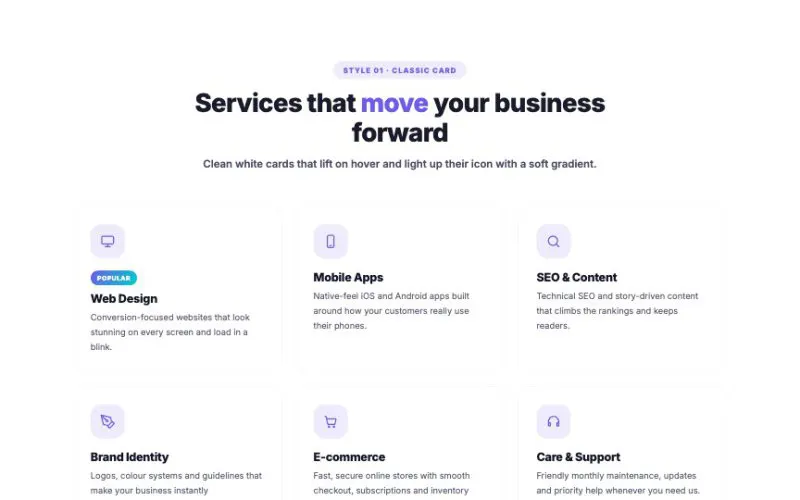 View demo#005Icon Box12 skins × 4 icon positions × 6 shapes × 36 built-in icons × responsive grid × 3D tilt, spotlight and stagger reveal — the service section your website deserves.Layout & MotionLive demo
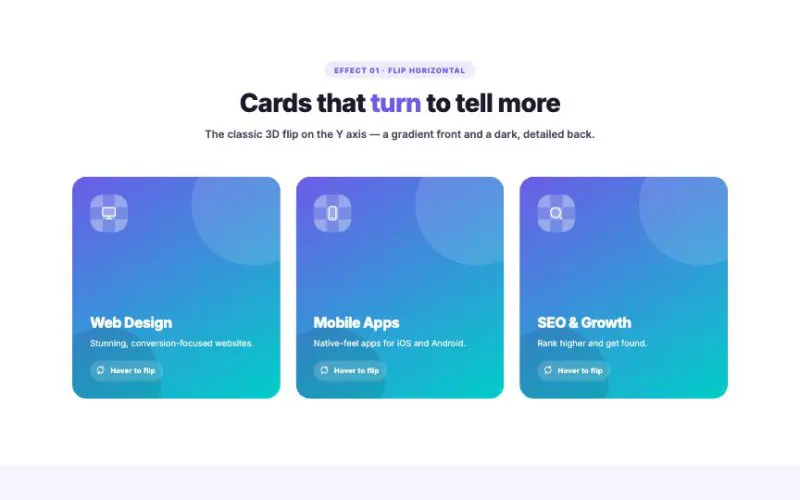 View demo#010Flip Box10 flip effects — horizontal, vertical, diagonal, 3D cube, slide, zoom, spin and live tilt — × 5 front skins × 5 back skins × hover or click, built for service, feature and portfolio sections.Layout & MotionLive demo
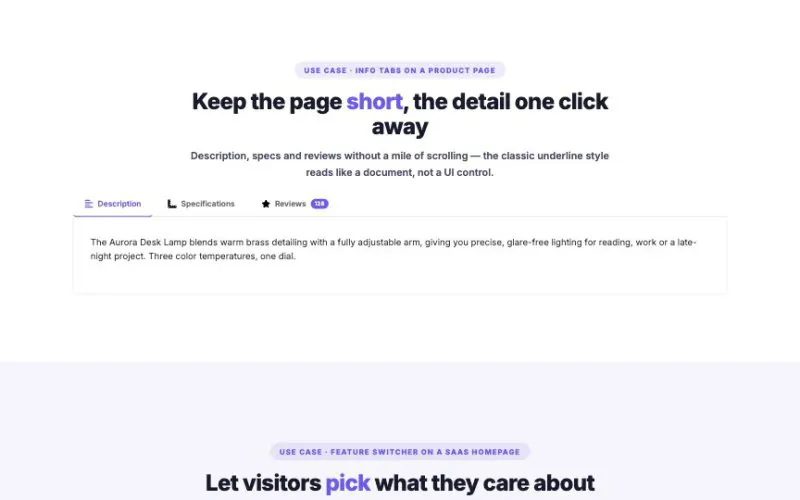 View demo#021Advanced Tabs7 nav styles, horizontal or vertical layout, icons, badges, Elementor-template tabs, URL hash sync and 4 content-switch animations. Below are the kinds of pages you would actually drop this widget into.Layout & MotionLive demo
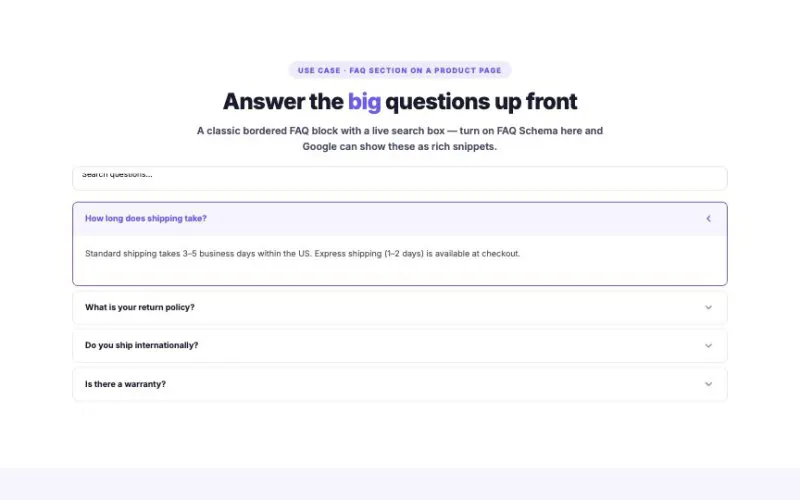 View demo#022Advanced Accordion8 styles, 4 toggle icons, search filter, badges, custom icons, Elementor-template content and FAQ schema (JSON-LD). Below are the kinds of pages you would actually drop this widget into.Layout & MotionLive demo
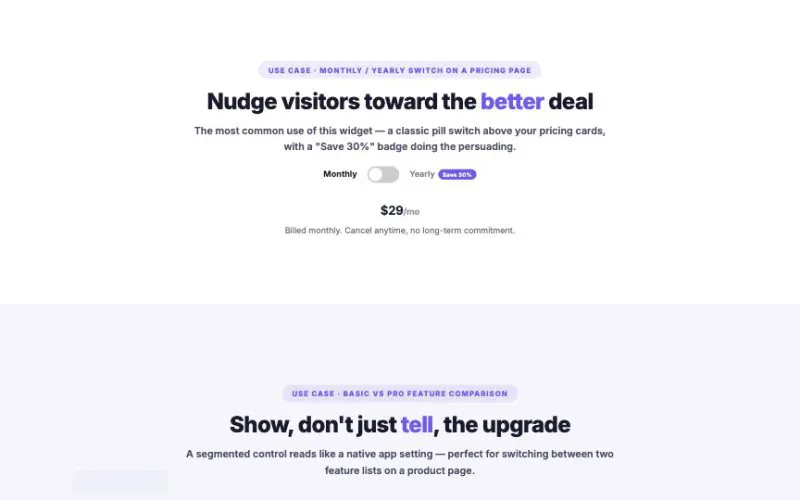 View demo#023Toggle Content8 switch styles, 5 content-switch transitions, badges, icons and Elementor-template content on either side. Below are the kinds of pages you would actually drop this widget into.Layout & MotionLive demo
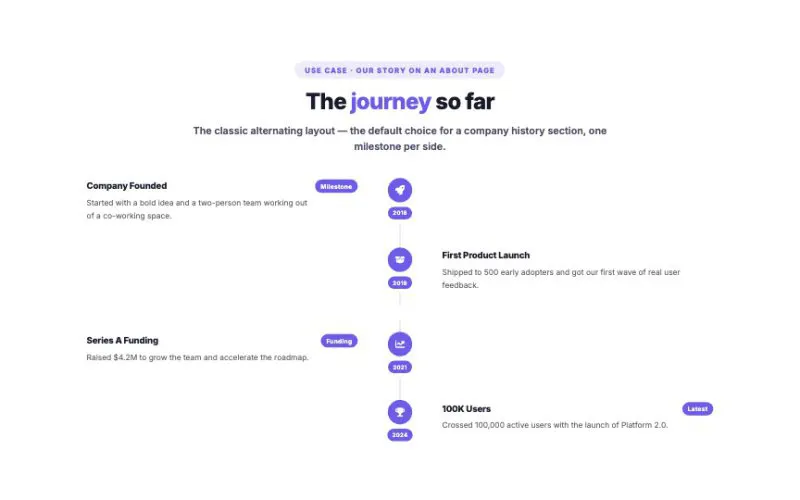 View demo#024Timeline Vertical8 card styles, 4 layouts (alternating, left, right, centered), 4 node shapes and 4 entry animations. Below are the kinds of pages you would actually drop this widget into.Layout & MotionLive demo
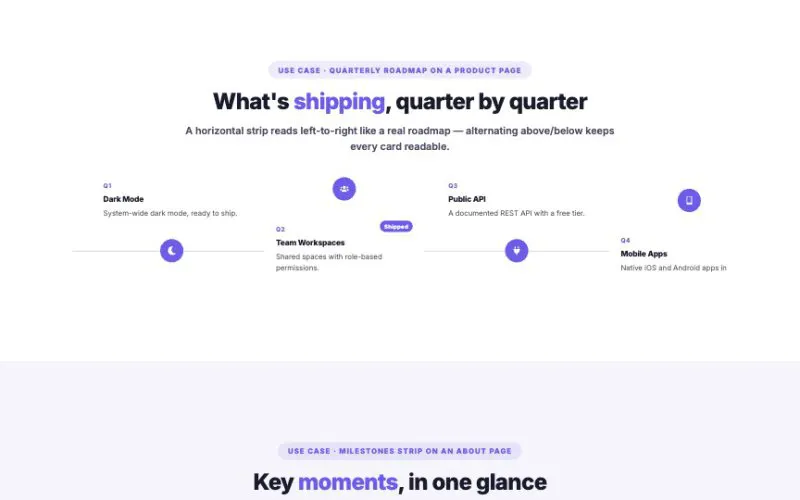 View demo#025Timeline Horizontal7 card styles, alternating/above/below layout, 4 node shapes, drag-to-scroll and 3 entry animations. Below are the kinds of pages you would actually drop this widget into.Layout & MotionLive demo
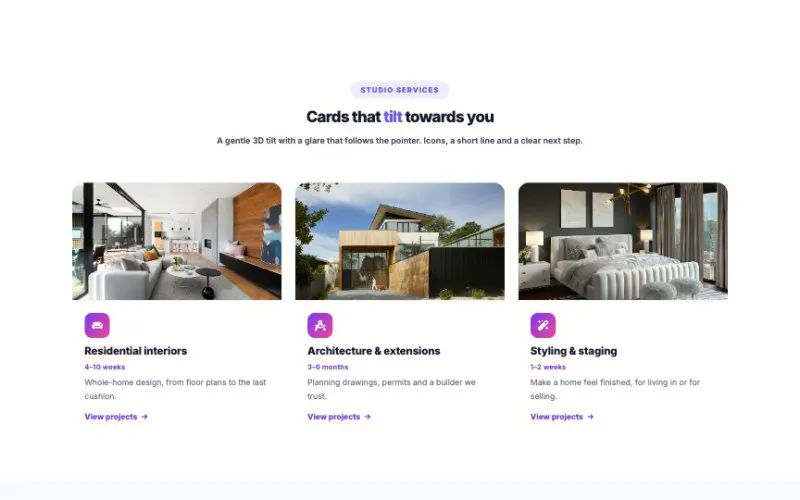 View demo#060Interactive CardsCards people want to touch: expanding panels, bento grids, fanned stacks, 3D tilt with glare, a spotlight that follows the pointer, flips, glass reveals and more. Eleven interactions, five layouts, nine skins.Layout & MotionLive demo
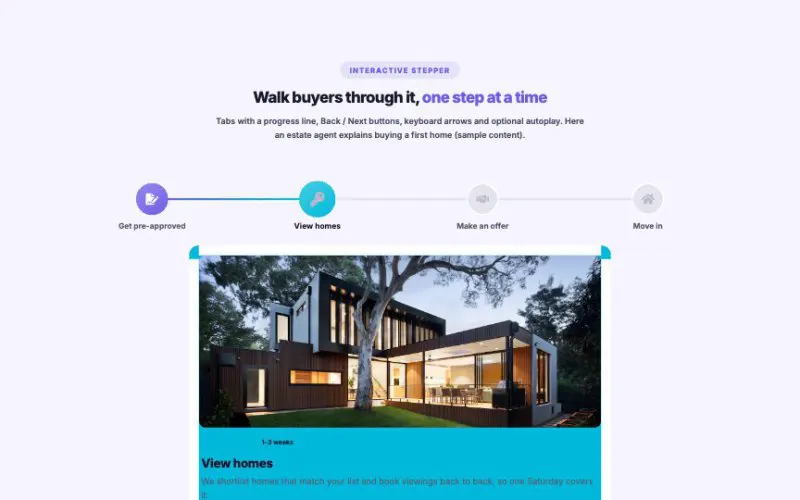 View demo#071Process / Steps FlowExplain how things work in a way people actually read: nine layouts from timelines and roadmaps to an interactive stepper, a line that fills as you scroll, live progress states, images, time chips and color per step.Layout & MotionLive demo
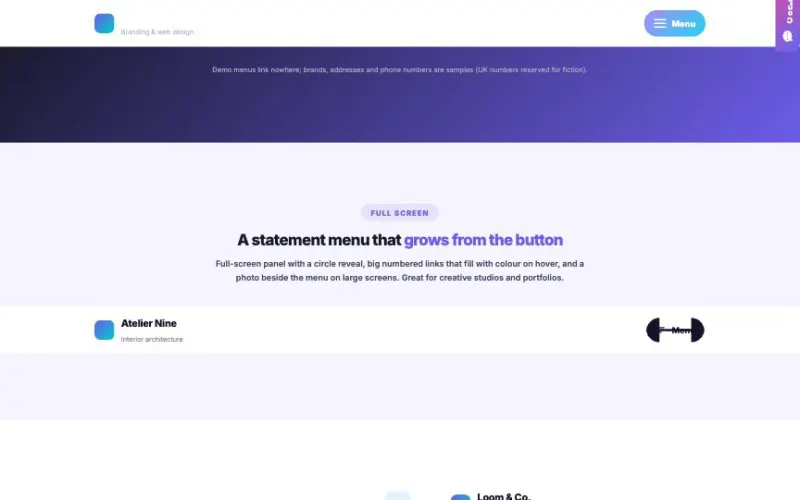 View demo#072Off-Canvas ContentThe slide-in menu premium themes use, as one widget: six animated hamburgers, panels from any side or full screen, a circle reveal, drill-down submenus, search, promo card, contact details, socials and a call to action. Click the menu in the header below.Layout & MotionLive demo
 View demo#102HotBento GridFeature grids that feel alive: 16 tile types with moving mini-visuals — charts, rings, code that types itself, checklists, notifications, a spinning globe — in 8 skins with 6 hover effects. Below: a fictional SaaS landing page, built with one widget.Layout & MotionLive demo
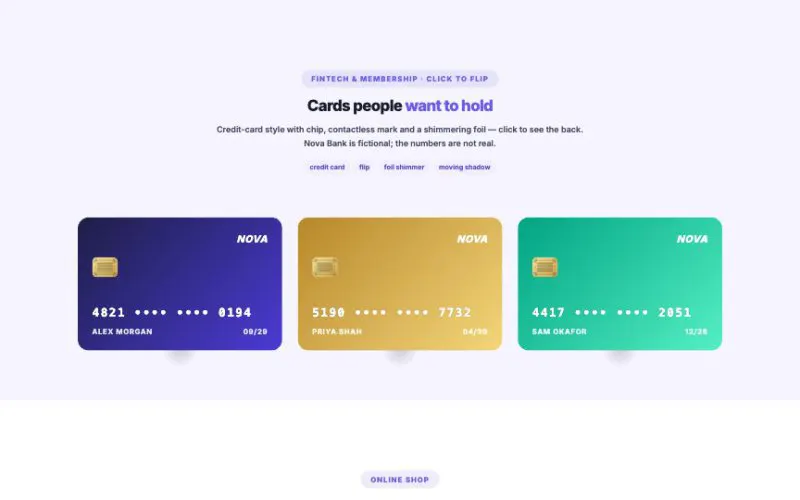 View demo#1033D Tilt CardTwelve card styles that react to the mouse — or to the phone in your hand. Holographic foil that shifts with the angle, credit cards, pop-out products, event tickets, a vinyl that slides out, layered parallax scenes and click-to-flip backs.Layout & MotionLive demo
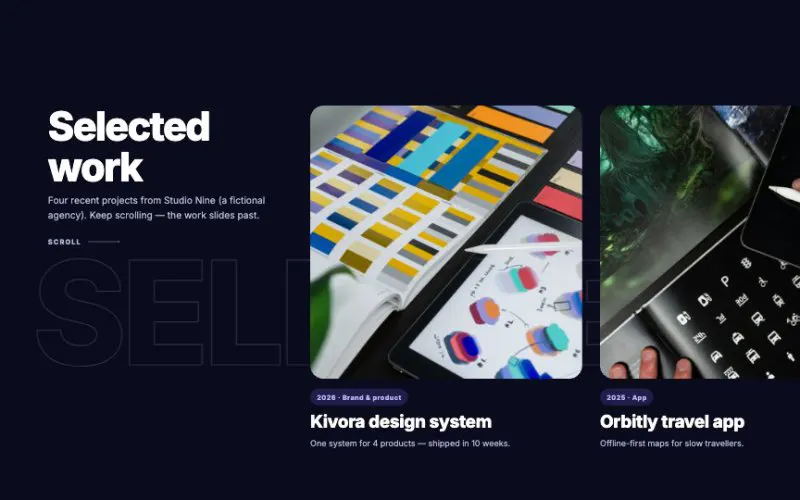 View demo#106Horizontal Scroll ShowcaseScroll down and the story slides sideways. Eight panel styles, six motion effects, giant background type, clickable dots, snap-to-panel and a reversible direction — every section below is one widget.Layout & MotionLive demo
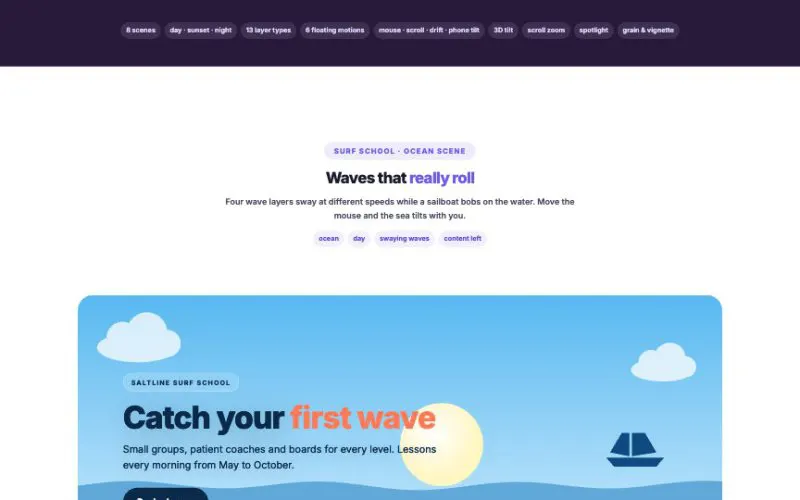 View demo#112Parallax LayersMouse / Scroll / Both × Per-layer Depth, Position, Size, Rotation, Opacity × Built-in Shapes × Center Content × Smooth Easing × Touch-safeLayout & MotionLive demo
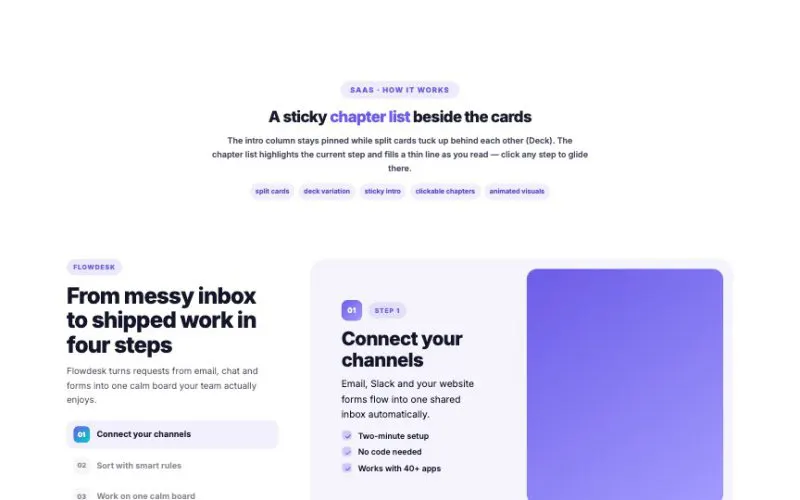 View demo#127Scroll Stack CardsCards pin in place and glide over each other with gentle, inertia-smoothed motion. Five card types, nine variations, a sticky chapter list and progress indicators.Layout & MotionLive demo
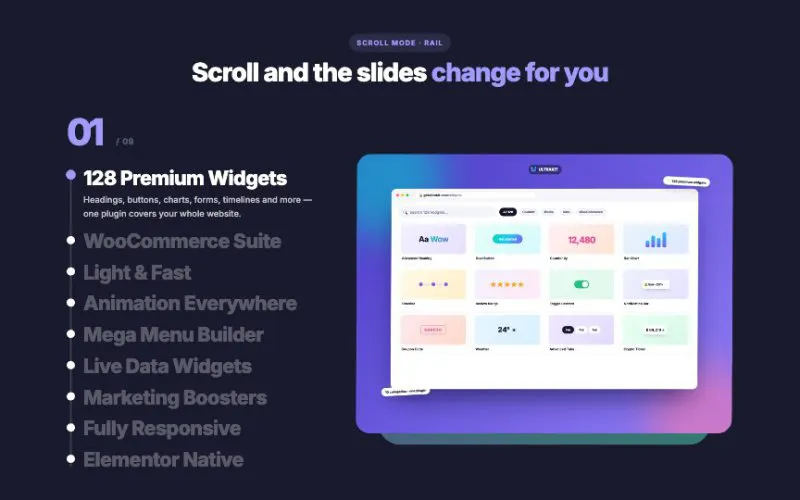 View demo#128HotVisual TabsA list of tabs drives a big visual — on scroll, hover or click. 3 layouts, 6 tab styles, 7 gentle transitions, browser, phone and floating frames, captions, buttons, autoplay and swipe.Layout & MotionLive demo
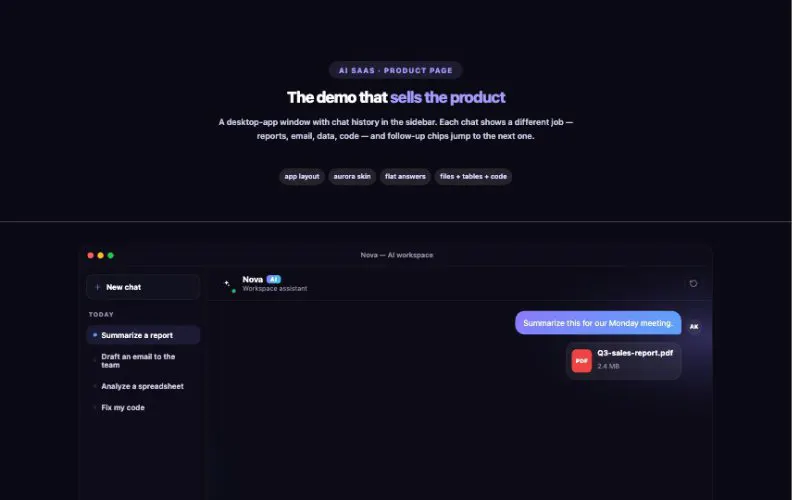 View demo#146AI Chat ShowcaseFor AI products, chatbots and support assistants: a question types itself, the assistant thinks, runs tool steps and streams a rich answer — lists, tables, code — then offers follow-ups that play the next chat.Layout & MotionLive demo
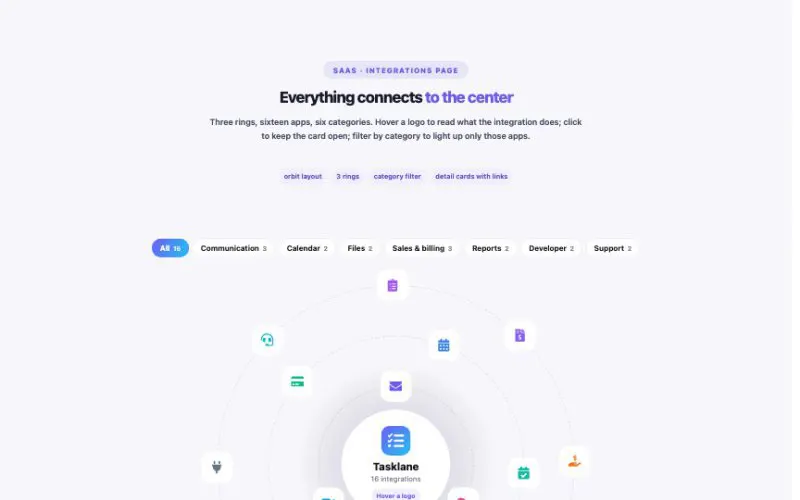 View demo#147Integrations OrbitFor SaaS, apps and platforms: your product in the middle, integrations circling it on softly spinning rings. Hover a logo to see what it does, filter by category, or switch to beams, a directory or a marquee.Layout & MotionLive demo
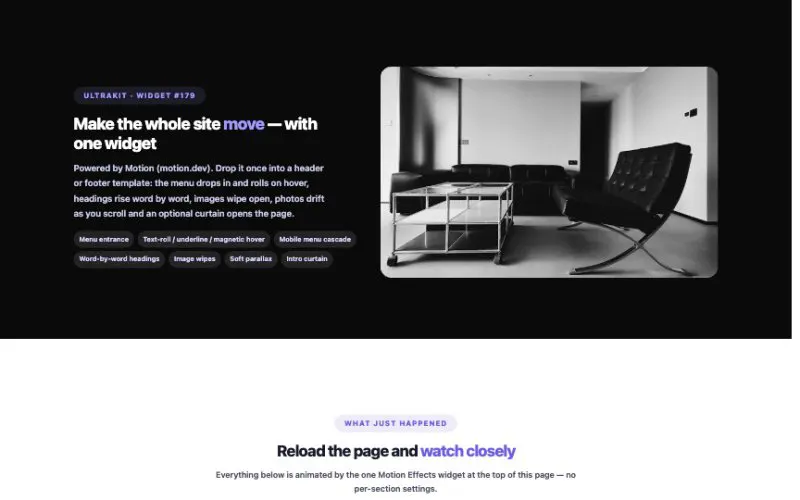 View demo#179Motion Effects (Motion JS)Powered by Motion (motion.dev). Drop it once into a header or footer template: the menu drops in and rolls on hover, headings rise word by word, images wipe open, photos drift as you scroll and an optional curtain opens the page.Layout & MotionLive demo
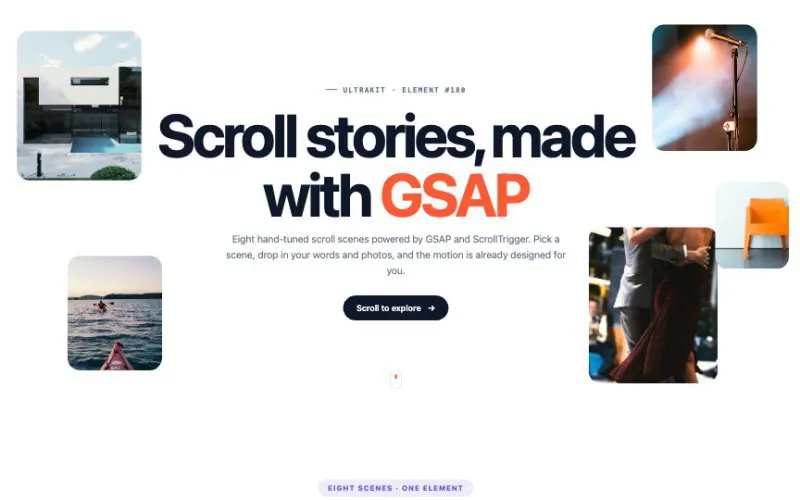 View demo#180GSAP Scroll ScenesEvery scene below is the same GSAP Scroll Scenes element with a different scene picked — framed the way a real business would use it.Layout & MotionLive demo
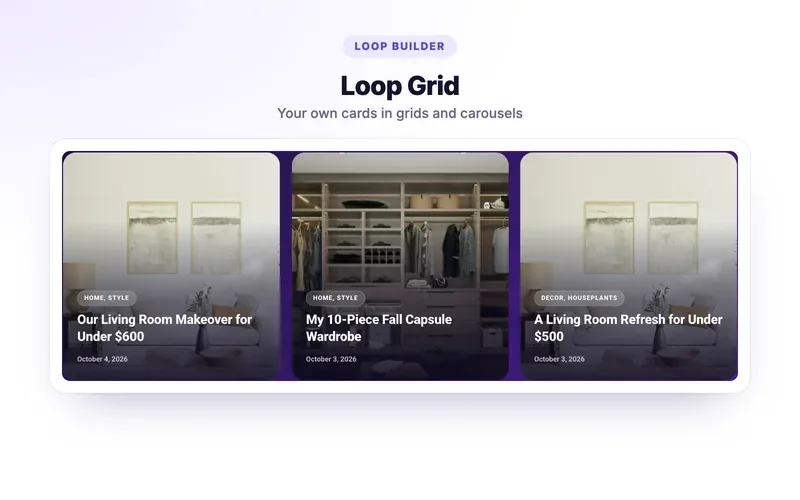 View demo#201NewHotLoop GridBuild a post or product card with free Elementor and UltraKit dynamic tags, then show it in grids, masonry, carousels and lists — with load more, infinite scroll and an alternate card every Nth item. No Elementor Pro needed.Layout & MotionLive demo
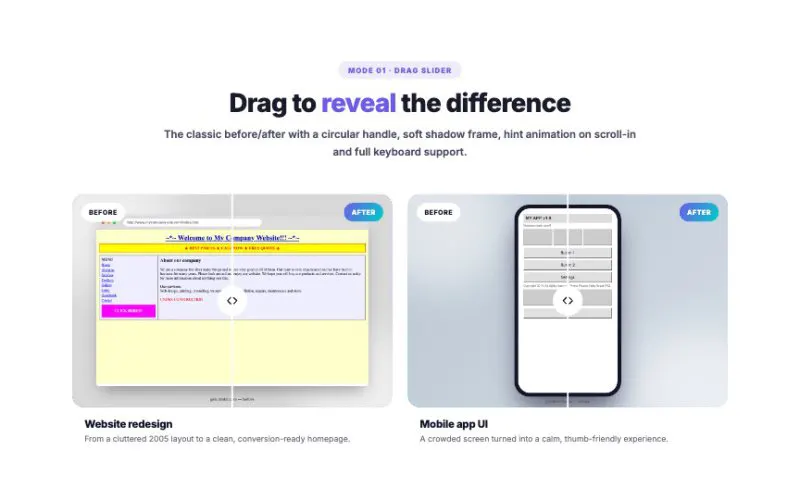 View demo#006Image Comparison6 modes — drag, hover, click toggle, auto sweep, magic lens and cross-fade — × 5 handles × 5 frames × grid or switcher layouts. Made for portfolios, redesigns and retouching.Media & GalleryLive demo
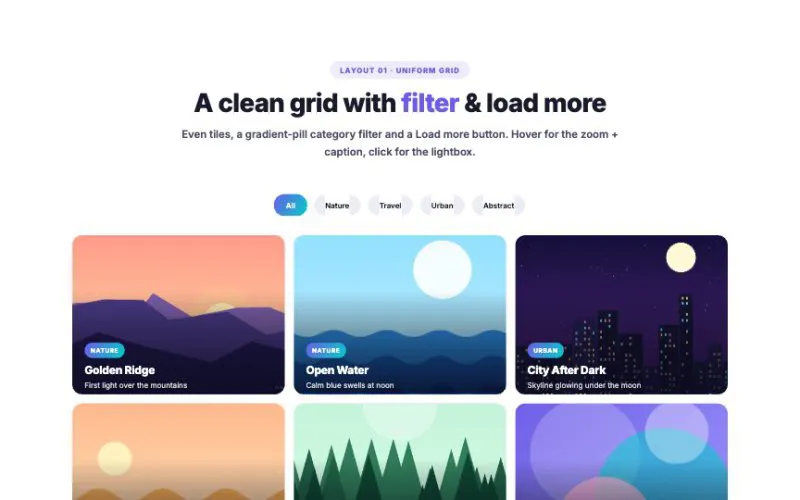 View demo#007Advanced Gallery6 layouts — grid, masonry, justified rows, bento, filmstrip and polaroid — × 7 hover effects × category filter × load more × a full-screen lightbox with thumbnails, zoom and swipe.Media & GalleryLive demo
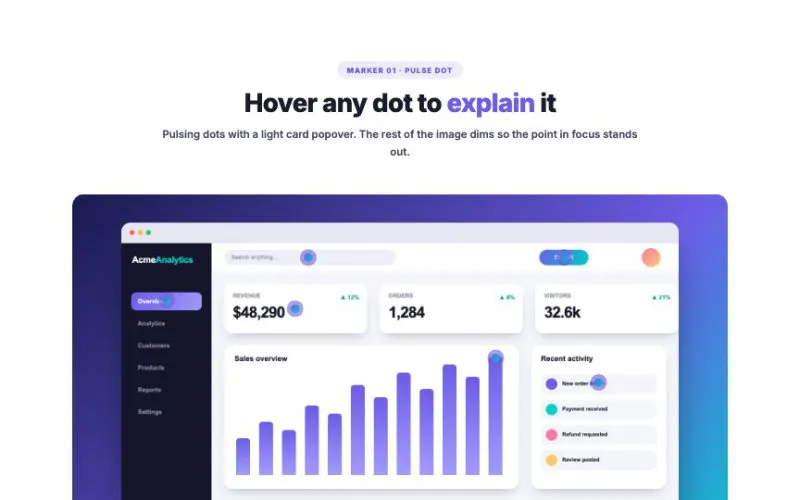 View demo#008HotImage Hotspot7 marker styles × 5 popover styles × hover, click, always-visible or an auto-playing guided tour — with spotlight, smart popover placement and a side-list layout. Perfect for product tours, floor plans and feature callouts.Media & GalleryLive demo
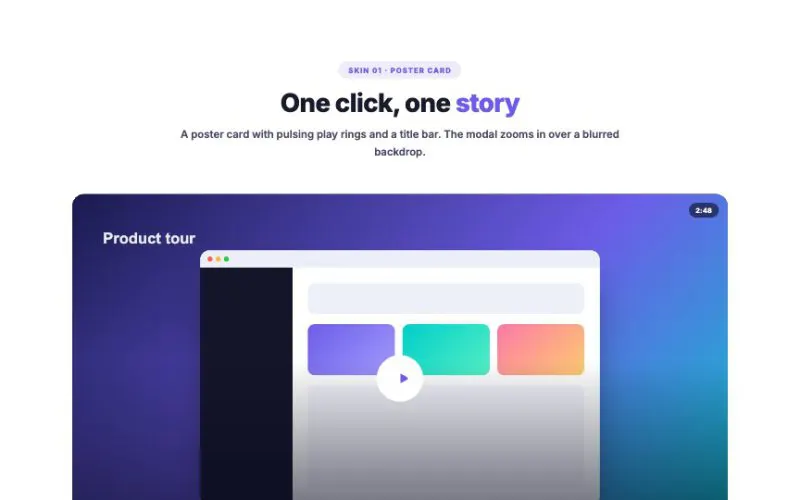 View demo#009Video Popup / Modal6 trigger skins — poster card, cinema banner, big orb, pill button, text link and ring — plus grid and featured-playlist layouts, 4 modal animations, YouTube / Vimeo / MP4 and previous / next navigation.Media & GalleryLive demo
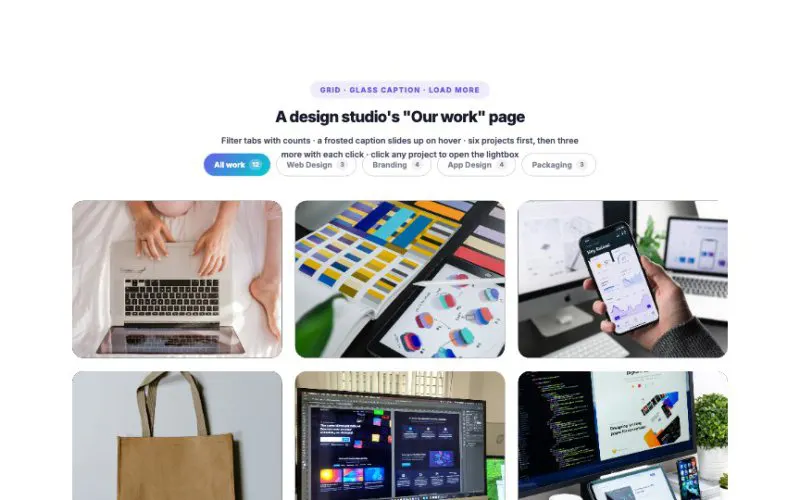 View demo#035Portfolio Filterable GalleryFive layouts (grid, masonry, bento, metro and case-study rows), nine hover styles, category filters with counts, Load More, and a project lightbox with details, thumbnails and video.Media & GalleryLive demo
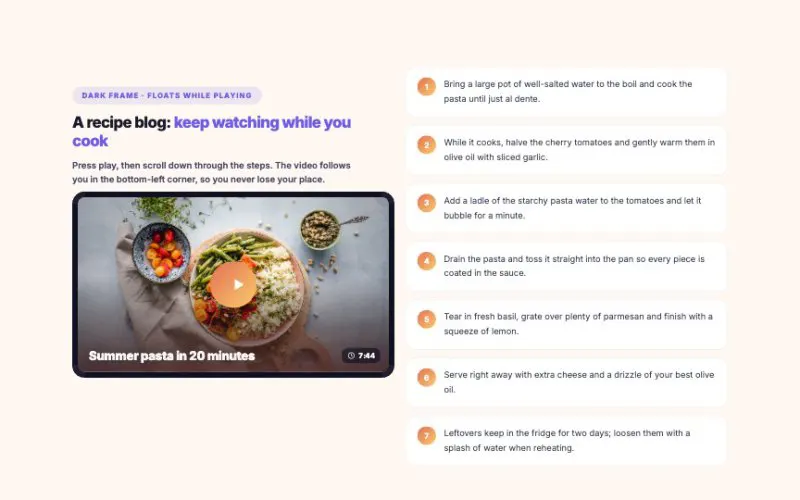 View demo#039Sticky Video WindowPress play, then scroll: the video keeps playing in a small window in the corner. Drag it to any corner, switch sizes, minimise it to a "Now playing" pill, or jump straight to a chapter. The video only loads when someone presses play. Demo videos are Blender open movies.Media & GalleryLive demo
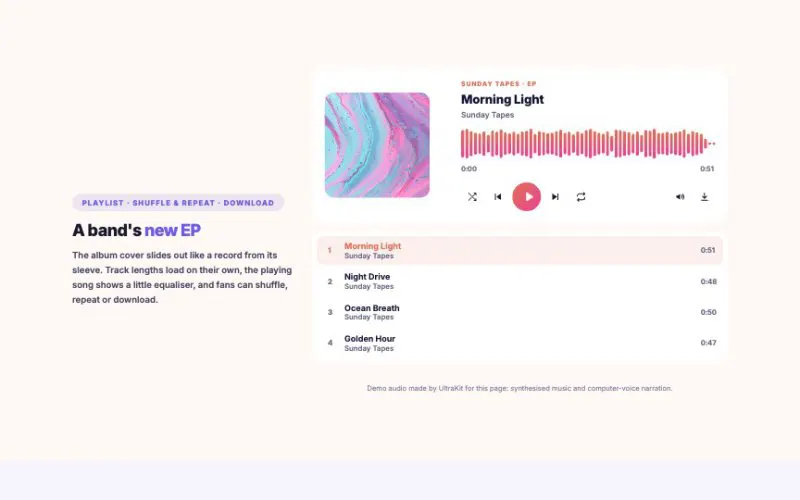 View demo#049Audio Player ProA beautiful player for music, podcasts and audiobooks. The waveform is drawn from the real audio, podcasts get chapters, speed and 15/30-second skips, listeners can pick up where they stopped, and phones show the track on the lock screen. Press play below.Media & GalleryLive demo
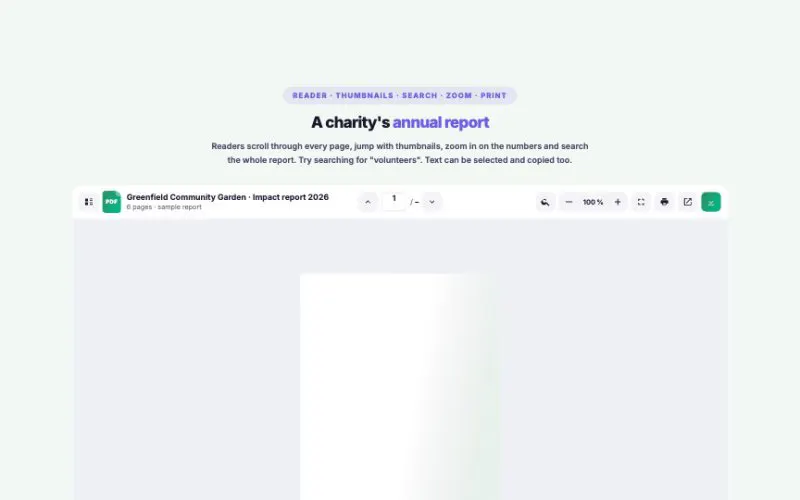 View demo#050PDF Viewer / EmbedderShow any PDF beautifully, right on the page: a real flipbook for catalogs, a reader with thumbnails, zoom and search for reports, slides for decks, cover cards and whole download libraries. It works the same on every browser and phone. Click the book or use the arrows.Media & GalleryLive demo
 View demo#058Logo CarouselShow who trusts you in 8 ways: endless marquees in one or two rows, vertical columns, sliders, a crossfade, a logo wall and a flip wall where logos take turns. Grayscale, white or dark logos that light up on hover.Media & GalleryLive demo
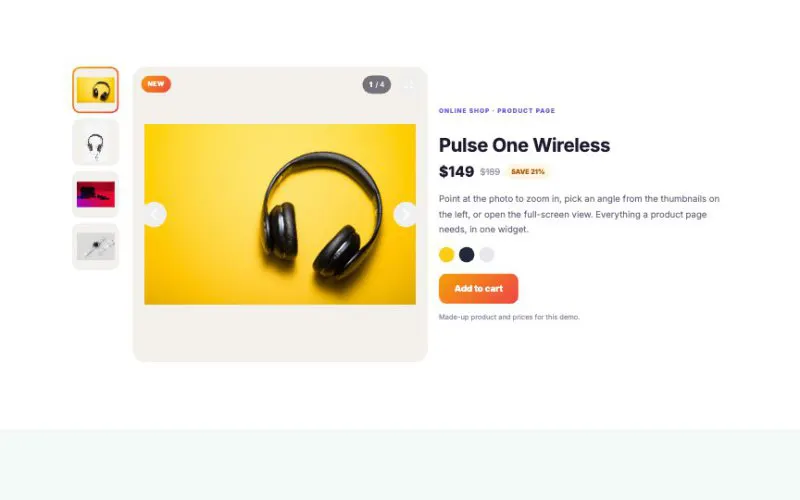 View demo#059Image Carousel w/ ThumbnailProduct galleries, property listings, travel tours and portfolios: thumbnails in six positions, six cinematic transitions, captions with buttons, hover zoom, a progress bar and a full-screen lightbox.Media & GalleryLive demo
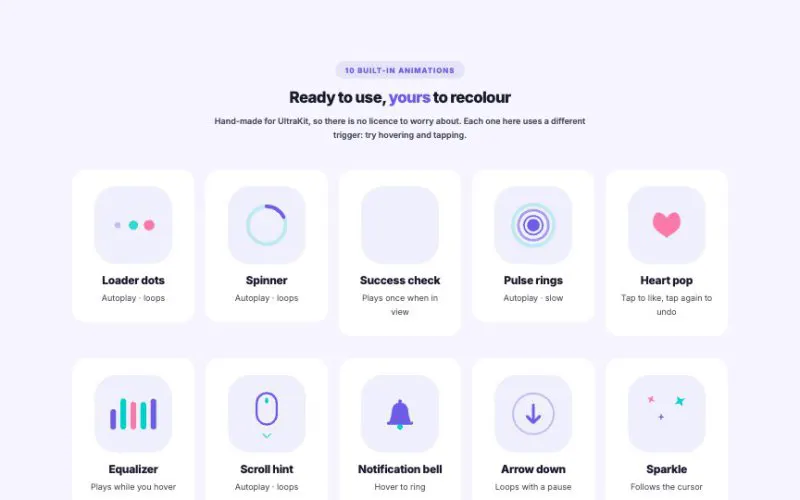 View demo#062Lottie AnimationTen hand-made animations included, recolourable to your brand, or bring any Lottie file. Play on load, in view, on hover or click, or scrub them with the page scroll or the cursor. Lazy loaded, with a pause button and a still frame for visitors who prefer less motion.Media & GalleryLive demo
 View demo#113Image RevealPhotos that unveil themselves — 20 reveal effects, six layouts from masonry to a hover list with a floating preview, and reveals that play on scroll, follow the scroll, or wait for a hover.Media & GalleryLive demo
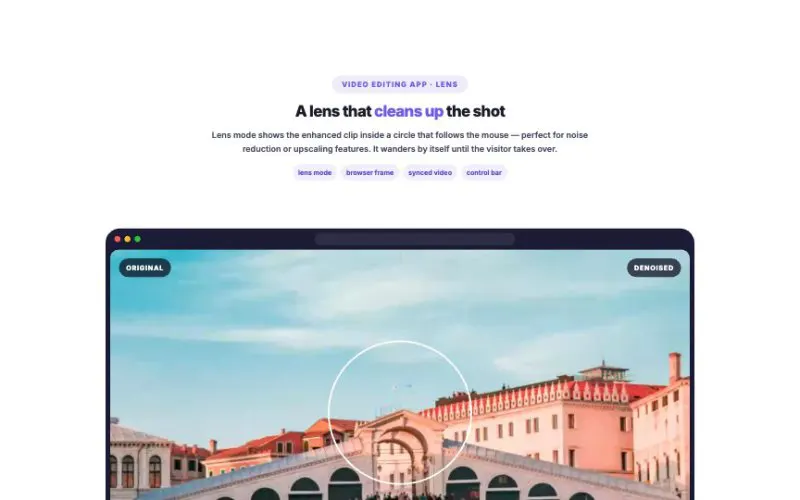 View demo#114Before/After Video CompareShow the difference your work makes — two clips playing in perfect sync under a draggable divider, a lens, a toggle or side by side. Works with images and filter presets too.Media & GalleryLive demo
 View demo#115360° Product ViewerLet shoppers turn the product in their hands — drag, flick, zoom, switch colors without losing the angle, and discover features with hotspots that appear at just the right moment.Media & GalleryLive demo
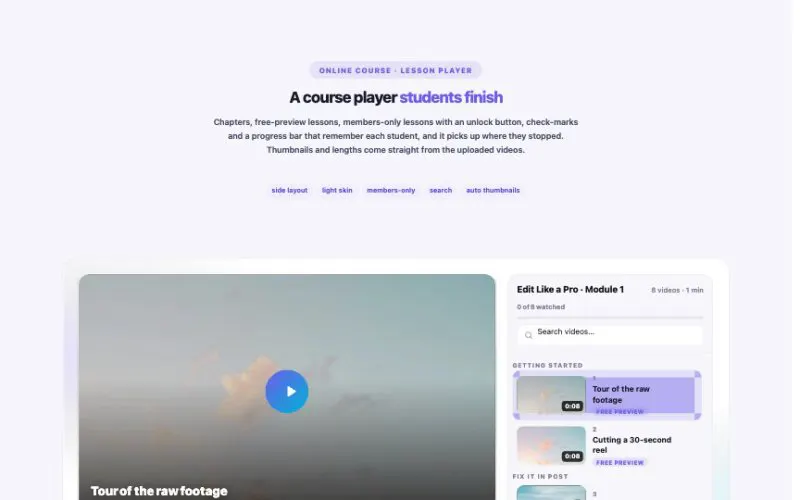 View demo#145Video PlaylistCourses, channels, film nights and help libraries: YouTube, Vimeo and your own uploads in one playlist — with chapters, “Up next” autoplay, watched check-marks, resume-where-you-stopped, members-only lessons and share links to any video.Media & GalleryLive demo
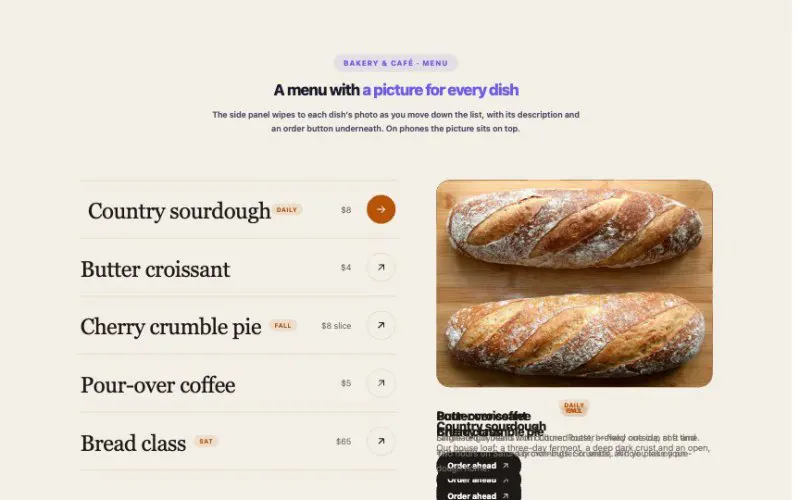 View demo#165Hover Reveal ListBig, bold lists where every item reveals its picture — following the cursor, in a side panel, as a new background, a moving band or a picture that slides in beside the title. Keyboard and touch friendly.Media & GalleryLive demo
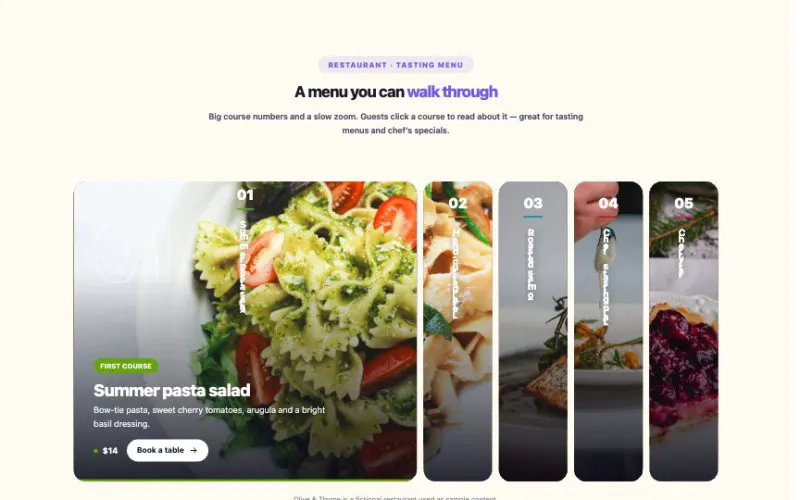 View demo#171Image AccordionImage Accordion turns a row of photos into a showcase: hover, tap or let it play by itself. Eight styles, soft motion, keyboard friendly — and it becomes neat stacked rows on phones.Media & GalleryLive demo
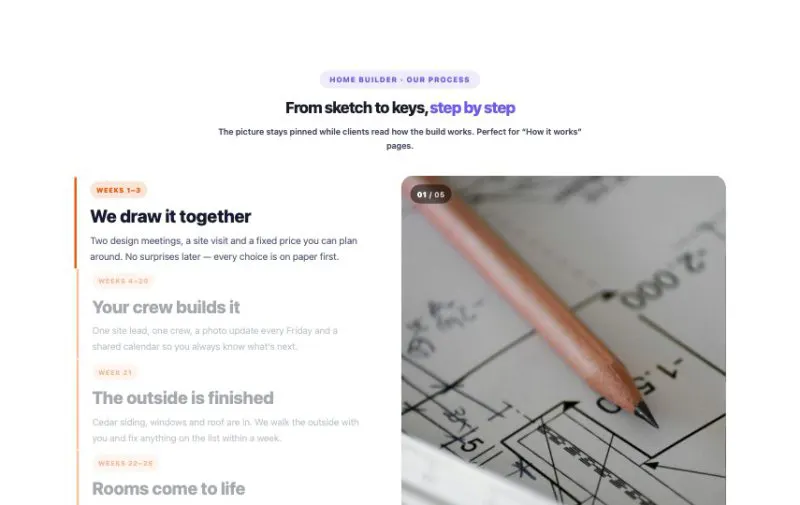 View demo#173ScrollytellingA picture, a number or a chart stays pinned on screen while the story scrolls past and changes it — the way big newsrooms tell long-form stories. Seven looks, soft motion, and it works beautifully on phones.Media & GalleryLive demo
 View demo#174Podcast EpisodesEpisodes, shows and an RSS feed you can submit to Apple Podcasts and Spotify — plus one player that follows listeners down the page, remembers where they stopped and plays the next episode.Media & GalleryLive demo
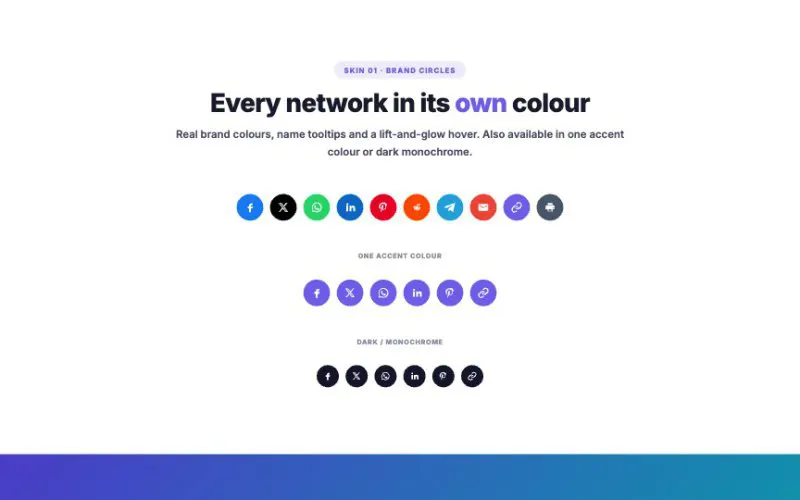 View demo#011Social Share Icons9 skins — brand circles, glass pills, outline squares, labelled buttons, floating sidebar, expanding button, dark dock, text links and a share card — with 14 platforms, copy-link toast and native mobile share.Social & ReviewsLive demo
 View demo#012Social Media Feed6 layouts — grid, masonry, list, showcase, metro and horizontal scroll — × 5 card styles × 5 platforms with real brand colors, a lightbox viewer and load-more.Social & ReviewsLive demo
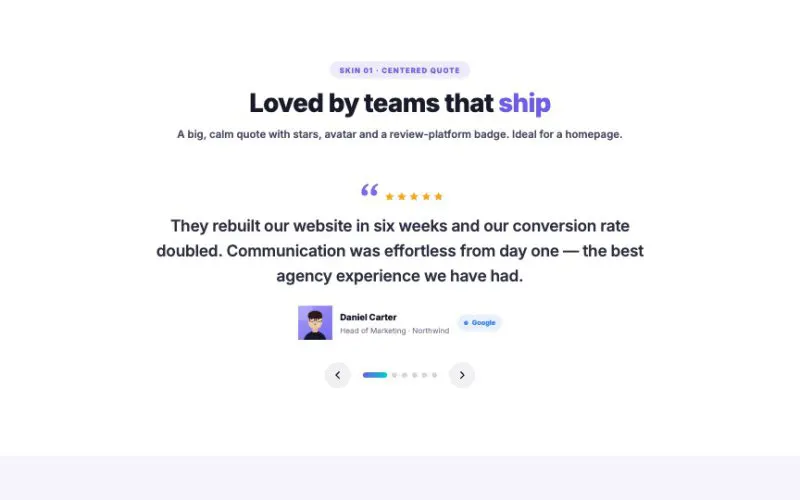 View demo#013Testimonial Slider7 skins — centered, split with thumbnails, dark spotlight, cards carousel, chat bubbles, infinite marquee and 3D stack — with autoplay, swipe, keyboard and result numbers.Social & ReviewsLive demo
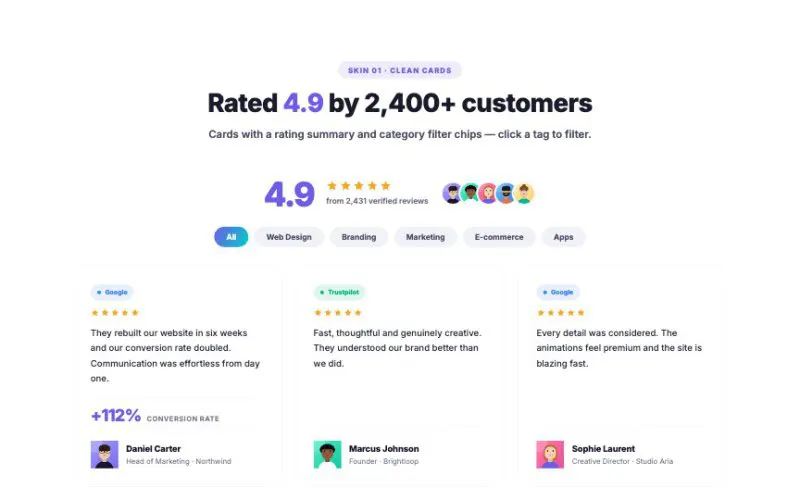 View demo#014Testimonial Grid8 skins — clean cards, masonry, big quote, dark glow, featured bento, review wall, minimal lines and avatar-top — with rating summary, tag filters and platform badges.Social & ReviewsLive demo
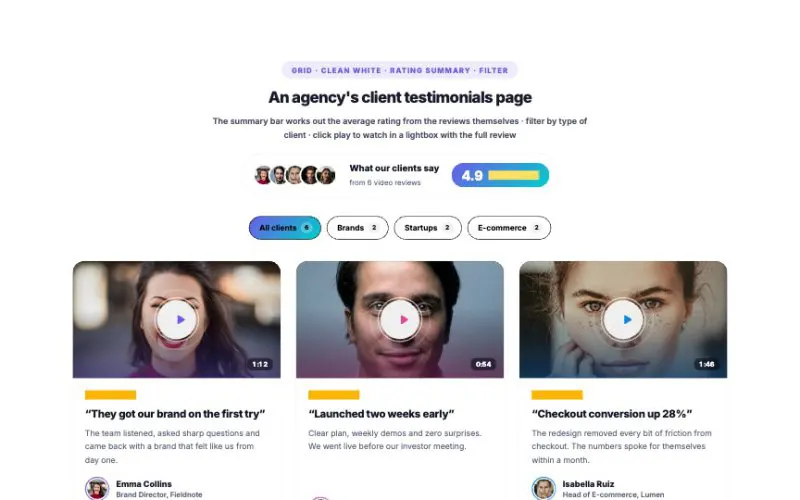 View demo#036Testimonial Grid with VideoFive layouts (grid, masonry, list, a featured player with a playlist, and 9:16 stories), six card styles, four play buttons, an automatic rating summary, a category filter, and a lightbox or in-card player. The demo plays Blender's open movies as stand-ins for customer videos.Social & ReviewsLive demo
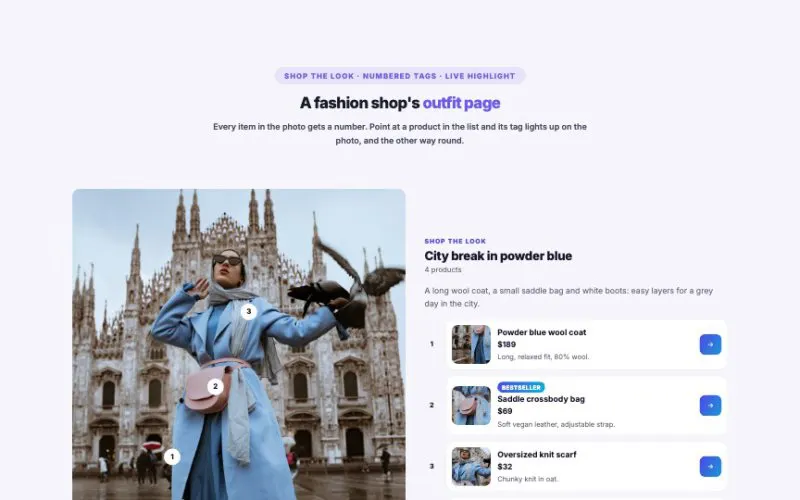 View demo#051Instagram ShoppingTurn your photos into a shop. Tag products on any picture, then show them as a social post, a shop-the-look page, a feed grid, a carousel or tap-through stories. Tags stay on the right spot even when the photo is cropped, and WooCommerce products fill themselves in.Social & ReviewsLive demo
 View demo#066Click to WhatsAppSocial & ReviewsLive demo
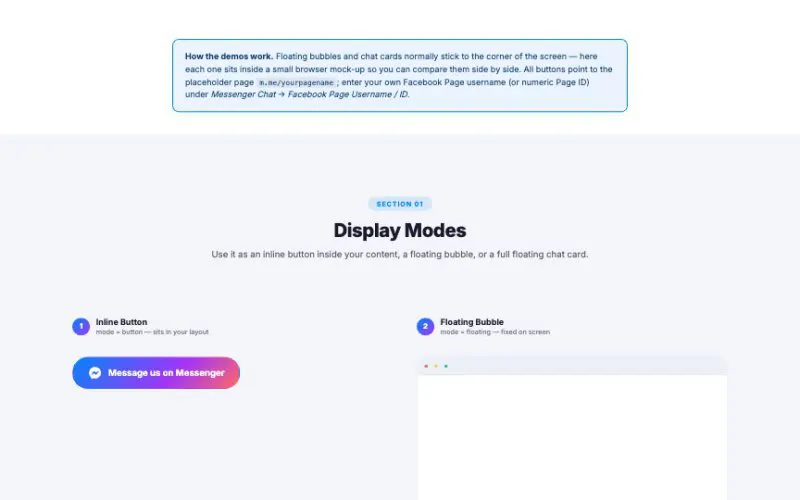 View demo#067Facebook Messenger ChatOpen a Messenger conversation in one tap: inline buttons, floating bubbles, a sticky phone bar and full chat cards with your team, open hours, typing dots and quick-reply chips. No Facebook SDK, no tracking scripts.Social & ReviewsLive demo
 View demo#125Recent Activity FeedReal orders, reviews, sign-ups, comments, posts and bookings from your own site — or your own list. As a feed, timeline, cards, ticker, notification stack or corner pop-ups.Social & ReviewsLive demo
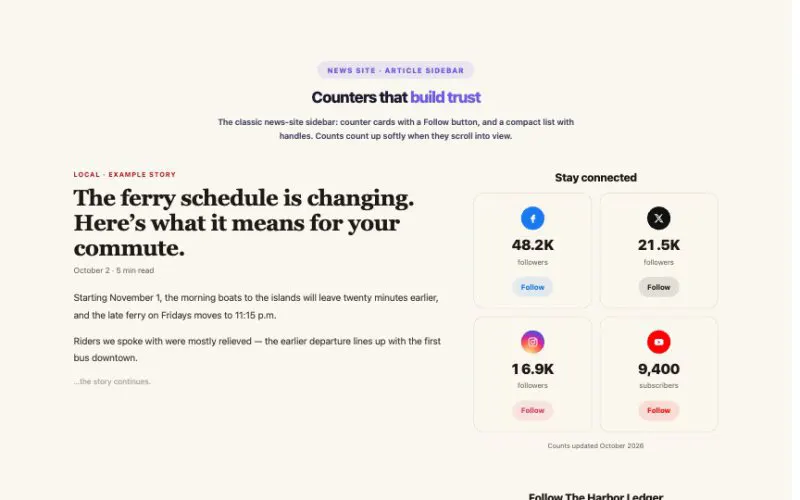 View demo#163Social FollowFollow buttons and follower counters for 26 networks — from Instagram and YouTube to Bluesky, Threads, Substack and Discord. Eight layouts, brand colors, soft count-up and a floating edge bar.Social & ReviewsLive demo
 View demo#170Reviews WallCollect reviews on your own site, approve them, and show them in ten layouts — with a live average, star filters, photos, your replies and real WooCommerce product reviews.Social & ReviewsLive demo
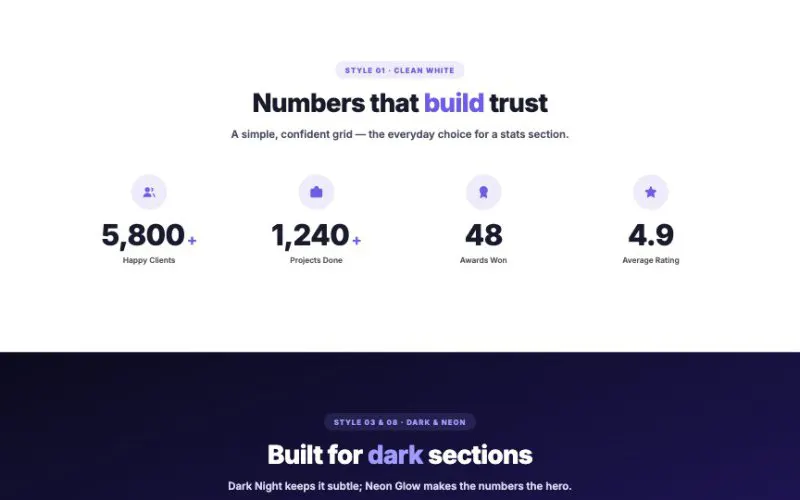 View demo#016Counter Up10 card styles, a circular progress arc, an odometer digit-roll mode alongside the smooth tween, 5 icon wrap styles and 3 icon positions — animated numbers that feel expensive.Data & ChartsLive demo
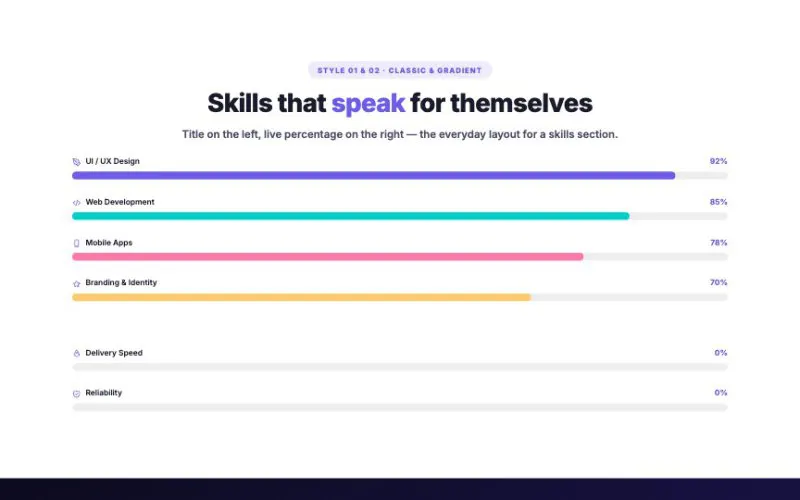 View demo#017Progress Bar10 bar styles, 6 track shapes, 5 label positions, a full-circle and half-arc mode, a shine sweep on finish and 36 built-in icons — skill bars that feel expensive.Data & ChartsLive demo
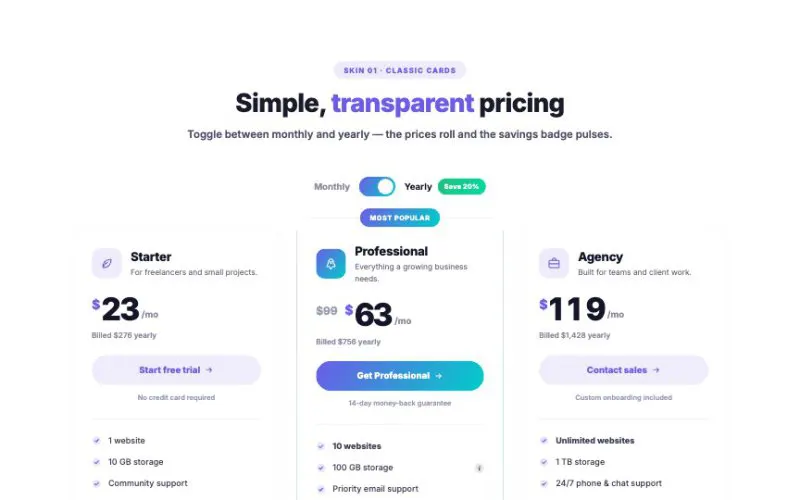 View demo#018HotPricing Table8 Card Styles × Monthly/Yearly Toggle × Feature ComparisonData & ChartsLive demo
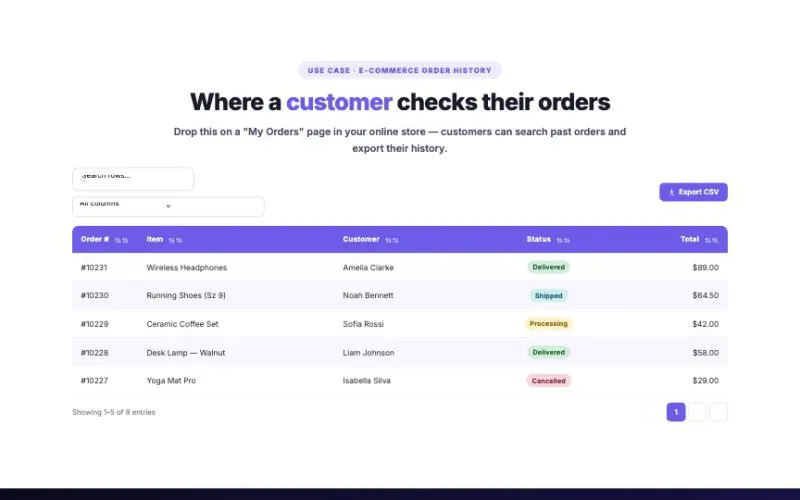 View demo#019Data Table6 table styles, live search, column filter, sortable columns, pagination, CSV export and 3 responsive modes — with badge, icon, image and link cells. Below are the kinds of pages you would actually drop this widget into.Data & ChartsLive demo
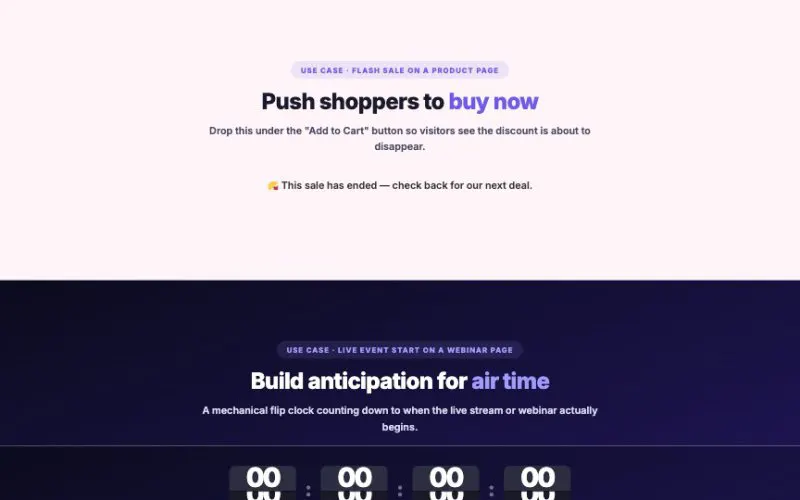 View demo#020Countdown Timer8 display styles, 3 timer modes (fixed date, evergreen per-visitor, daily recurring), 4 expiry actions and 5 separator styles. Below are the kinds of pages you would actually drop this widget into.Data & ChartsLive demo
 View demo#052Weather WidgetLive weather that looks as good as your site: an animated sky that changes with the weather and the time of day, a week-ahead view, an hourly chart, a details dashboard and several cities at once. Works with OpenWeatherMap or Open-Meteo, and your API key never appears in the page.Data & ChartsLive demo
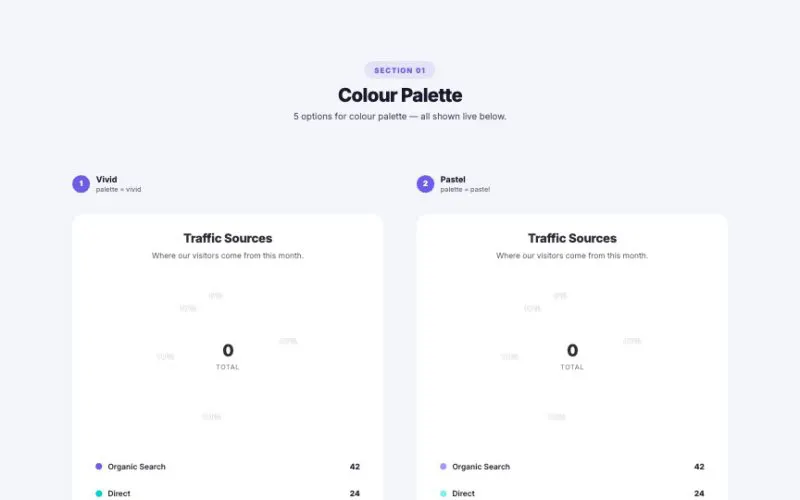 View demo#068Pie ChartPie, donut, gauge, rose and activity rings with gradient or glowing slices, a count-up center number, five legend styles and a smooth sweep animation. Great for dashboards, reports and pricing pages.Data & ChartsLive demo
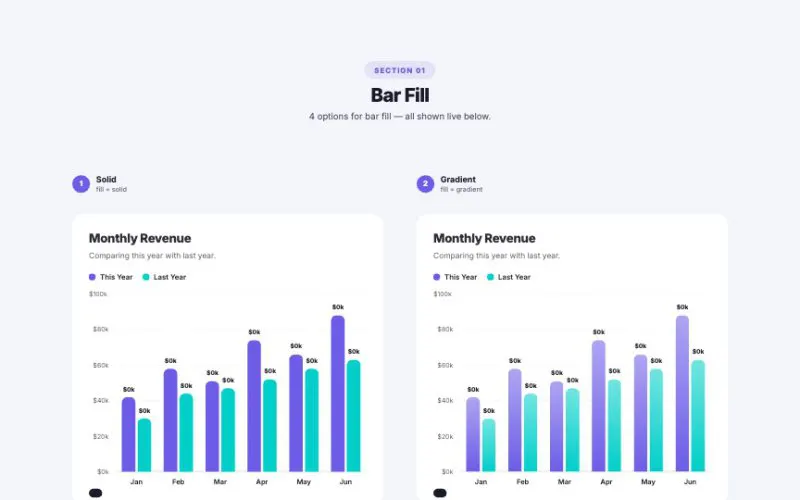 View demo#069Bar ChartVertical or horizontal, grouped or stacked, with a goal line, a highlighted top bar, a color per bar, glowing fills, capsule and lollipop shapes and numbers that count up as the bars grow.Data & ChartsLive demo
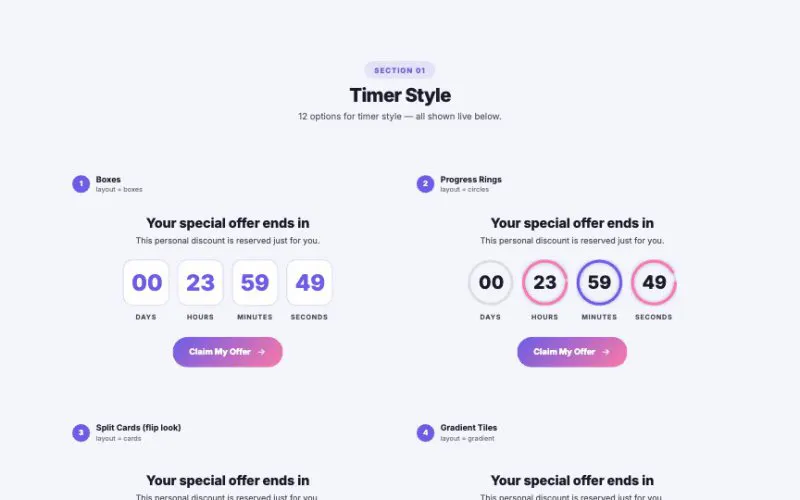 View demo#070Evergreen CountdownEvery visitor gets their own personal deadline, remembered in a cookie. Twelve timer styles including a real flip clock, a sticky promo bar, prices, coupons, “time left” and “claimed” bars, and an urgency mode that turns up the heat in the last minutes.Data & ChartsLive demo
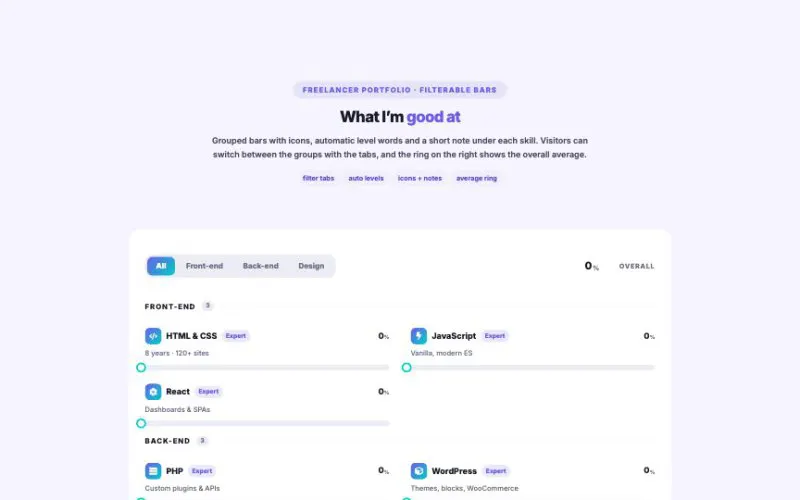 View demo#092Skill Bars MatrixShow many ratings at once — thirteen ways. Bars, segments, neon, rings, gauges, columns, dots, pills and score tiles, plus a radar chart and a heatmap matrix for whole teams. Group filter tabs, level words, target markers, five value formats, icons and a count-up on scroll.Data & ChartsLive demo
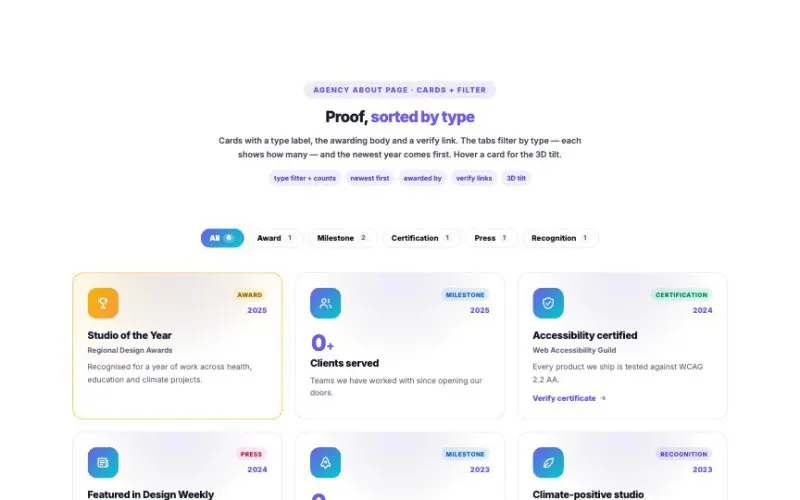 View demo#095Achievements GridAwards, certifications, milestones and press — shown ten ways: cards, medal badges, big counters, two timelines, gradient tiles, a bento wall, spinning award seals, framed certificates and a scrolling strip. Filters with counts, newest-first sorting, count-up numbers, “awarded by” lines, verify links and a 3D tilt.Data & ChartsLive demo
 View demo#097Crypto Price TickerLive prices from CoinGecko, cached on your server and refreshed in the browser — as a scrolling ticker, cards, a sortable market table, a heatmap, a spotlight chart, a watchlist, top movers or a converter. 1h / 24h / 7d switch, currency switch, price flashes, and an honest “sample data” label if the live feed is ever unavailable.Data & ChartsLive demo
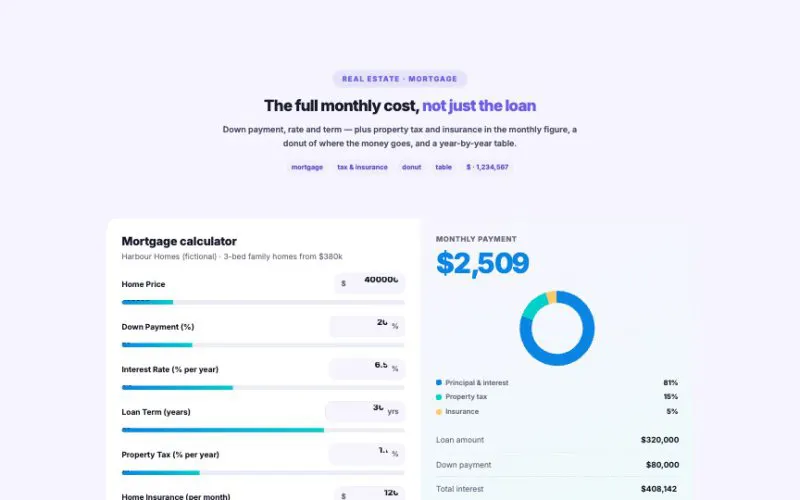 View demo#105HotCalculator BuilderTen ready-made calculators with real formulas — loans, mortgages, investments, savings goals, ROI, BMI, calories, tips and trip costs — plus a price estimator you build from sliders, option cards, add-ons and discount toggles.Data & ChartsLive demo
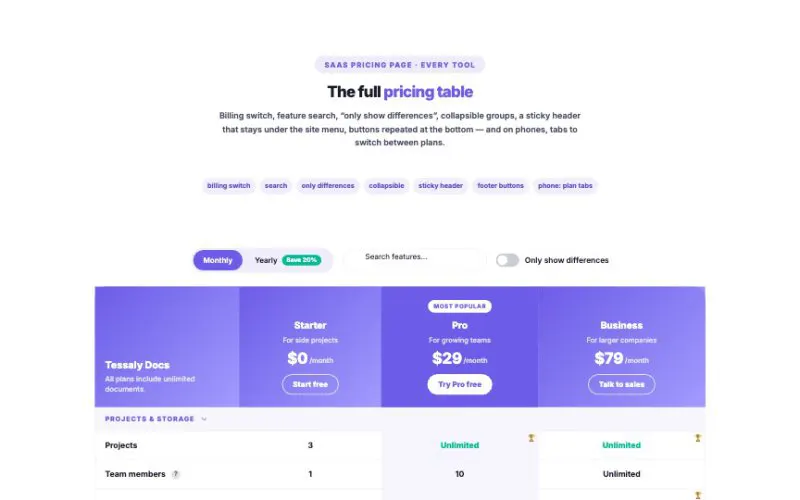 View demo#111Comparison TableHelp visitors choose in seconds — plans, products or options side by side, with a billing switch, “only differences”, feature search, winner cells and four layouts from full tables to head-to-head.Data & ChartsLive demo
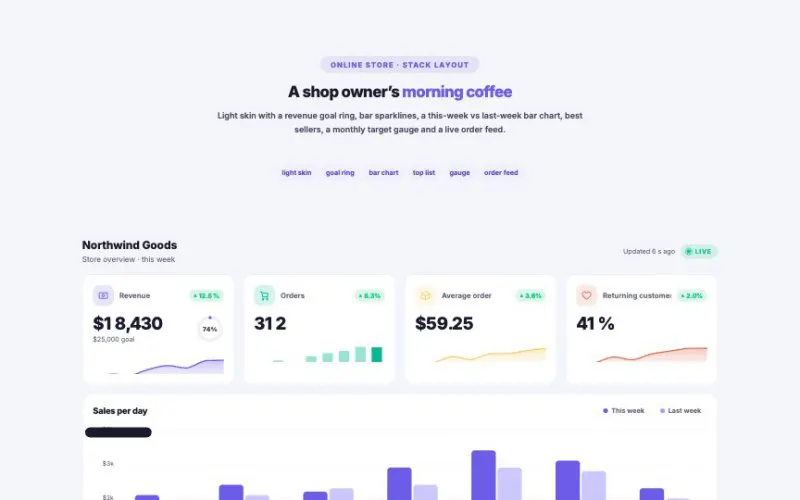 View demo#121HotLive Stats DashboardKPI cards with sparklines and goal rings, smooth area / line / bar charts, and panels for donuts, top lists, activity feeds, goal gauges and realtime visitors. Show real WordPress numbers or a lively demo.Data & ChartsLive demo
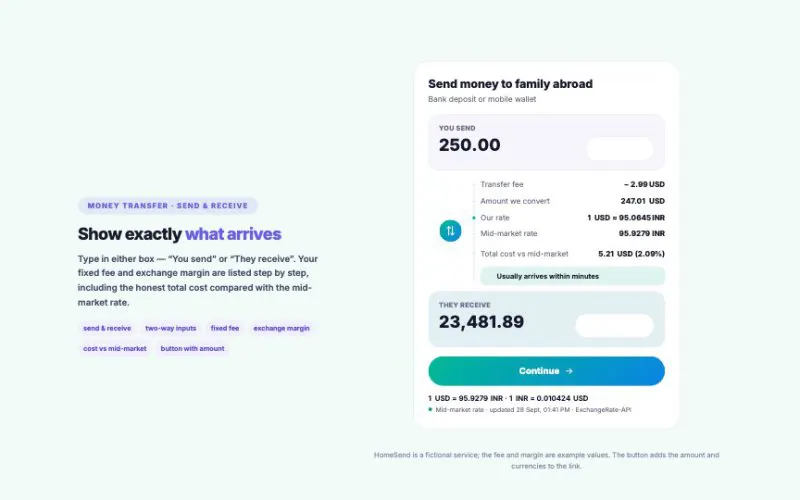 View demo#126Currency ConverterLive mid-market rates for 160+ currencies, real history charts, fees and margins for money-transfer sites, an exchange-shop rate board, a keypad calculator and more — all cached on your own server.Data & ChartsLive demo
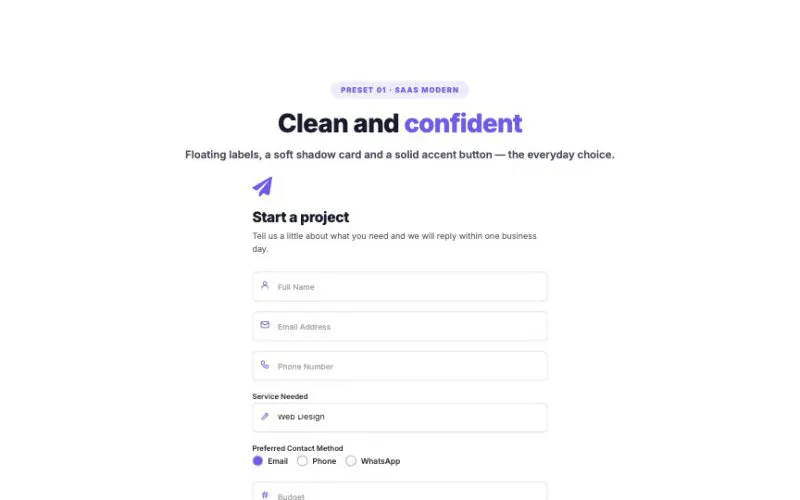 View demo#015CF7 Styler8 one-click presets on top of 8 form themes × 6 input styles × 6 button styles × 8 wrapper cards — plus floating labels that actually work, field icons, custom checkboxes, a drag-and-drop file dropzone and a premium response banner. Works with any Contact Form 7 form.FormsLive demo
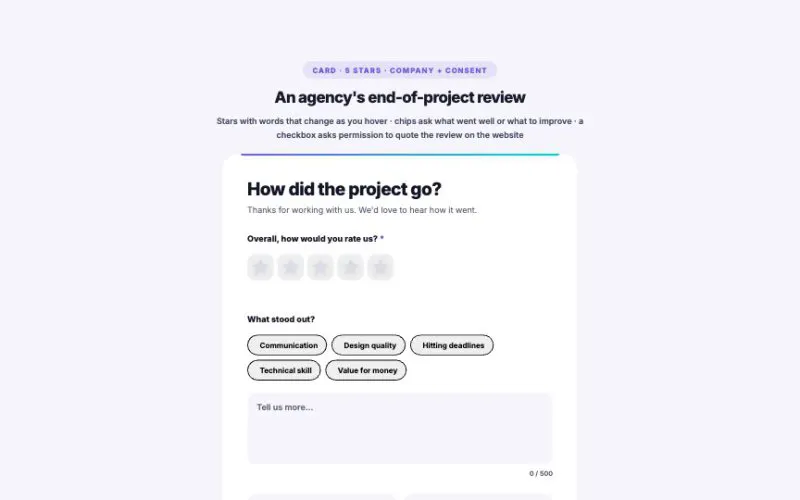 View demo#037Client Feedback FormFour ways to rate (stars, emoji faces, a 0–10 NPS scale, or thumbs up/down) and four layouts (card, split, multi-step and a floating button). Quick-pick chips change their question to match the rating. Every response is saved in your dashboard and emailed to you.FormsLive demo
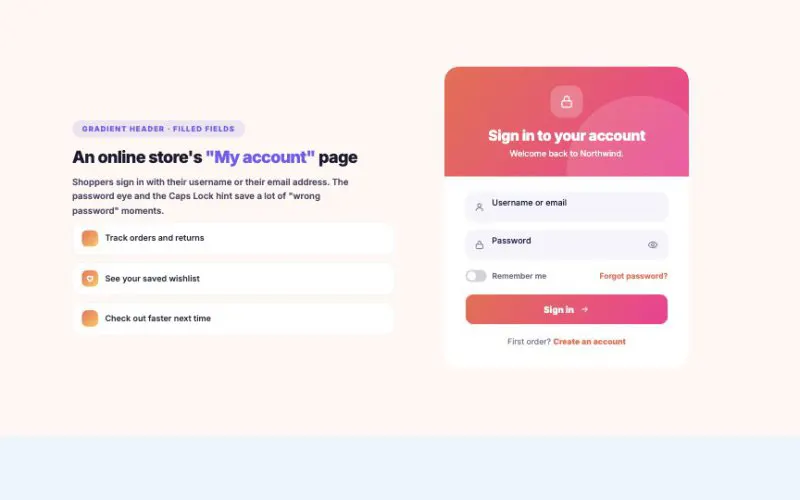 View demo#041User Login FormA real WordPress sign-in form with the look of a modern app: split, card, inline and header-dropdown layouts, 8 skins, floating labels, show-password, a Caps Lock hint and a limit on failed attempts. Every form on this page really works.FormsLive demo
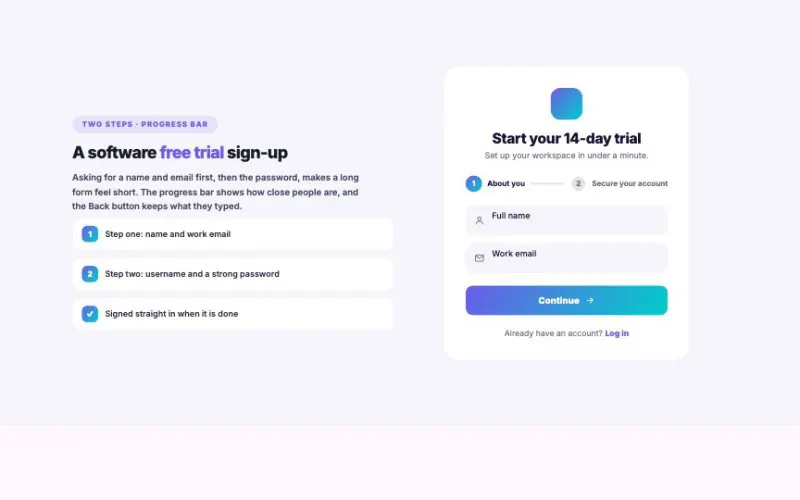 View demo#042User Registration FormA real WordPress sign-up form that feels like a modern app: split, two-step, wide and card layouts, 8 skins, a live password strength meter, an email typo hint and a little confetti when it works. New accounts only ever get a safe, low-permission role.FormsLive demo
 View demo#063WPForms StylerFormsLive demo
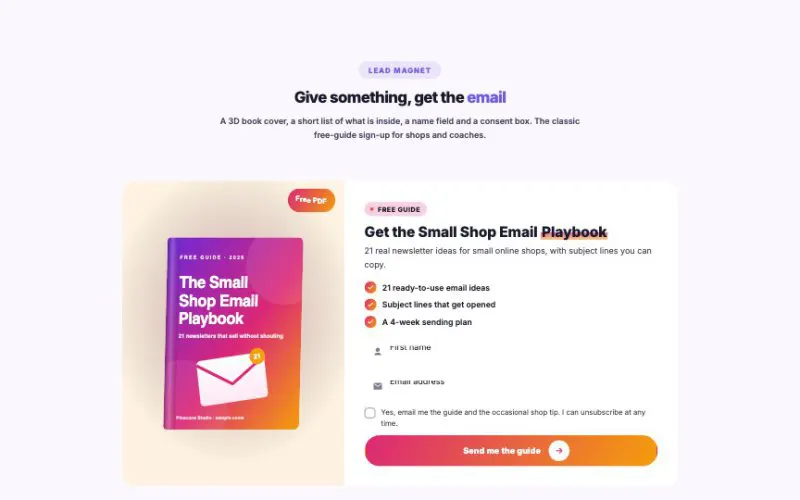 View demo#064Mailchimp StylerFormsLive demo
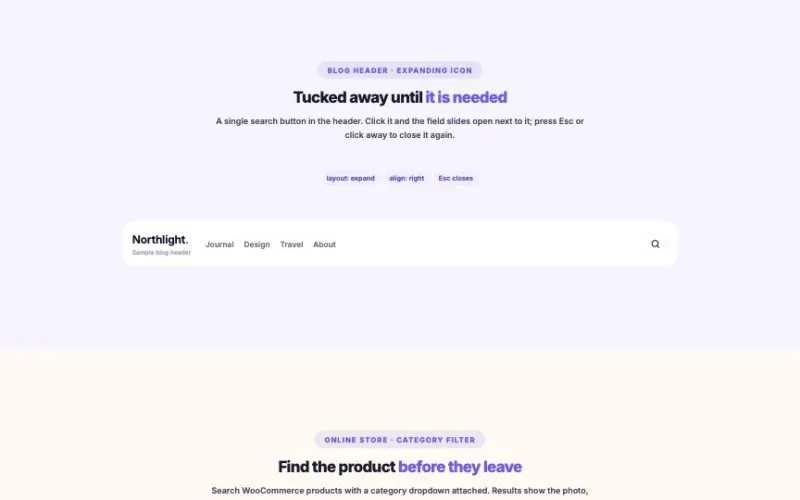 View demo#079Search Box AdvancedLive results as visitors type, from posts, pages and WooCommerce products. Ten layouts including a glowing hero bar, a ⌘K command palette, a full-screen overlay and results that appear right on the page, with filters, trending chips, recent searches, voice input and full keyboard control.FormsLive demo
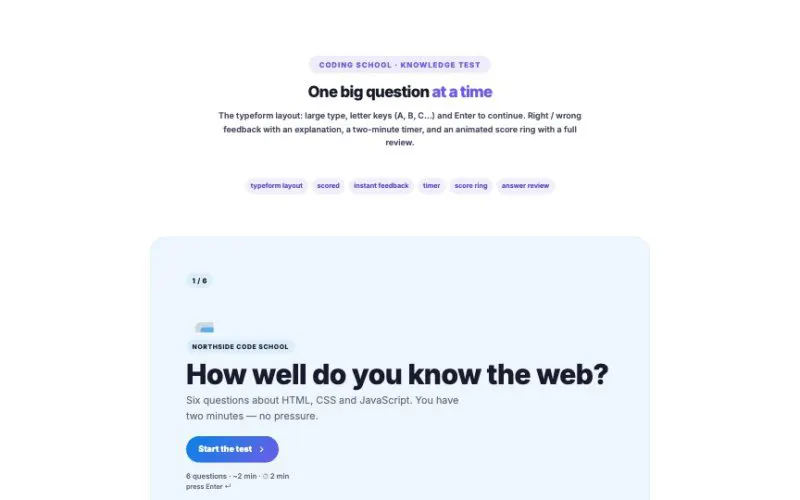 View demo#120Multi-step QuizRecommendation quizzes, scored tests and surveys — in card, split, typeform and chat layouts, with five question types, lead capture and results that feel personal.FormsLive demo
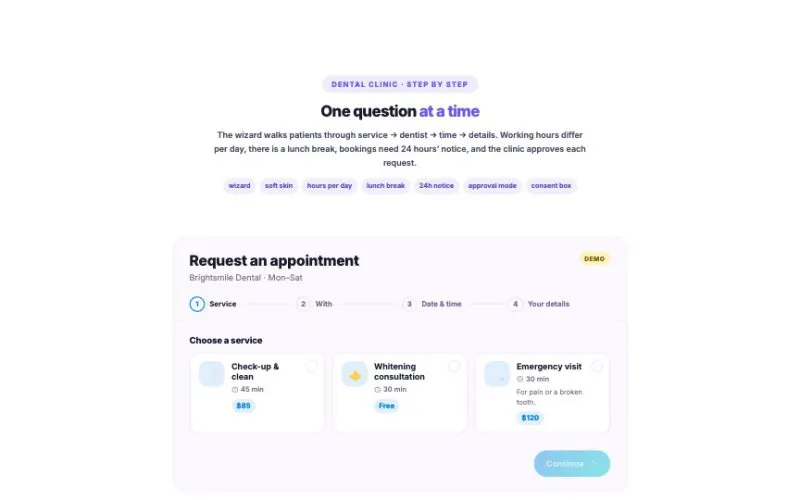 View demo#123HotBooking / Appointment FormA real booking system for Elementor: services, staff, guests, working hours and breaks — checked again on the server, saved in your Bookings menu and emailed to you and your customer.FormsLive demo
 View demo#124Donation / Fundraising BoxShow the goal, the milestones and exactly what each gift does — then send donors to your payment page with the amount, frequency, fees and dedication already filled in.FormsLive demo
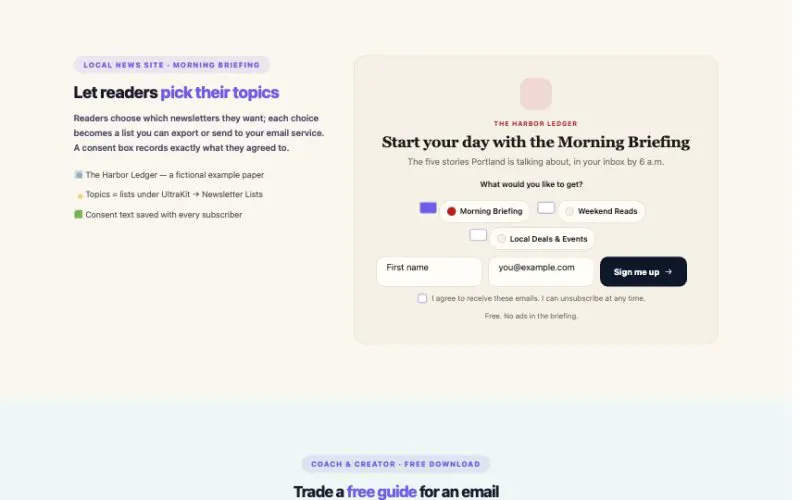 View demo#161NewsletterSign-up forms that save subscribers right on your site — with double opt-in, topics, a free gift, CSV export and a webhook for any email service. No monthly fee, no third-party form.FormsLive demo
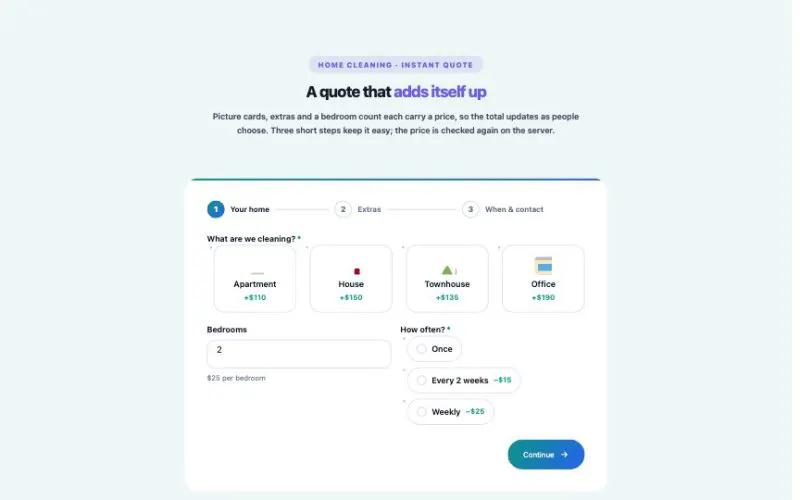 View demo#162Form BuilderContact, quote, application and survey forms with 20 field types, multi-step, conditional fields and live price totals. Every message is saved on your site and emailed to you — no form plugin needed.FormsLive demo
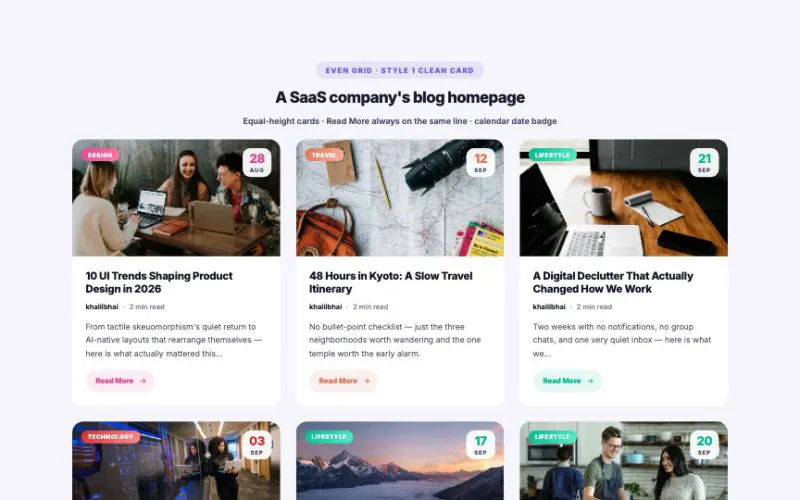 View demo#026Post GridThe workhorse blog grid, made premium. Equal-height cards, three layouts (even, bento, featured first row), 8 card styles, 5 image hover effects and live AJAX filtering — every variation below shown in a real website.Posts & NewsLive demo
 View demo#027Post MasonryA true Pinterest-style wall. 8 premium card styles, a varied image-height rhythm, color text cards, 5 image hover effects and live AJAX filtering — every variation below shown in a real website.Posts & NewsLive demo
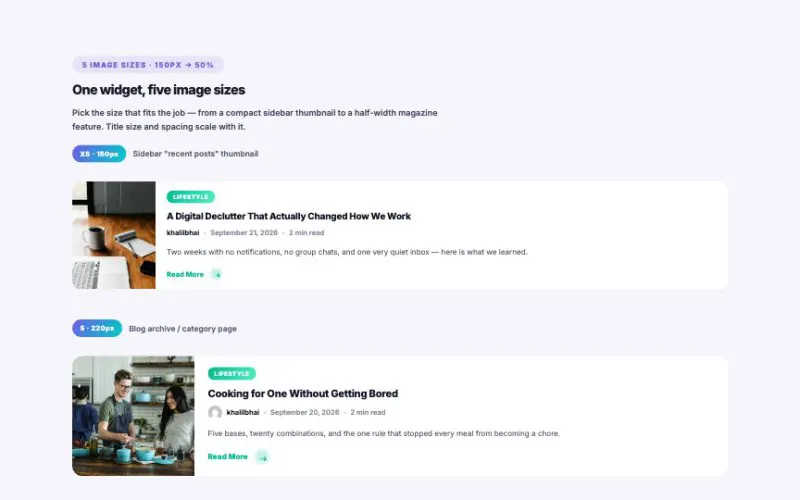 View demo#028Post ListImage on one side, story on the other. 10 premium card styles, 5 image sizes from a 150px thumbnail up to half the container, left / right / zig-zag — every variation below shown in a real website.Posts & NewsLive demo
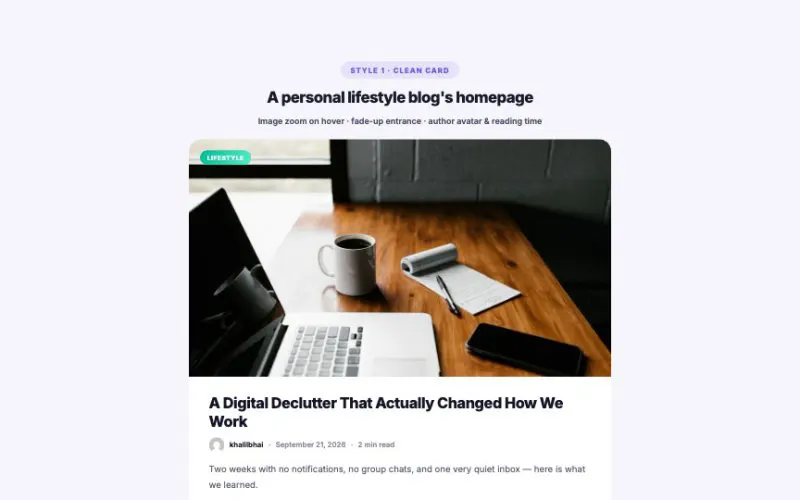 View demo#029Post ClassicThe timeless blog layout — big photo on top, story below, in one centered reading column. 7 premium card styles, 5 image hover effects, 5 scroll entrances, calendar date badge and magazine drop cap.Posts & NewsLive demo
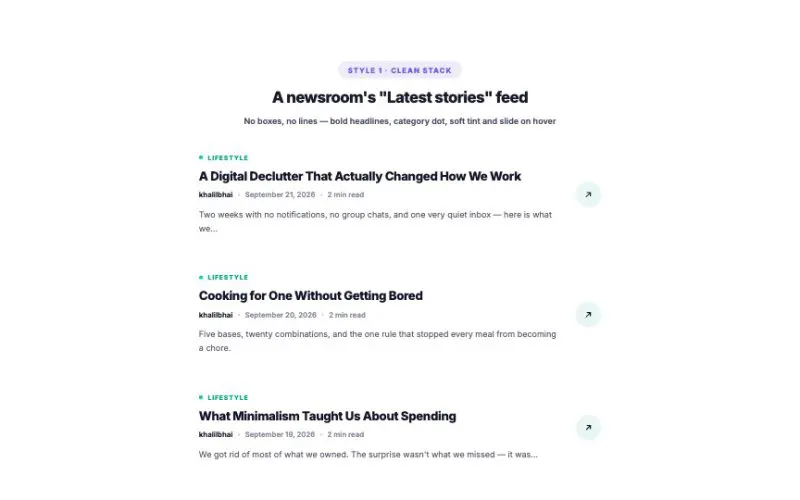 View demo#030Post MinimalNo images — just words, set bold and clean. 8 text-only styles, 1–3 columns, 4 title sizes, a gradient fill-wipe hover and a title-only mode for sidebars.Posts & NewsLive demo
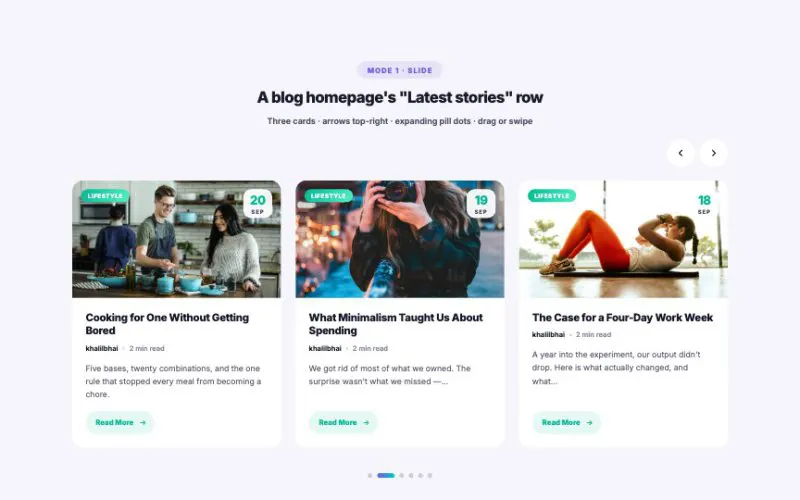 View demo#031Post CarouselFive carousel modes in one widget — slide, 3D coverflow, full-width hero, a swipeable card deck and an endless marquee. Drag, swipe, autoplay with story-style progress, and the same 8 premium card styles as Post Grid & Masonry.Posts & NewsLive demo
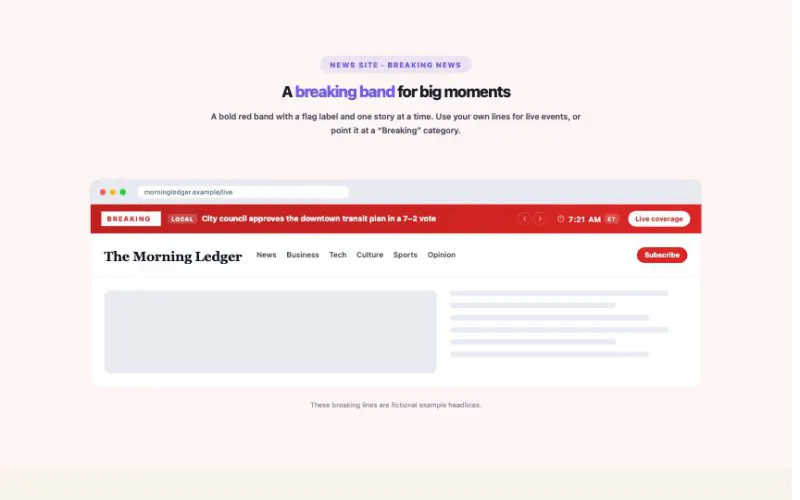
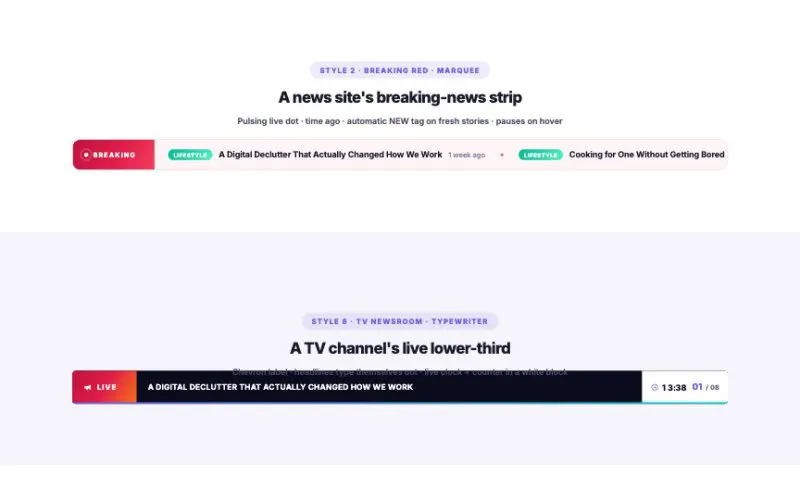 View demo#032Post TickerBreaking-news bars, done properly. Three modes — marquee, rotator and a vertical feed — 8 bar styles, a typewriter effect, "2 hours ago" timestamps, an automatic NEW tag, category colors, thumbnails and a live clock.Posts & NewsLive demo
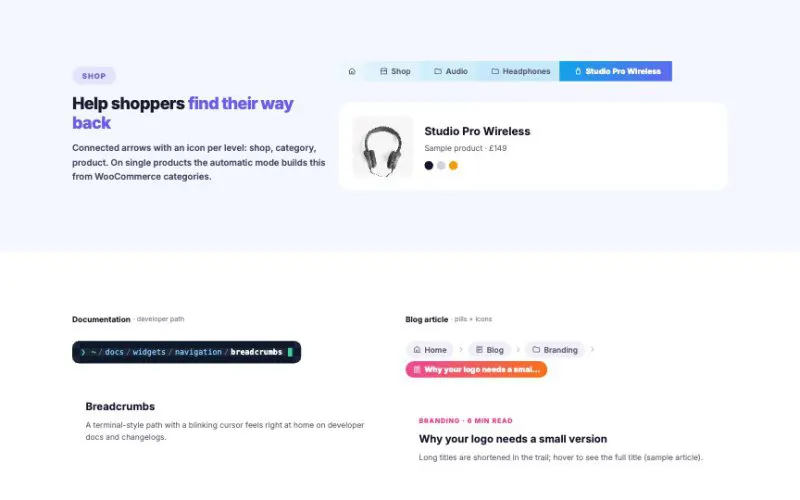 View demo#074BreadcrumbsShow visitors where they are and let Google show it too. Automatic trails for pages, posts, categories, WooCommerce, search and archives, twelve styles from pills to a developer path, icons per item, collapsible long trails and three smart phone modes.Posts & NewsLive demo
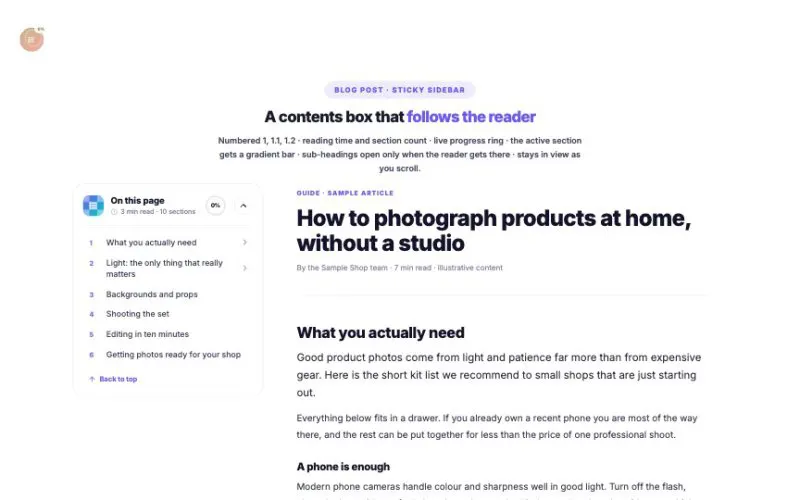 View demo#075Table of ContentsTurn long pages into something people actually finish. It reads your headings, numbers them, follows the reader with a live progress ring, and comes in seven layouts: sidebar list, filling timeline, per-section progress, chips, jump cards, a floating reader button and a sticky top bar.Posts & NewsLive demo
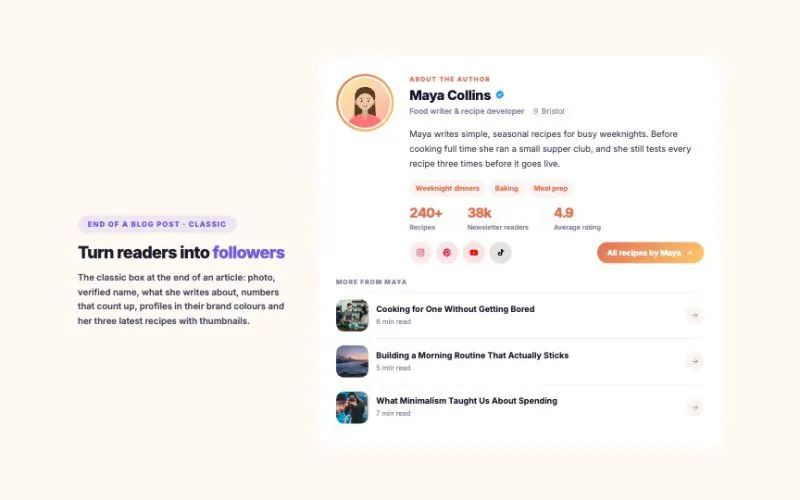 View demo#077Author BoxPut a face and a story behind every article. Ten layouts from a slim byline to a speaker pass, seven skins, five photo shapes with spinning rings, a verified badge, “available for work” status, topics, numbers that count up, 18 profile networks and the author’s latest posts.Posts & NewsLive demo
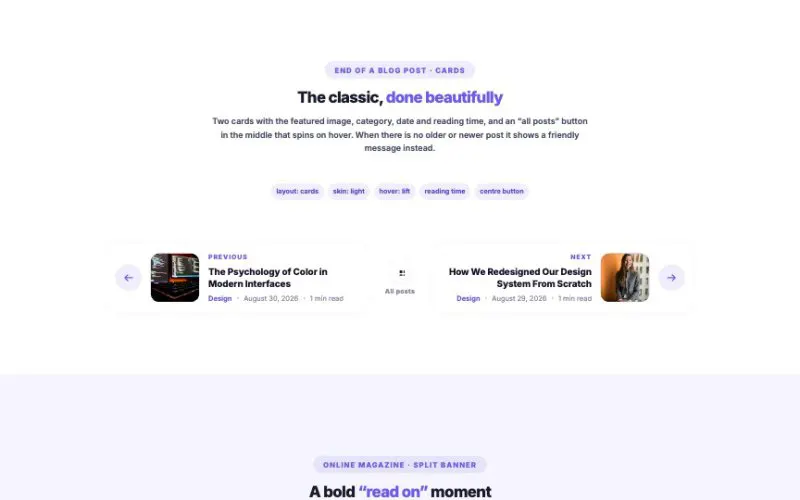 View demo#078Post NavigationKeep readers moving to their next article. Ten layouts from simple pills to image tiles, a split banner, an “Up next” card, a series strip and tabs that slide out from the screen edges, with category, date, reading time, excerpt, ← → keyboard shortcuts and instant loading on hover.Posts & NewsLive demo
 View demo#080Category List / GridTurn categories, tags and product categories into something people want to click. Twelve layouts from image cards and a bento mosaic to story circles, a hover showcase, an accordion of latest posts and an endless marquee, with smart images, automatic icons and badges.Posts & NewsLive demo
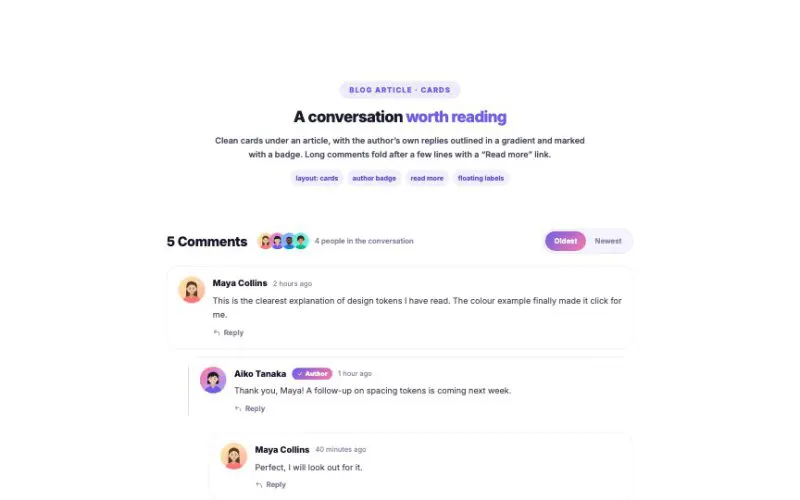 View demo#081Post CommentsReal WordPress comments and the real comment form, designed ten ways: cards, chat bubbles, collapsible threads, a social feed, forum posts, a guestbook wall, product Q&A and more. Author and team badges, the people in the conversation, oldest/newest switch, “read more” and a form with floating labels.Posts & NewsLive demo
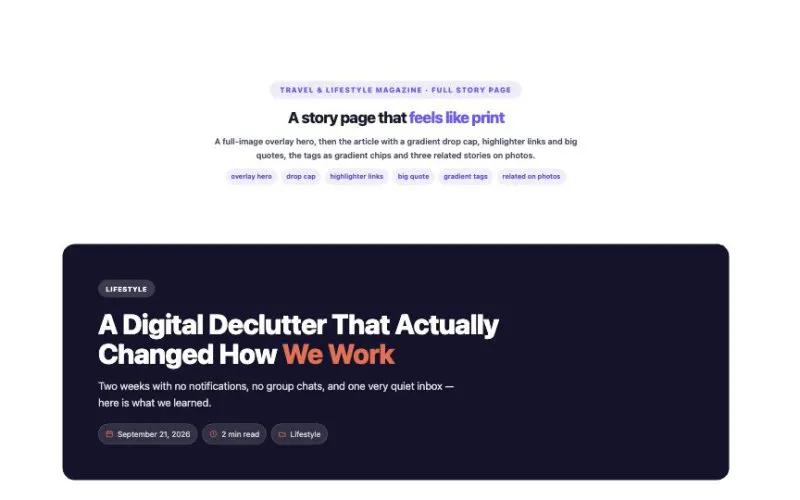 View demo#132Post PartsOne element, eight parts: post hero, title, meta, featured image, excerpt, content, categories and related posts. Build a template once and every blog post uses it — no Elementor Pro needed.Posts & NewsLive demo
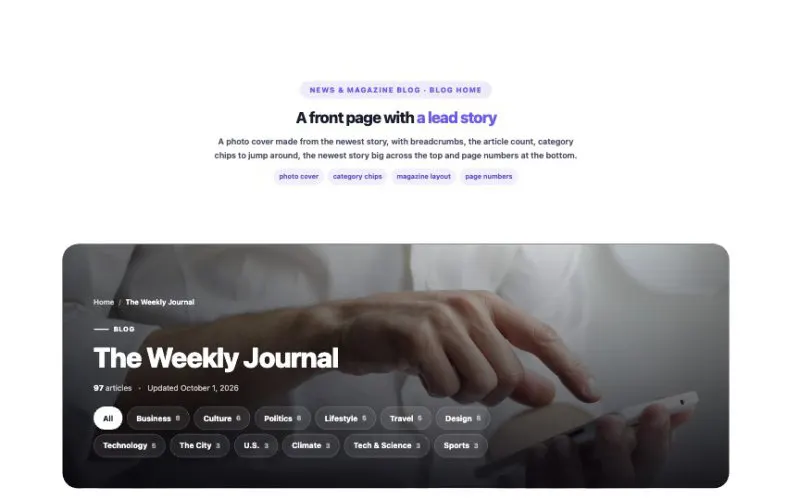 View demo#133Archive PostsArchive Posts shows the posts of whatever archive a visitor is on — the blog page, a category, a tag, an author, a month or a search. Build one template with free Elementor and every archive uses it.Posts & NewsLive demo
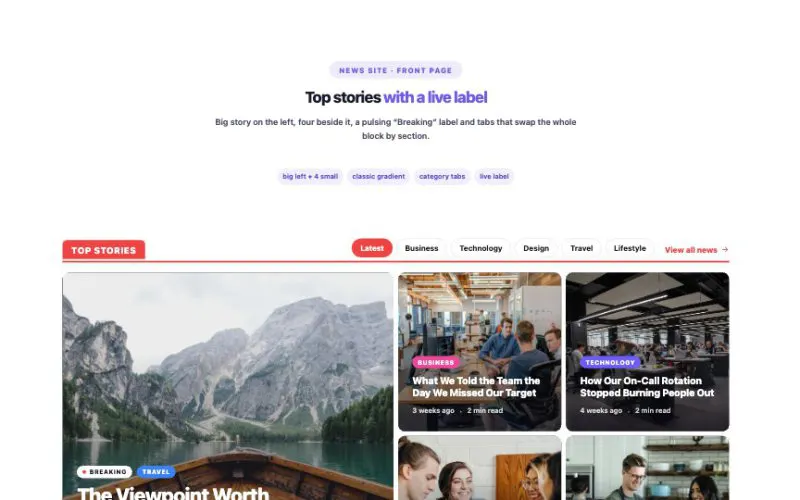 View demo#149Overlay Blog LayoutThe front-page block of blogs, magazines and news sites: 13 arrangements, 8 overlay styles, 6 hover effects, category tabs, a “Breaking” label, numbered stories and swipe on phones — all from your real posts.Posts & NewsLive demo
 View demo#150Live BlogFor newsrooms, sports sites, product launches and events: a pulsing LIVE header, a scoreboard that follows the game, key moments, a pinned summary, breaking updates, quotes, big numbers, photos and video — and new updates that slide in without a reload.Posts & NewsLive demo
 View demo#151Reader PollReal votes saved on your site: single or multiple choice, image choice, emoji reactions, star and 0–10 ratings, “this or that” and trivia. Animated results, “your vote”, change your vote, close dates and live refresh.Posts & NewsLive demo
 View demo#152Web StoriesTap-through stories like the ones on social apps: story rings or 9:16 cards that open a full-screen player with progress bars, tap, hold and swipe, video slides, quotes and big numbers, a button on any slide, and share links.Posts & NewsLive demo
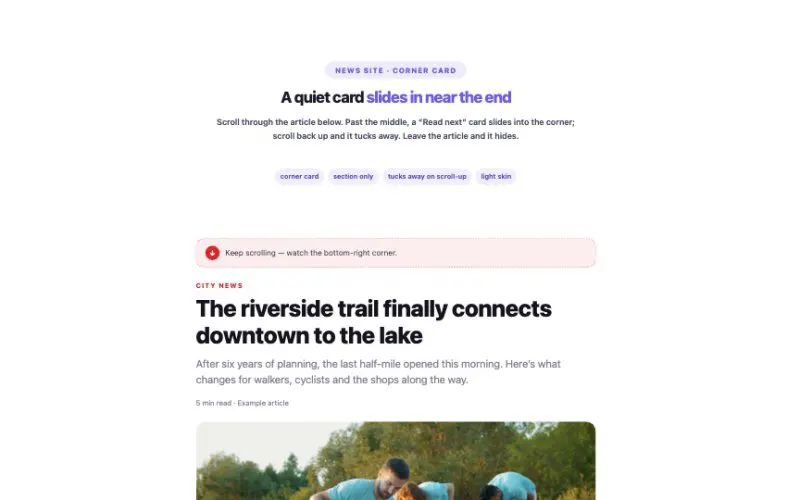 View demo#153Read NextWhen readers get near the end, suggest what to read next: a corner card, a bottom bar with reading progress, a “Keep reading” window, a bottom sheet, an edge tab or a small “Up next” pill. Or show the picks right in the page. Readers can save stories for later, stories they already read are skipped, and an optional countdown opens the next one.Posts & NewsLive demo
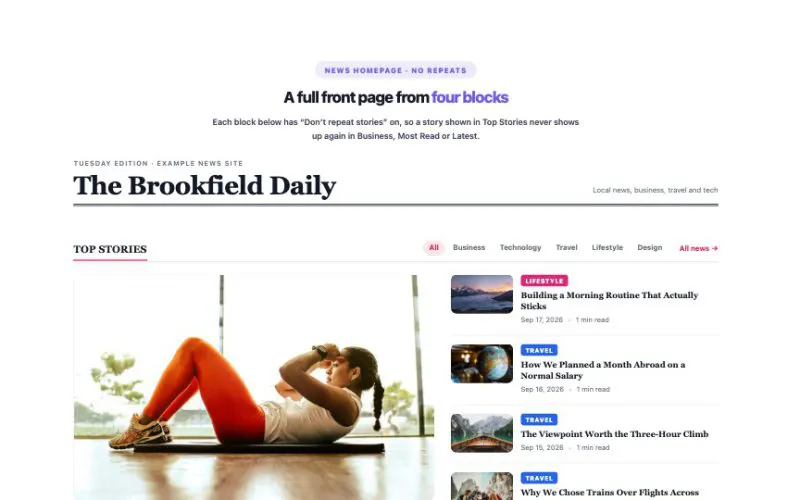 View demo#157HotMagazine Blocks14 classic news layouts, 10 block-header styles, category tabs and more stories without reloading — plus a switch that stops a story from appearing twice on the same page.Posts & NewsLive demo
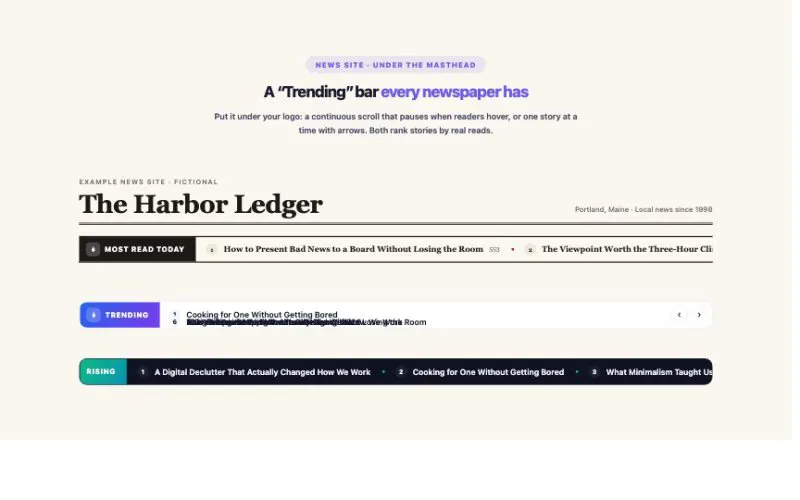 View demo#158Trending PostsA built-in, privacy-friendly view counter ranks your stories by today, this week, this month or all time — or by a trending score that favors fresh stories. Eight layouts, from a news ticker to heat bars.Posts & NewsLive demo
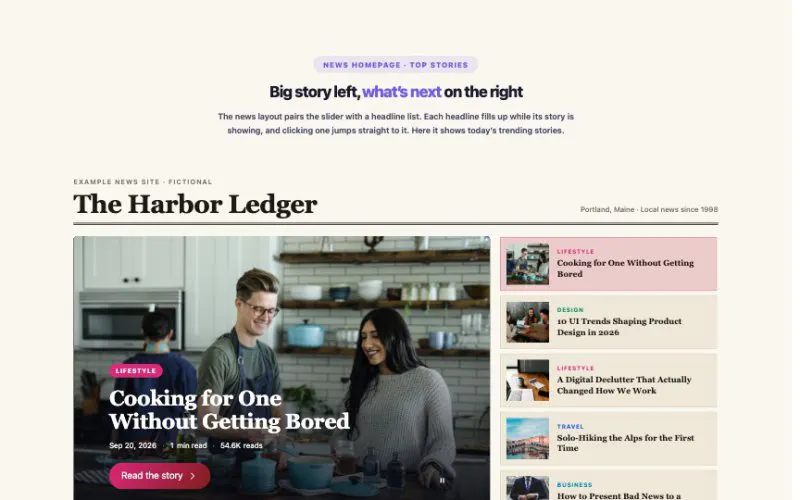 View demo#159Hero SliderA hero slider for news homepages, magazines, stores and portfolios. Slides come from your posts or are built by hand — fourteen layouts, five soft transitions, swipe, keyboard and a pause button.Posts & NewsLive demo
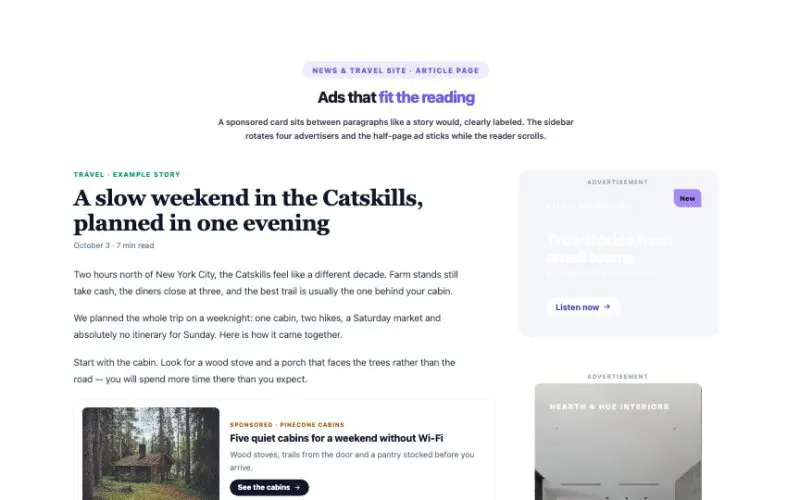 View demo#160Ad ManagerDesign banners without a designer, rotate advertisers, target phones or desktops, drop ads inside articles automatically and see real views and clicks — with space reserved so the page never jumps.Posts & NewsLive demo
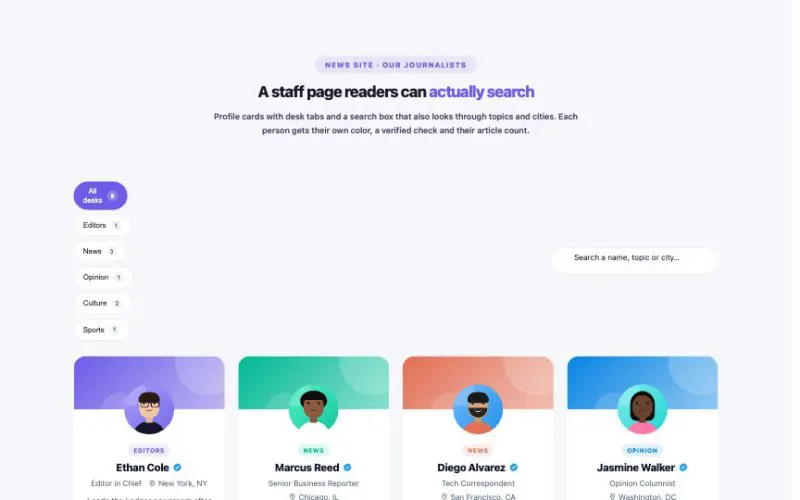 View demo#166Authors GridShow the people behind your stories — reporters, columnists, contributors or hosts — in 13 layouts. Use your real WordPress users with live article counts, reads and latest stories, or build a list by hand.Posts & NewsLive demo
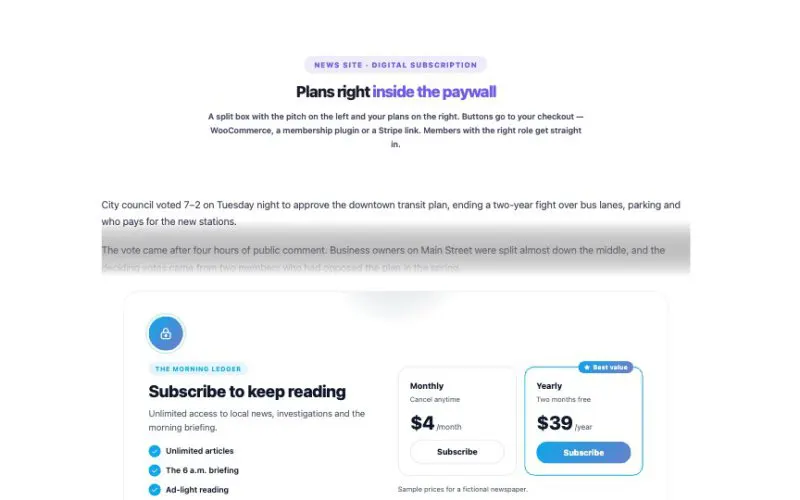 View demo#167Paywall / Content LockLock premium posts or any part of a page. Readers get in by logging in, having a role, leaving their email, entering a code, or reading a few free articles a month. Locked text is removed on the server — it is never in the page for people without access.Posts & NewsLive demo
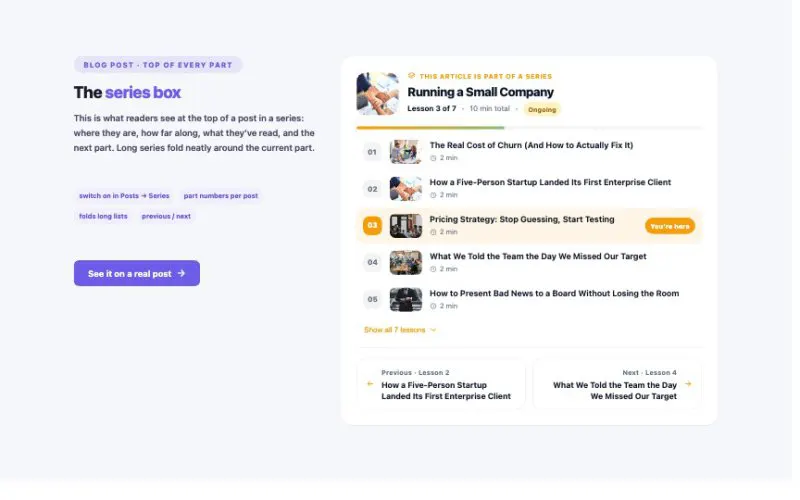 View demo#168Post SeriesGroup posts into parts, chapters, episodes or lessons. Every part gets a series box automatically, readers see what they’ve already read, and landing pages show the whole series with a “continue where you left off” button.Posts & NewsLive demo
 View demo#169News Top BarToday’s date, a live clock in any time zone, a soft news ticker from your real posts, live weather, trending topics, links and social icons — in ten layouts and eight skins made for news, magazine and blog headers.Posts & NewsLive demo
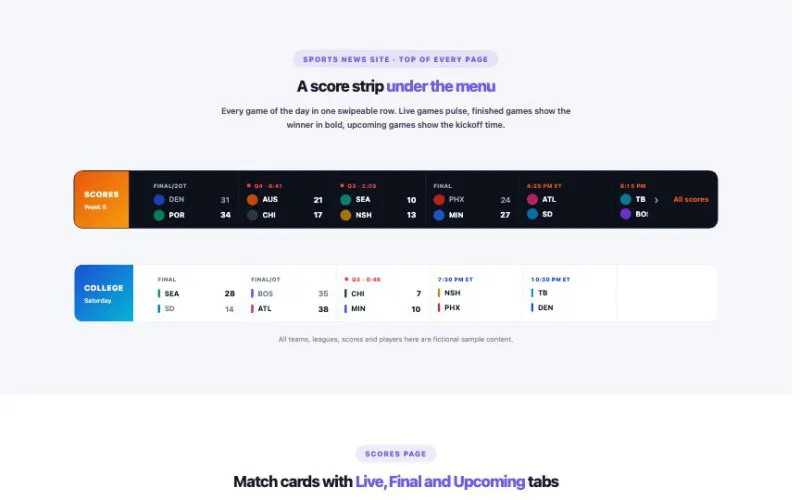 View demo#178Sports ScoresEverything a sports news site or a club website needs on game day: a score strip, match cards, a featured match with a kickoff countdown, fixtures by day and a standings table that sorts itself.Posts & NewsLive demo
 View demo#082HotProduct GridYour WooCommerce products in seven layouts and twelve card styles: bento, spotlight, lookbook, list, compact and a catalog table. Category tabs with counts, live search, a price slider, sorting, grid/list switch, load more, quick view, wishlist hearts and add to cart without leaving the page.WooCommerceLive demo
 View demo#083Product CarouselSix ways to slide through your WooCommerce products: a classic slider, a 3D coverflow, a big hero showcase, a swipeable card stack, a spinning 3D ring and an endless marquee. Every card style from the Product Grid, seven kinds of pagination, category tabs and autoplay that pauses when you need it to.WooCommerceLive demo
 View demo#084Product Category GridYour WooCommerce categories as a real shop front: each one shows its own product photos, the lowest price, how many are on sale and its subcategories. Ten layouts, from picture cards and collage boards to a mega-menu style department browser, story circles and these expanding panels.WooCommerceLive demo
 View demo#085Add to Cart ButtonFar more than a button: five ways to sell a product anywhere on a page, from a single button to a full buy box with a photo gallery. Size and color chips that grey out what is sold out, live prices, Buy Now, a wishlist heart, and a photo that flies to the cart when you click. Everything adds to the real WooCommerce cart without reloading.WooCommerceLive demo
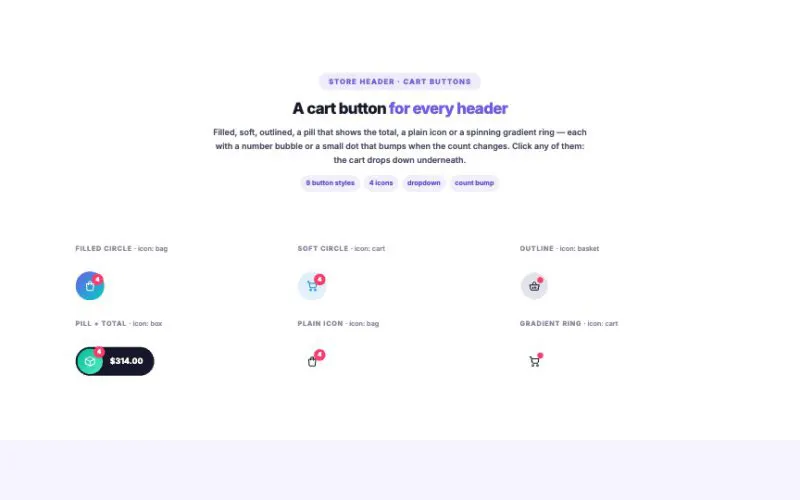 View demo#086Mini CartThe shopping cart, everywhere it needs to be: a dropdown in the header, a drawer from either side, a bottom sheet, a centered pop-up or right inside the page. Change quantities, remove with undo, apply coupon codes, watch a progress bar fill up and add suggestions without leaving the page.WooCommerceLive demo
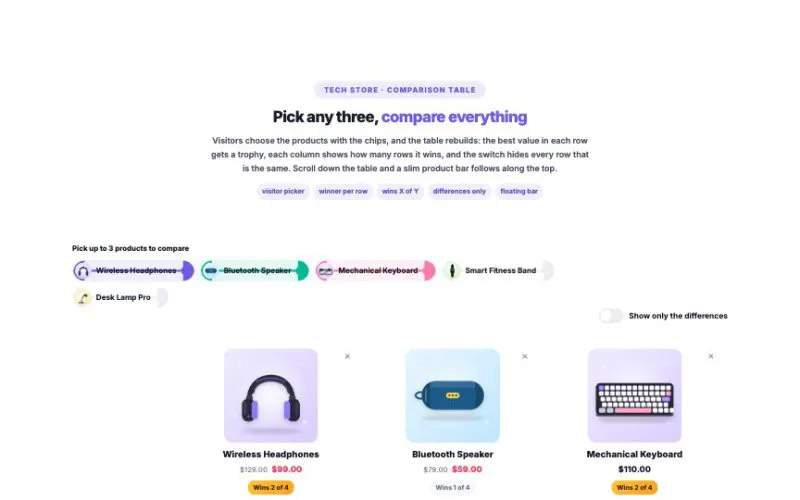 View demo#087Product ComparisonHelp shoppers decide. Compare two to eight WooCommerce products six ways — a sticky table, cards, a head-to-head duel, bar charts, phone-friendly stacks or a spotlight on your pick — with the winner of every row marked, a “wins 4 of 6” score, a switch that hides everything that is the same, and a picker so visitors can choose what to compare.WooCommerceLive demo
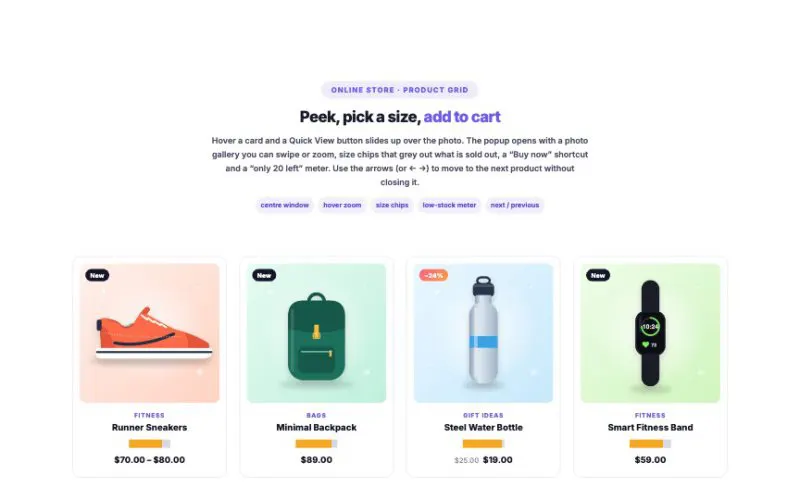 View demo#088Product Quick ViewLet shoppers look closer without leaving the page. A swipeable gallery with hover zoom, price and savings, size and color chips, a low-stock meter, add to cart or buy now, wishlist, copy-link, description and details tabs — and arrows to flip to the next product. Six popup styles, seven trigger layouts.WooCommerceLive demo
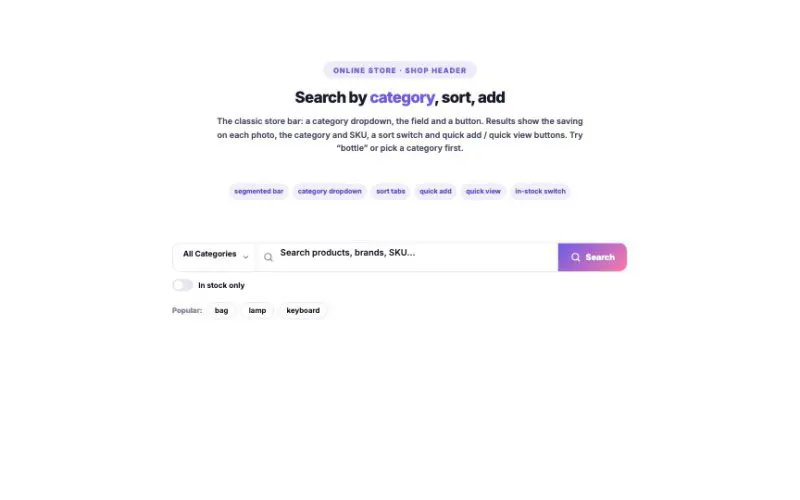 View demo#089WooCommerce SearchSearch that feels like an app. Results appear as you type — photos, prices, savings, matching categories, quick add. Click the empty field for recent searches, trending ideas and top picks. Voice search, keyboard shortcuts, a command palette and a full-screen overlay are one switch away.WooCommerceLive demo
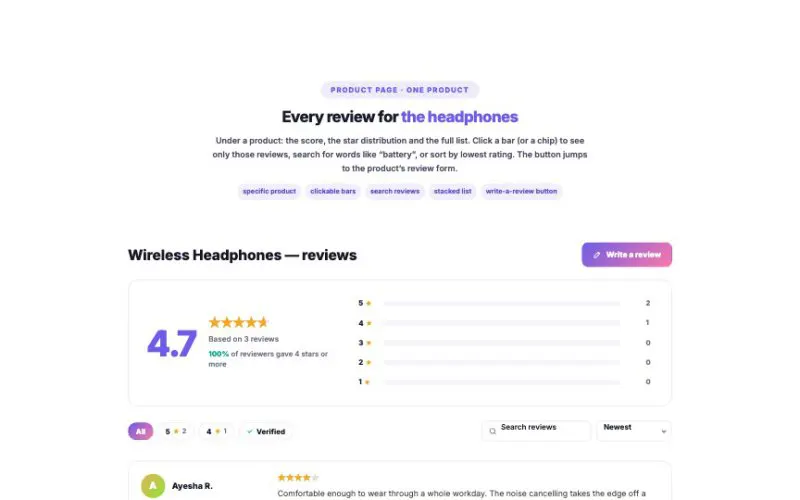 View demo#090Product Rating & ReviewsTurn your real WooCommerce reviews into social proof. A rating summary with an animated score, clickable star bars and the share of 4★+ reviews — plus review cards with star filters, verified-only, search, sort, “read more” and seven layouts from a card grid to an auto-scrolling wall.WooCommerceLive demo
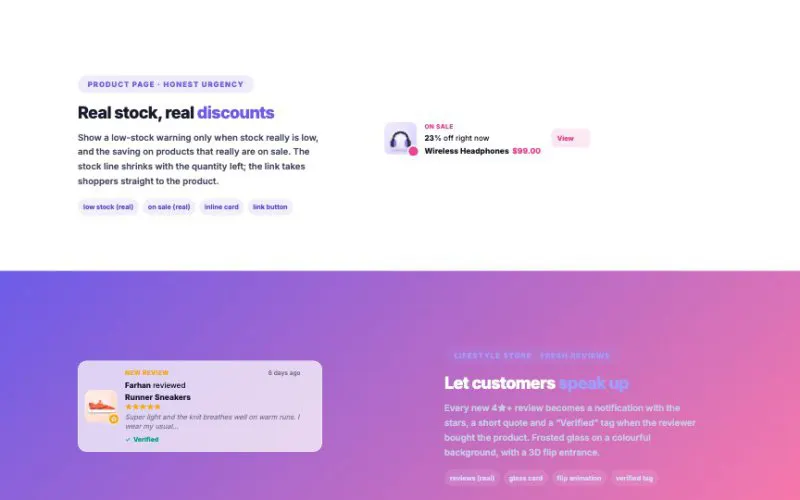 View demo#091Sales NotificationHonest social proof, straight from your store: real orders, fresh reviews, low stock, products on sale and new arrivals — as corner pop-ups, stacked phone-style cards, a ticker bar, an inline card or a live activity feed. Nothing is invented: sample purchases exist only for previews and always wear a “Demo” tag.WooCommerceLive demo
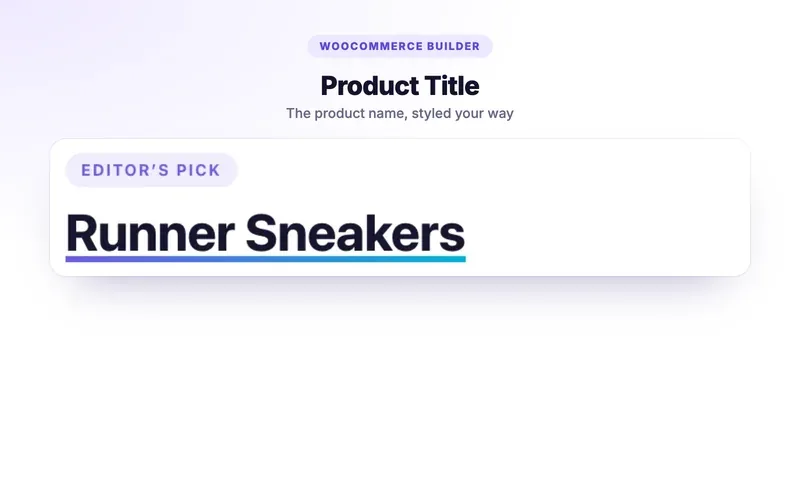 View demo#182NewProduct TitleBuild the single product page and the shop pages from 17 product elements, then choose where each design shows. Everything below is live — rendered from a real product in this store.WooCommerceLive demo
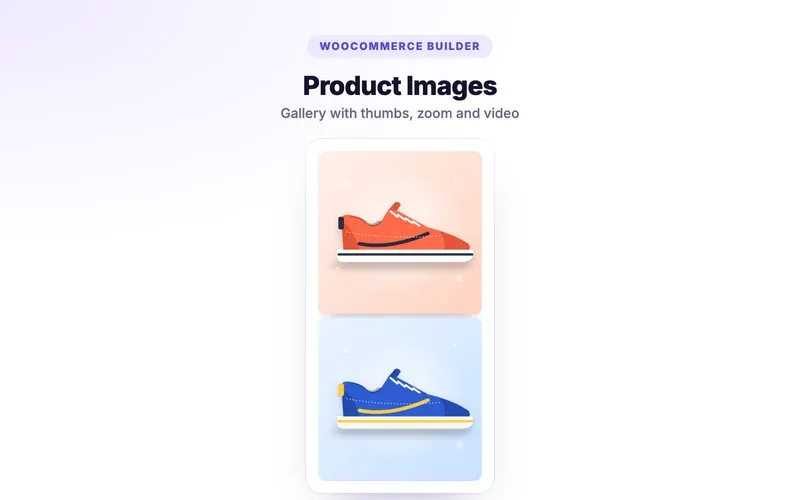 View demo#183NewProduct ImagesBuild the single product page and the shop pages from 17 product elements, then choose where each design shows. Everything below is live — rendered from a real product in this store.WooCommerceLive demo
 View demo#184NewProduct PriceBuild the single product page and the shop pages from 17 product elements, then choose where each design shows. Everything below is live — rendered from a real product in this store.WooCommerceLive demo
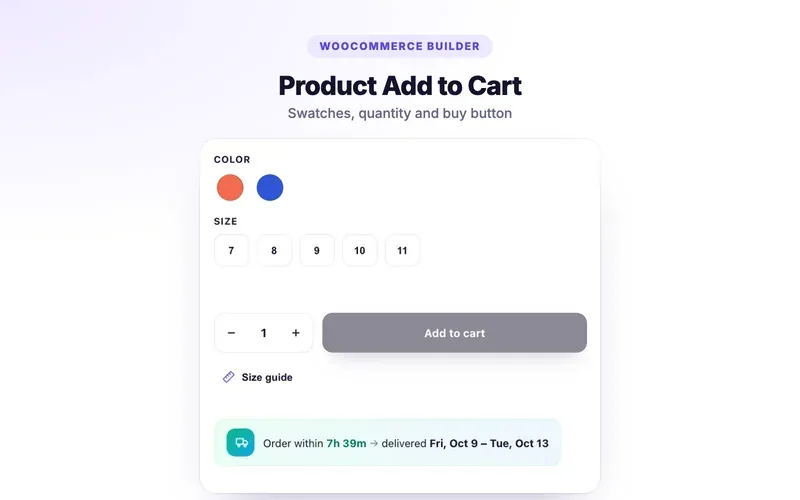 View demo#185NewProduct Add to CartBuild the single product page and the shop pages from 17 product elements, then choose where each design shows. Everything below is live — rendered from a real product in this store.WooCommerceLive demo
 View demo#186NewProduct RatingBuild the single product page and the shop pages from 17 product elements, then choose where each design shows. Everything below is live — rendered from a real product in this store.WooCommerceLive demo
 View demo#187NewProduct Short DescriptionBuild the single product page and the shop pages from 17 product elements, then choose where each design shows. Everything below is live — rendered from a real product in this store.WooCommerceLive demo
 View demo#188NewProduct ContentBuild the single product page and the shop pages from 17 product elements, then choose where each design shows. Everything below is live — rendered from a real product in this store.WooCommerceLive demo
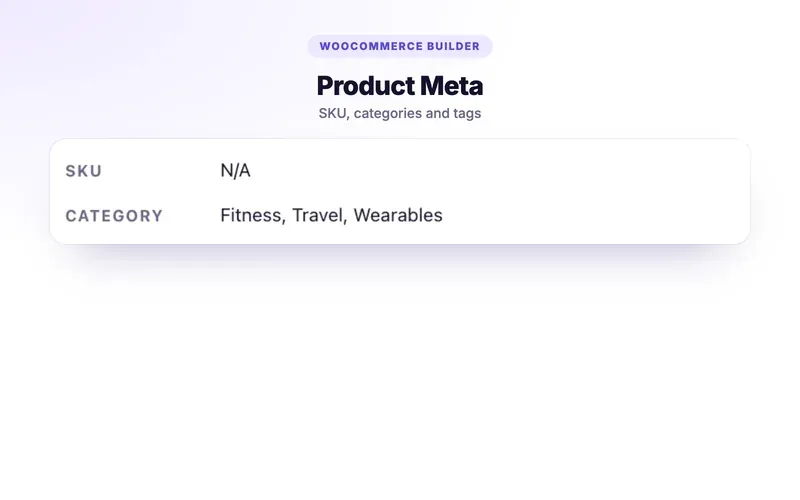 View demo#189NewProduct MetaBuild the single product page and the shop pages from 17 product elements, then choose where each design shows. Everything below is live — rendered from a real product in this store.WooCommerceLive demo
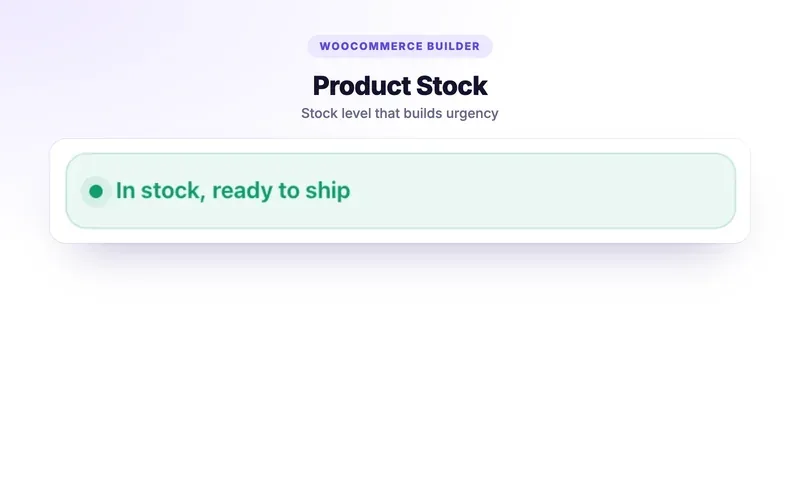 View demo#190NewProduct StockBuild the single product page and the shop pages from 17 product elements, then choose where each design shows. Everything below is live — rendered from a real product in this store.WooCommerceLive demo
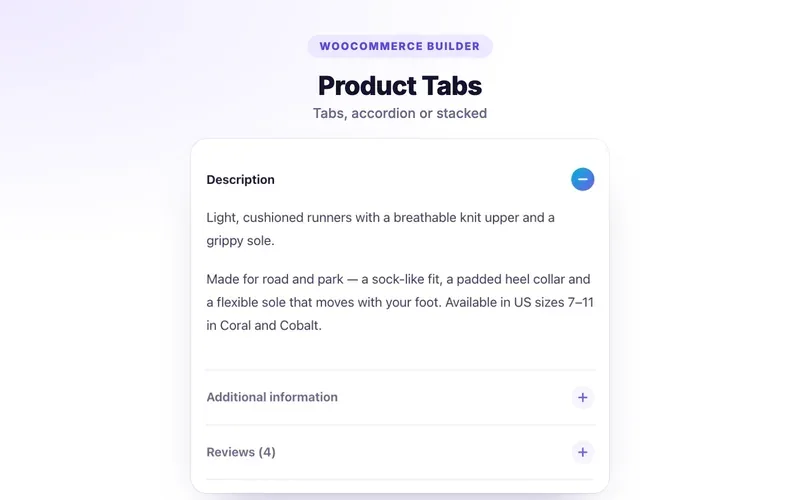 View demo#191NewProduct TabsBuild the single product page and the shop pages from 17 product elements, then choose where each design shows. Everything below is live — rendered from a real product in this store.WooCommerceLive demo
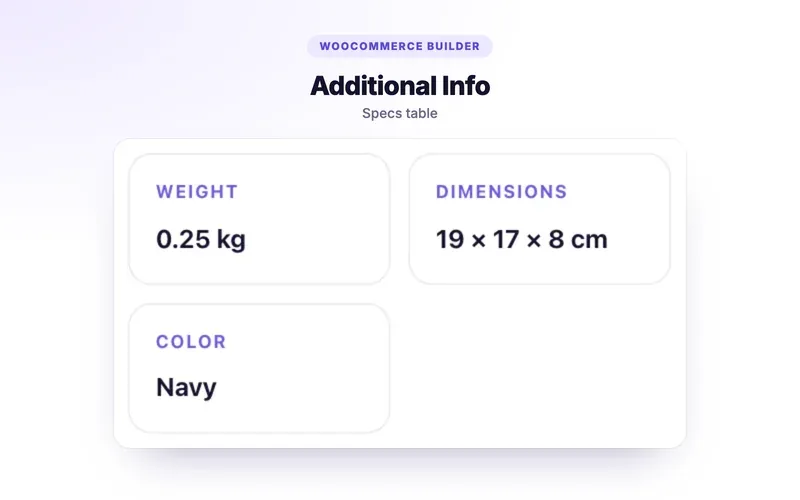 View demo#192NewProduct Additional InfoBuild the single product page and the shop pages from 17 product elements, then choose where each design shows. Everything below is live — rendered from a real product in this store.WooCommerceLive demo
 View demo#193NewRelated ProductsBuild the single product page and the shop pages from 17 product elements, then choose where each design shows. Everything below is live — rendered from a real product in this store.WooCommerceLive demo
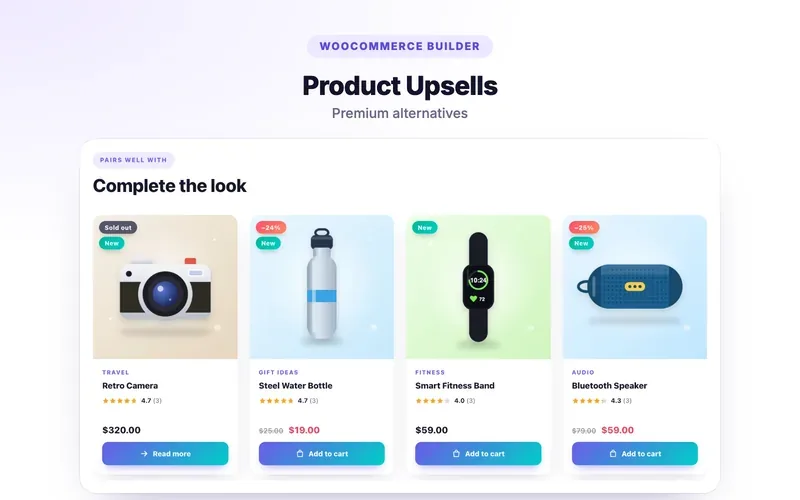 View demo#194NewProduct UpsellsBuild the single product page and the shop pages from 17 product elements, then choose where each design shows. Everything below is live — rendered from a real product in this store.WooCommerceLive demo
 View demo#195NewProduct BreadcrumbsBuild the single product page and the shop pages from 17 product elements, then choose where each design shows. Everything below is live — rendered from a real product in this store.WooCommerceLive demo
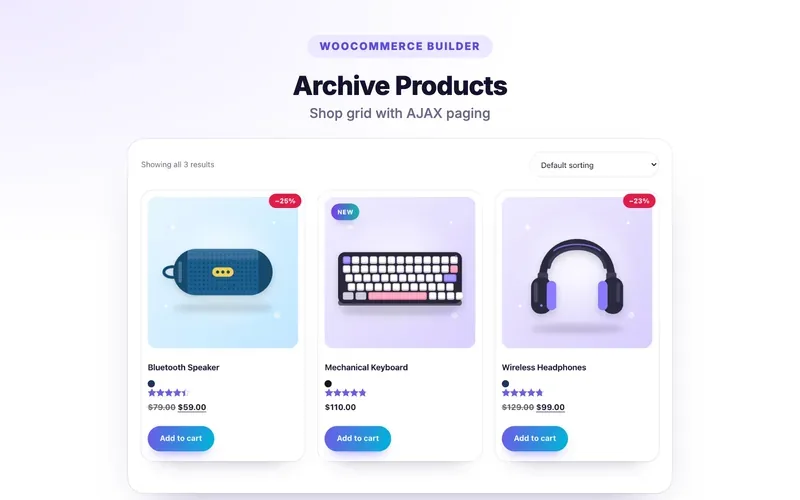 View demo#196NewArchive ProductsBuild the single product page and the shop pages from 17 product elements, then choose where each design shows. Everything below is live — rendered from a real product in this store.WooCommerceLive demo
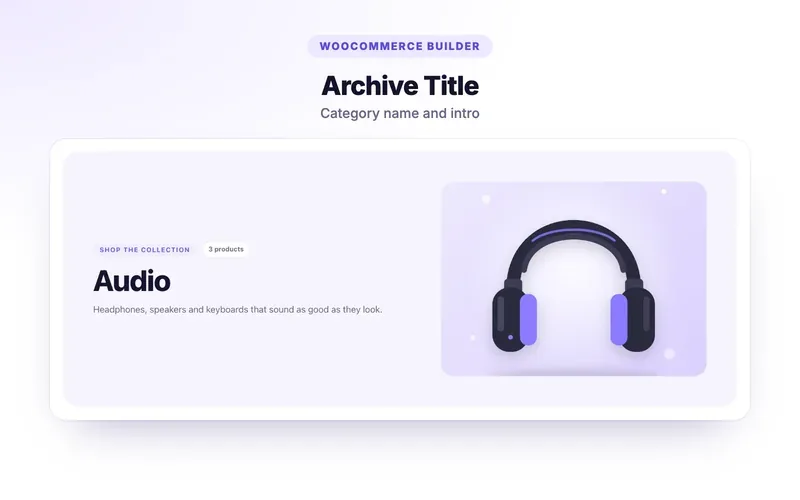 View demo#197NewArchive Title & DescriptionBuild the single product page and the shop pages from 17 product elements, then choose where each design shows. Everything below is live — rendered from a real product in this store.WooCommerceLive demo
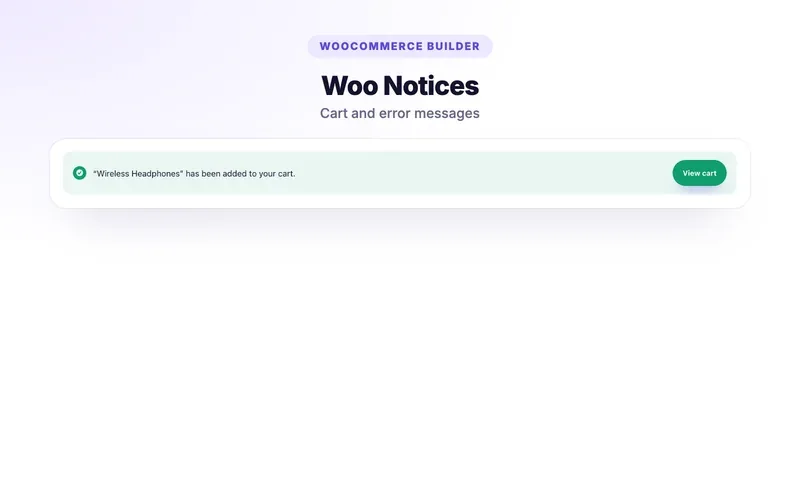 View demo#198NewWoo NoticesBuild the single product page and the shop pages from 17 product elements, then choose where each design shows. Everything below is live — rendered from a real product in this store.WooCommerceLive demo
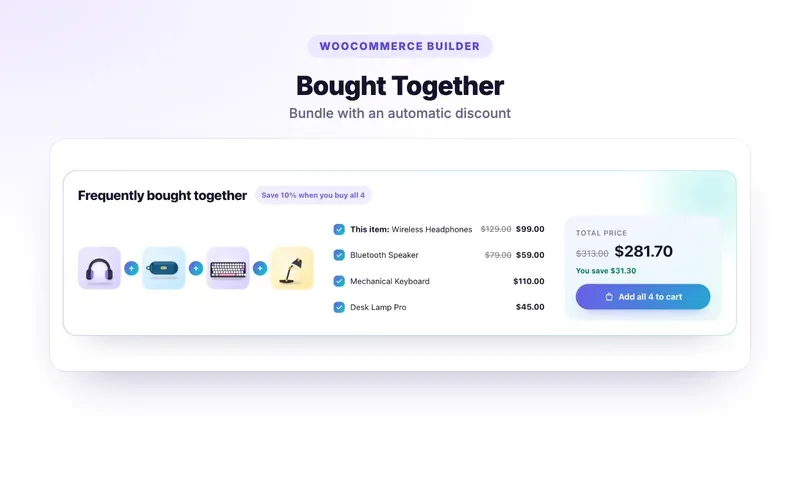 View demo#199NewBought TogetherBuild the single product page and the shop pages from 17 product elements, then choose where each design shows. Everything below is live — rendered from a real product in this store.WooCommerceLive demo
 View demo#200NewDelivery EstimateBuild the single product page and the shop pages from 17 product elements, then choose where each design shows. Everything below is live — rendered from a real product in this store.WooCommerceLive demo
 View demo#033Team Member Grid10 card styles, from 3D flip cards and photo reveals to frosted glass and orbit rings. Department filter tabs, four color modes, skills, 8 social networks, tilt and spotlight hover, and staggered entrance animations.BusinessLive demo
 View demo#034Team Member CarouselSix ways to show your people: slide, 3D coverflow, a spotlight with avatar navigation, expanding photo panels, a swipeable card deck and an endless marquee. Seven card styles, swipe and keyboard support, and progress-bar autoplay.BusinessLive demo
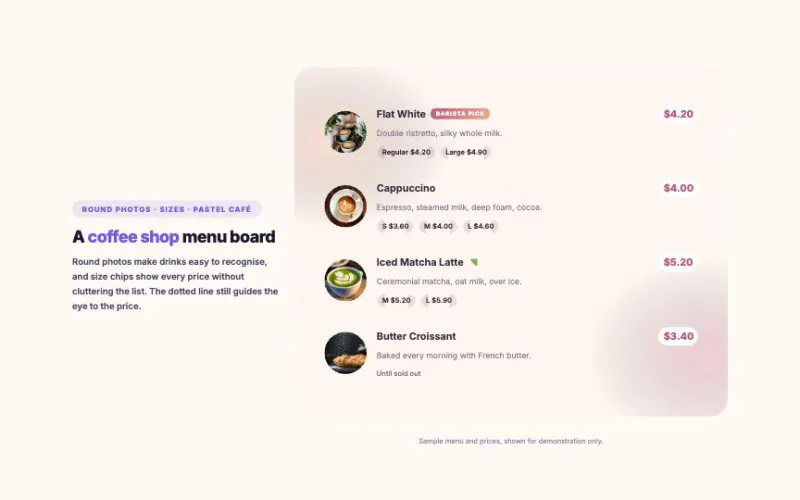 View demo#043Price MenuMenus people love to read: dotted price lines, round photos, photo cards, an elegant centered style, compact lists and a menu board with price tags. Add category tabs, diet filters, heat levels, sale prices, sizes and an order button. 8 skins, from chalkboard to neon.BusinessLive demo
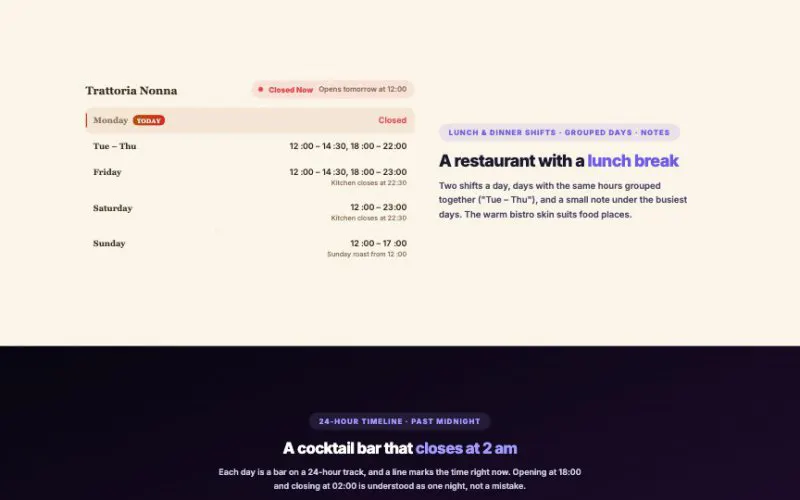 View demo#054Business HoursOpening hours that are always right: a live "open now" that updates every minute in your own time zone (even on cached pages), split shifts, late nights past midnight, holidays and a clock dial or timeline that shows the day at a glance.BusinessLive demo
 View demo#065Google Maps AdvancedShow every branch on one map: a clickable location list with directions and call buttons, map color filters, five frames and an overlay card. It even works without a Google API key.BusinessLive demo
 View demo#093Job Board / OpeningsA complete careers page in one widget: search, department chips with counts, type, location, work-mode and level filters, sorting, saved jobs, shareable links that open the right job, deadlines that count down and hide closed roles, full details inline, in a drawer or a split view — and optional Google Jobs data.BusinessLive demo
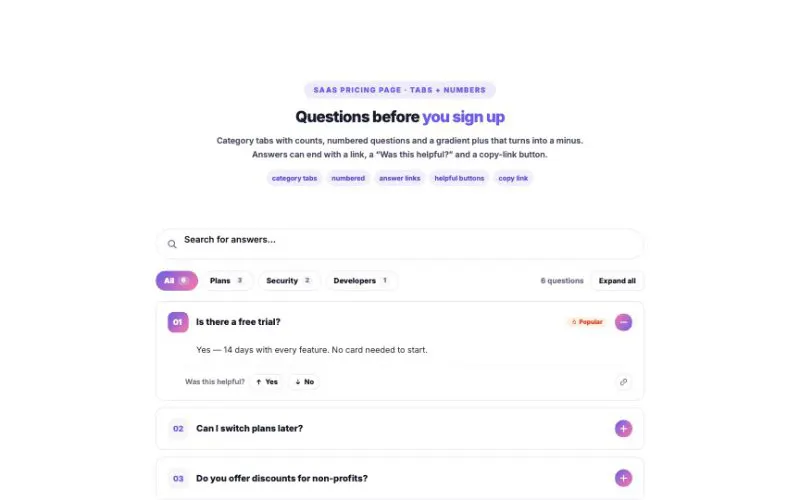 View demo#094FAQ with SearchA help center in one widget. Instant search that highlights the matching words — even inside answers — popular searches, topic tiles, sidebars and tabs with counts, links that open the exact question, “Was this helpful?”, a contact box when nothing matches, and Google FAQ data. Eight layouts from a classic accordion to a chat.BusinessLive demo
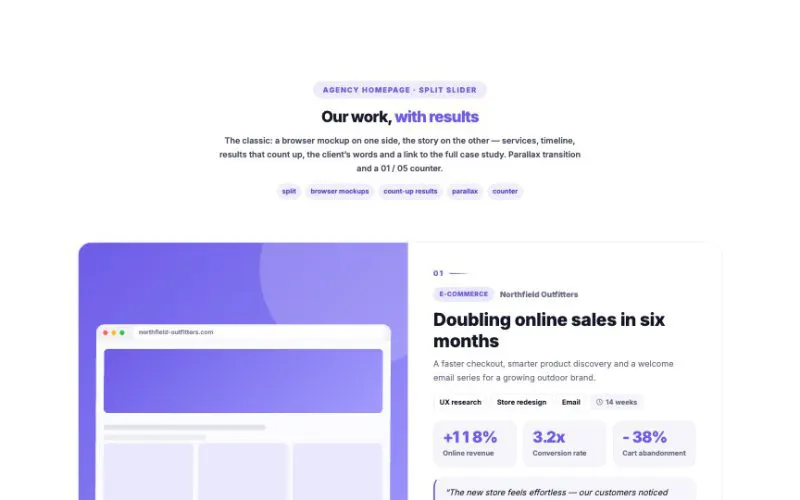 View demo#096Case Study SliderShow your best work with the numbers to prove it. Results count up as they appear, with client quotes, services and timelines, browser mockups and eight layouts — from a classic split slider to a 3D coverflow, a swipeable card stack and a results-first view. Industry filter, autoplay with a progress ring, drag, swipe and keyboard.BusinessLive demo
 View demo#122Event Schedule / AgendaConference boards by room, festival lanes, weekly timetables and day-of timelines — with Live now, Up next, “My agenda” bookmarks, add-to-calendar and a my-time-zone switch.BusinessLive demo
 View demo#135Listings & FiltersHomes for sale, cars on the lot, cabins for the weekend — any catalog with a price and specs. Visitors search, slide the price, tick features, sort, save favorites and share the filtered list.BusinessLive demo
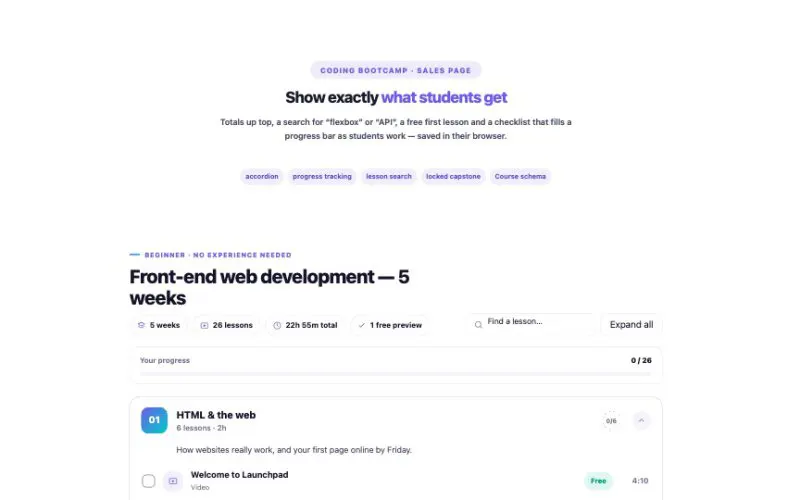 View demo#136Course CurriculumModules and lessons with types, lengths that add up by themselves, free previews that play right on the page, locked lessons and a “mark as done” checklist students actually use.BusinessLive demo
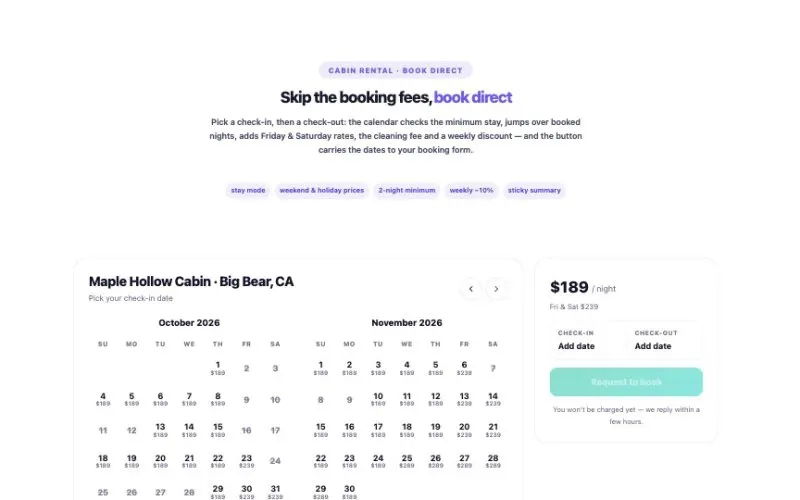 View demo#137Availability CalendarA live availability calendar for cabins, venues, rooms and busy people. Guests choose their dates, see the real total with weekend prices and fees, then send the request with one tap.BusinessLive demo
 View demo#138Store LocatorBranches, cafés, clinics or dealers on an interactive map — no Google API key, no monthly bill. Search by city or ZIP, tap “Near me”, see who’s open right now and get directions in one tap.BusinessLive demo
 View demo#139Recipe CardScale the servings and every amount changes — fractions included. Tick off ingredients, tap a step to finish it, start a timer right from the step and keep the screen on while you cook. Google Recipe data is built in.BusinessLive demo
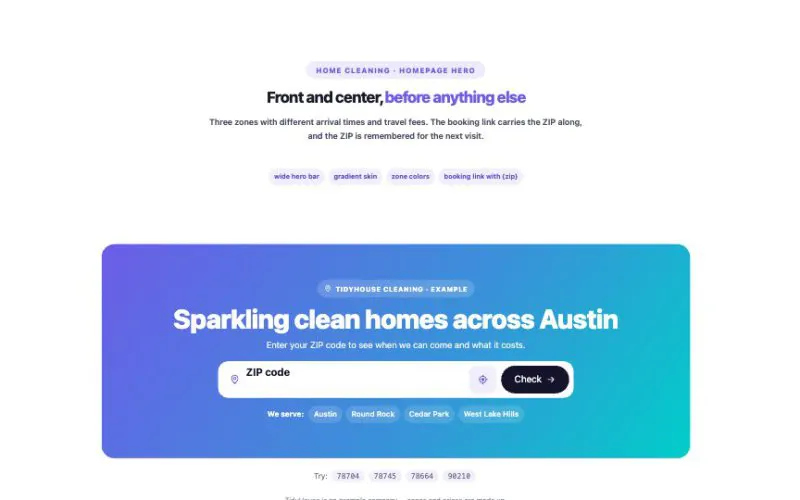 View demo#140Service Area CheckerVisitors type a ZIP code or tap “use my location” and instantly see their zone, arrival time, fee and a booking button. Not covered yet? They join a waitlist that lands in your Leads.BusinessLive demo
 View demo#142Resume / CVProfile, summary, experience with automatic durations, education, skills, languages, certifications and projects — in four layouts, with a clean print version and Google Person data.BusinessLive demo
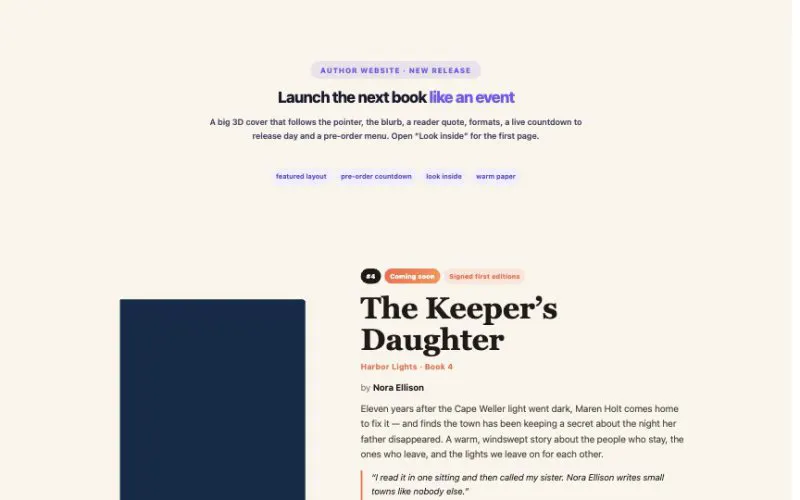 View demo#143Book ShowcaseFor authors, publishers and bookshops: real 3D books on a shelf, a new-release hero with a pre-order countdown, “Look inside” pages, a buy menu for every store — and beautiful designed covers when you don’t have art yet.BusinessLive demo
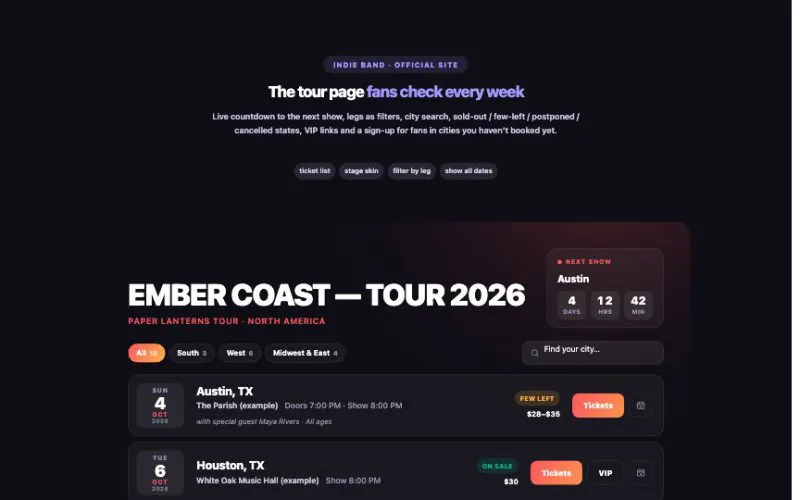 View demo#144Tour DatesFor bands, comedians, authors, speakers and touring shows: a live countdown to the next show, sold-out and few-left badges, filters by tour leg, city search, add-to-calendar, a “play near me” sign-up — and Google Event data on every date.BusinessLive demo
 View demo#148ChangelogFor SaaS products, apps and open-source projects: versions with friendly dates, tagged changes (New, Improved, Fixed, Security, Breaking), filters, share links to any release, “new since your last visit” dots and an email sign-up for updates.BusinessLive demo
 View demo#154Public RoadmapA public roadmap with real votes: a board by status, Now / Next / Later lanes, a timeline, a quarter track, a list or cards with tabs. Search, category filters, “most wanted” sorting, progress bars, a details window with a share link for every item, and a “Suggest a feature” form.BusinessLive demo
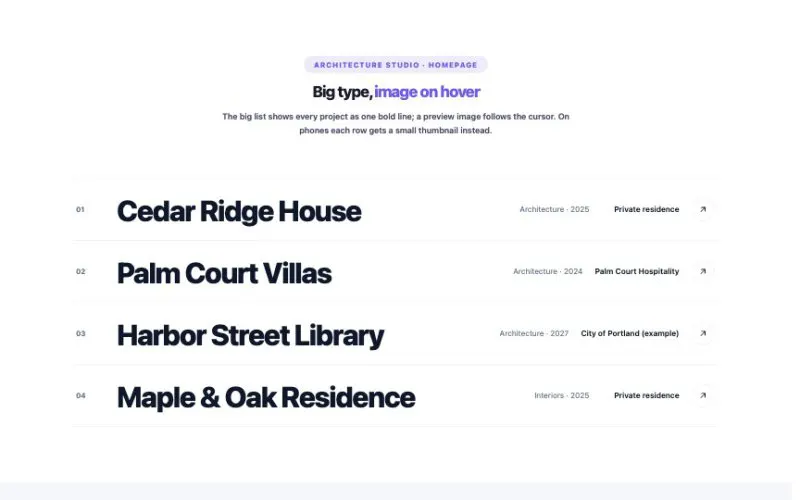 View demo#164ProjectsProjects get their own home in WordPress — types, services, client, year, gallery, results and a client quote — plus a beautiful case-study page for every project and seven ways to show them.BusinessLive demo
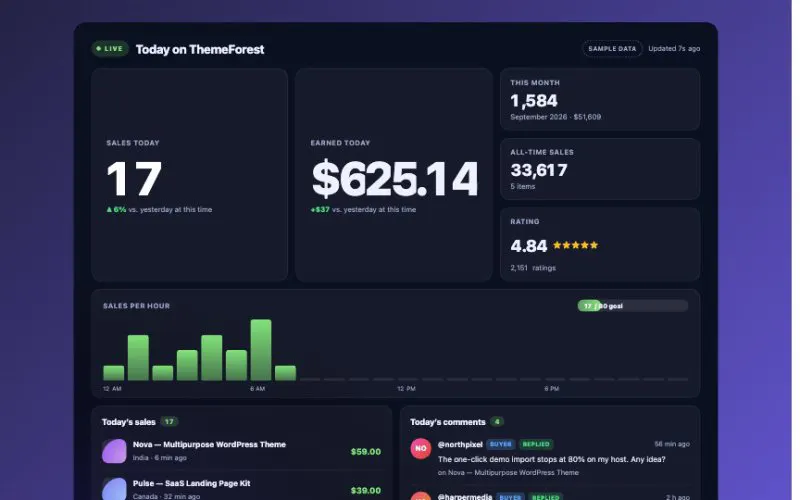 View demo#172Envato Live SalesToday’s sales and earnings roll up the moment they happen, with buyer comments right below — straight from the official Envato API. For ThemeForest, CodeCanyon and every Envato Market site.BusinessLive demo
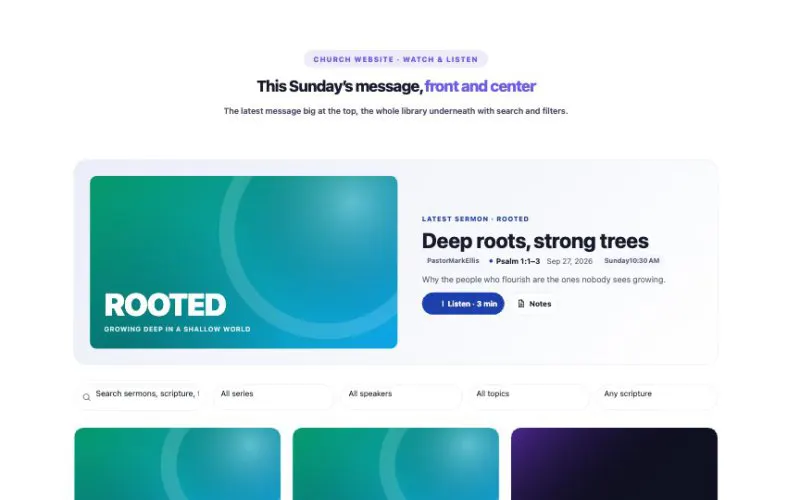 View demo#175Sermon LibrarySermons for churches, khutbahs for mosques, talks for any teaching community — organized by series, speaker, topic and scripture, with audio, video, notes and small-group questions.BusinessLive demo
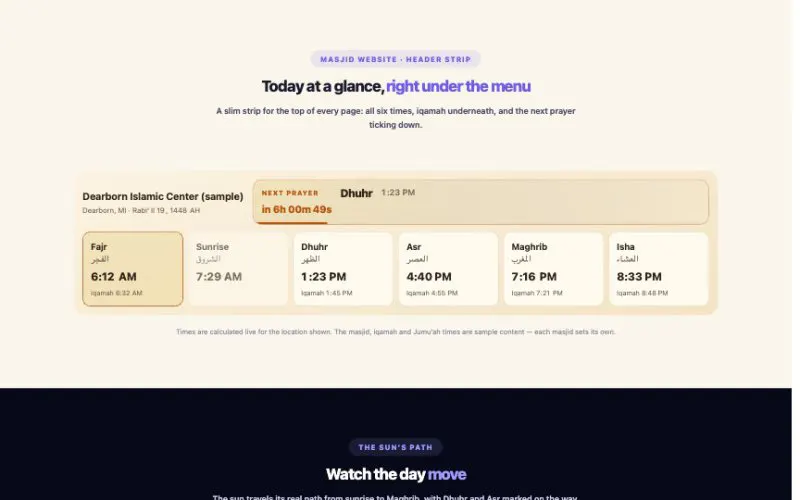 View demo#176Prayer TimesThe five daily prayers worked out from the sun’s position for your exact location — no outside service. Add iqamah and Jumu’ah times, and it counts down to the next prayer all day long.BusinessLive demo
 View demo#177Project DetailsProjects get their own home in WordPress — types, services, client, year, gallery, results and a client quote — plus a beautiful case-study page for every project and seven ways to show them.BusinessLive demo
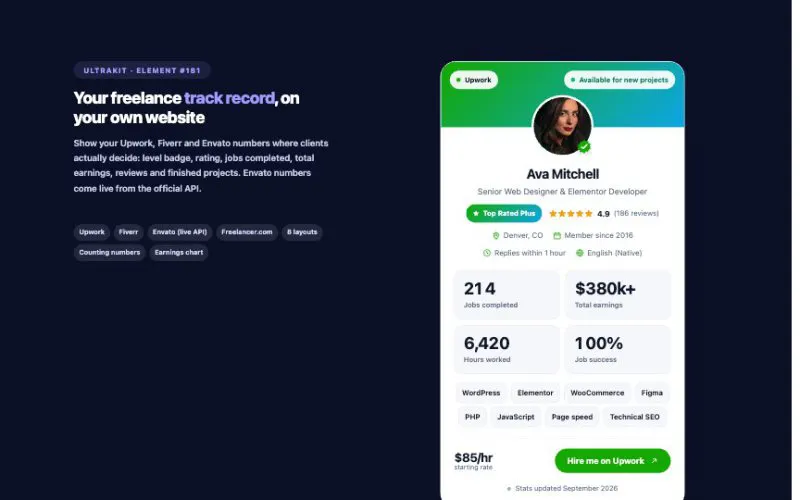 View demo#181Freelancer ProfileShow your Upwork, Fiverr and Envato numbers where clients actually decide: level badge, rating, jobs completed, total earnings, reviews and finished projects. Envato numbers come live from the official API.BusinessLive demo
 View demo#073Scroll to TopTen button skins from a clean progress ring to a liquid fill and a rocket that takes off, a reading-progress bar, smart mode that only appears when scrolling up, and smooth eased scrolling to the top or to any section. Scroll down: the ring at the bottom left and the bar at the very top fill as you go.Site & NavigationLive demo
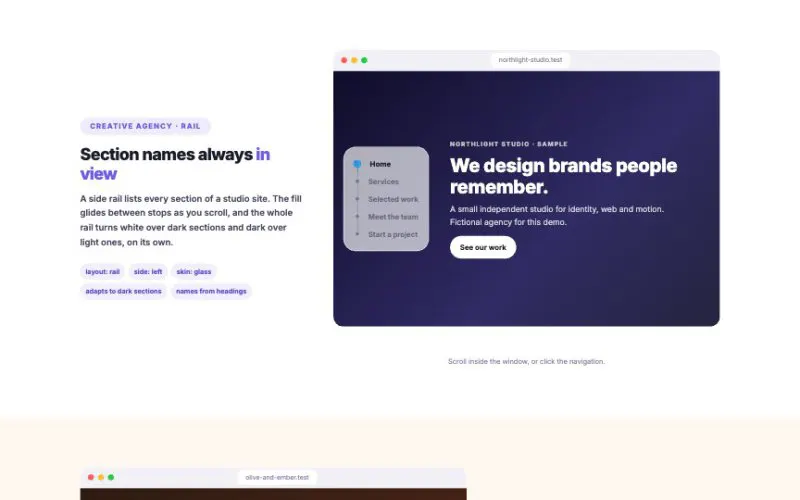 View demo#076One Page NavigationA floating guide for one-page sites and long landing pages. Ten layouts from classic dots to an icon dock, tabs bar, story segments and a menu bubble; it names sections from their headings, picks icons by itself, fills as visitors scroll and turns light or dark to match the section underneath.Site & NavigationLive demo
 View demo#098PreloaderA full-screen splash, a slim top progress bar, or an inline loading state. 17 loaders — including the animated UltraKit “U” in 8 styles and your own logo in 6 — 4 layouts, 6 backgrounds and 10 exit effects. You just saw the big U when this page opened.Site & NavigationLive demo
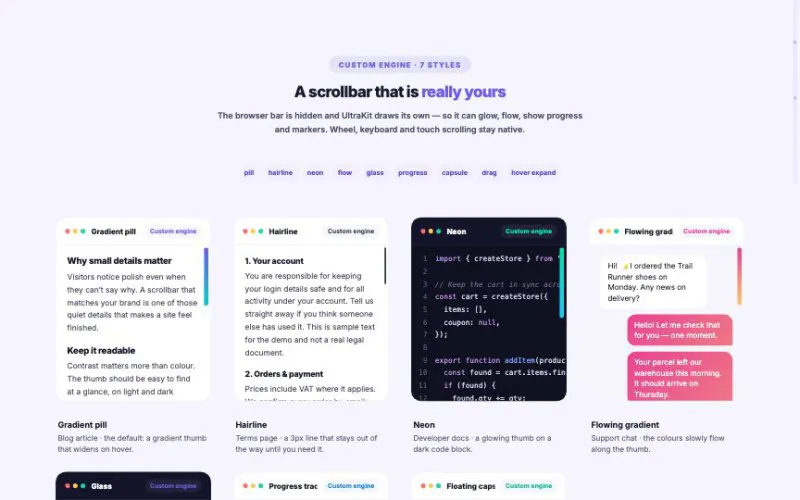 View demo#099Custom ScrollbarLook at the right edge of this page. It is drawn by the Custom engine: a progress track, a dot for every section — hover to read it, click to jump — and a tooltip with the section name and how far you are. Drag it, click the track, or just scroll as usual.Site & NavigationLive demo
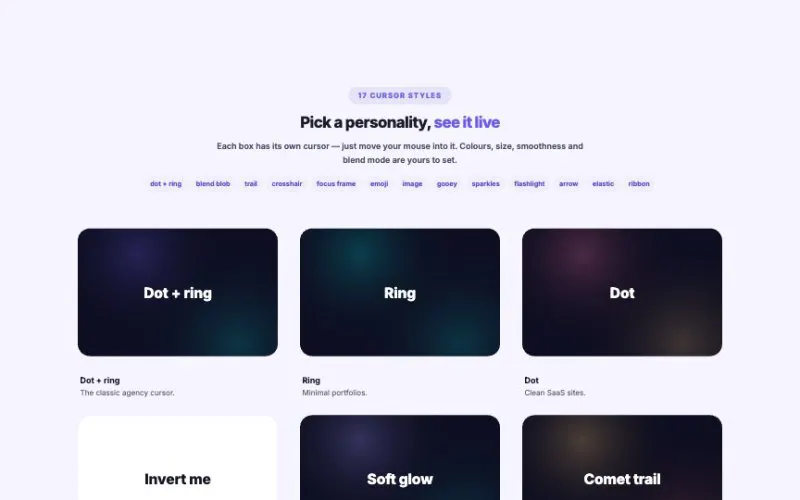 View demo#100Interactive CursorMove your mouse. This whole page uses “Dot + ring” with stretch and magnetic buttons — and every box below runs its own cursor, so you can try all 17 styles and the hover actions on one page.Site & NavigationLive demo
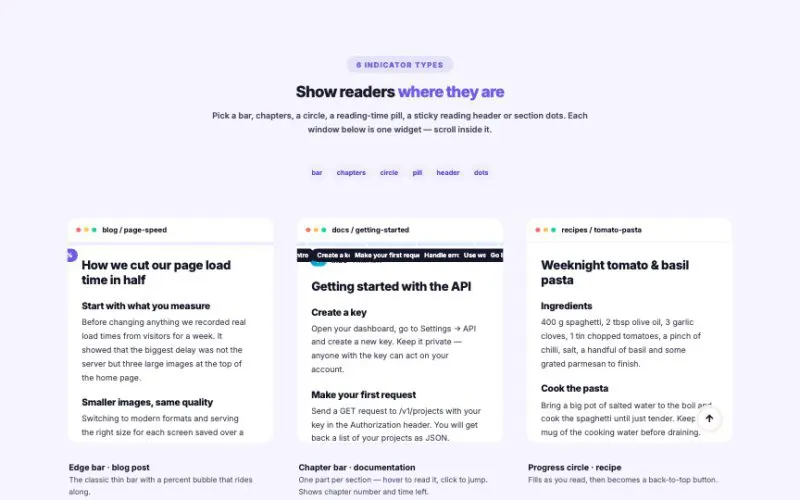 View demo#101Page Scroll Progress BarScroll this page — the glowing bar at the top and the circle at the bottom-left are real (reach the end for confetti). Below, every reading window has its own indicator: scroll inside them to try all six types and the finish effects.Site & NavigationLive demo
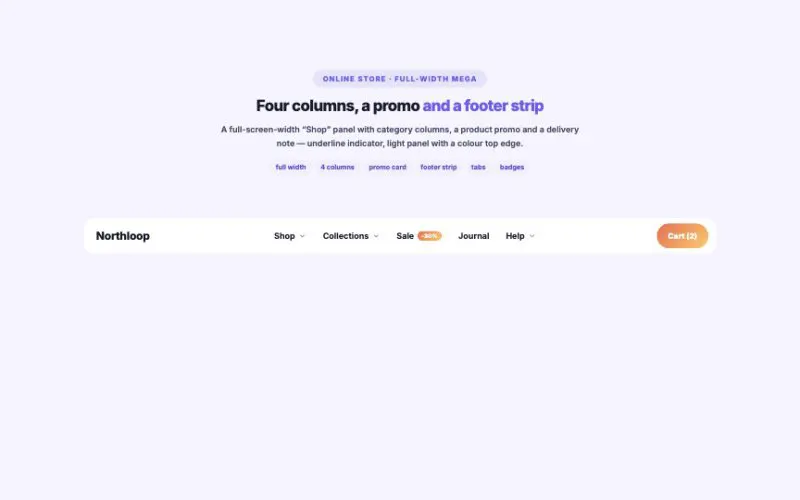 View demo#104HotMega Menu BuilderA complete header: logo, a multi-column mega menu with icons, descriptions, a promo card and a footer strip, tabbed mega panels, simple dropdowns and a button. Hover “Product”, “Solutions” or “Resources”.Site & NavigationLive demo
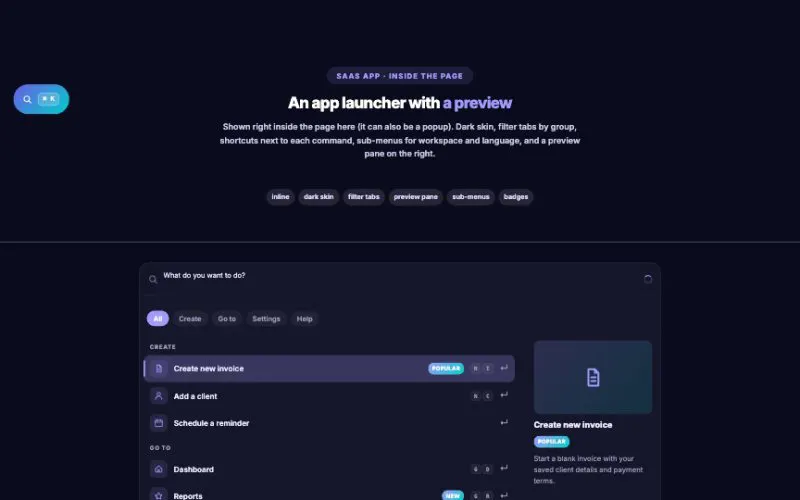 View demo#116Command Palette (Ctrl+K)A ⌘K / Ctrl+K launcher like the one in your favorite apps — jump anywhere, run actions, search the whole site and its products, all from the keyboard.Site & NavigationLive demo
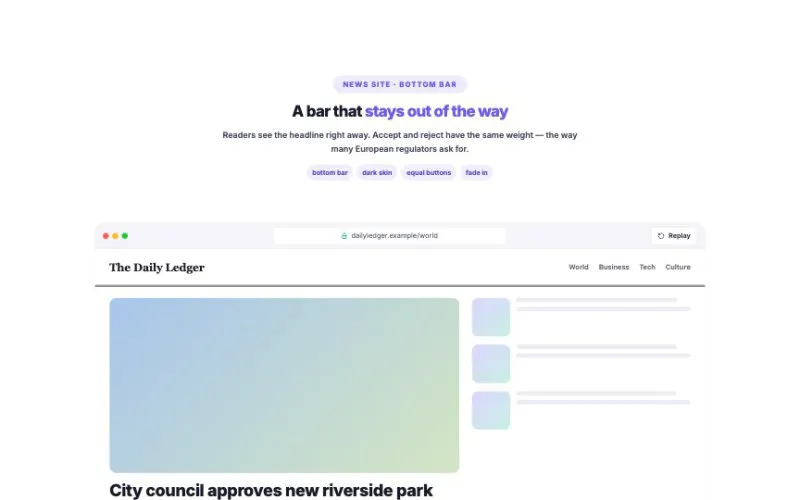 View demo#118Cookie Consent BannerA clear banner, a real preference center, cookie details, script & embed blocking and Google Consent Mode v2 — in 8 layouts and 8 skins.Site & NavigationLive demo
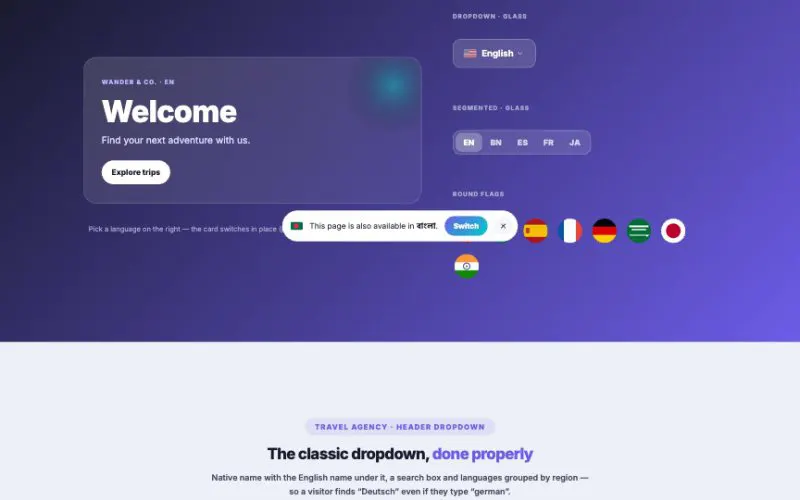 View demo#119Language SwitcherTen styles, built-in SVG flags that look right on every device, region groups with search, a browser-language suggestion and on-the-fly Google Translate. Works with Polylang and WPML.Site & NavigationLive demo
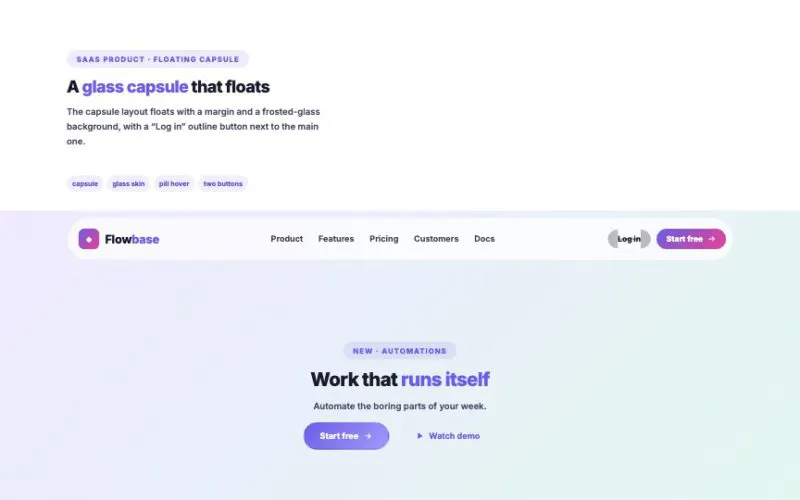 View demo#129HotSite HeaderLogo, menu with dropdowns, buttons, search, cart, top bar and a mobile menu — sticky, smart-hiding or transparent over your hero. Every example below is live: hover the menus, click the menu buttons.Site & NavigationLive demo
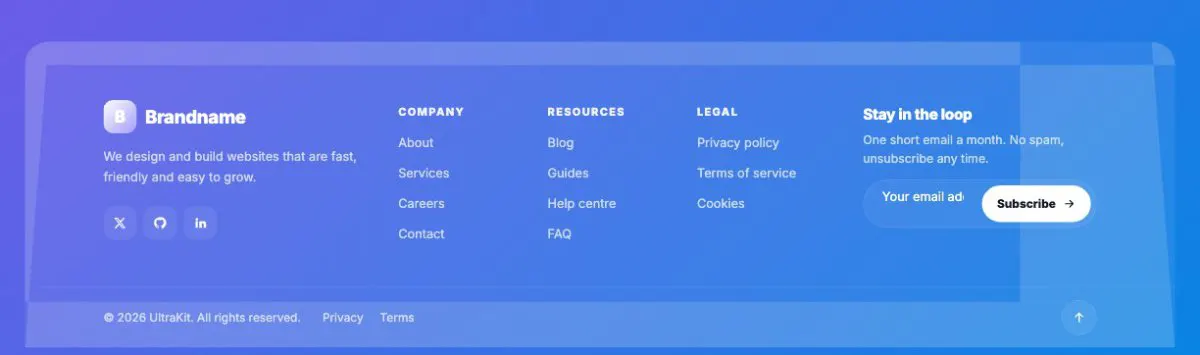
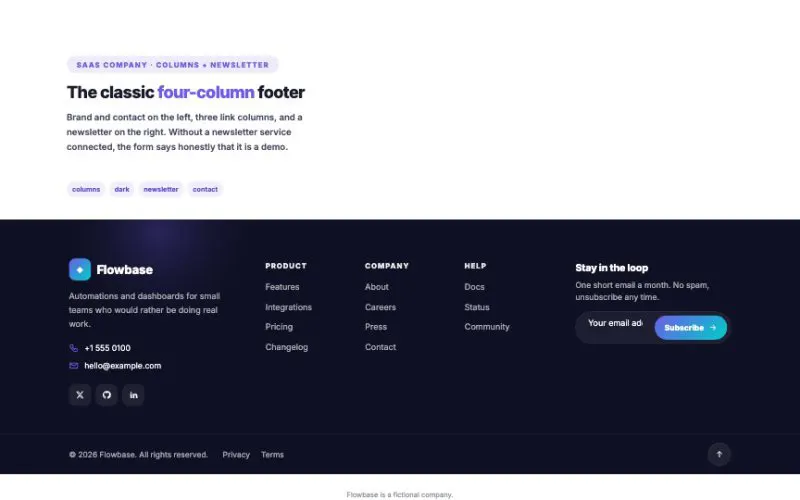 View demo#130Site FooterBrand, link columns, contact details, newsletter, social links, a call-to-action band, a giant wordmark and a bottom bar with year copyright — in one widget.Site & NavigationLive demo
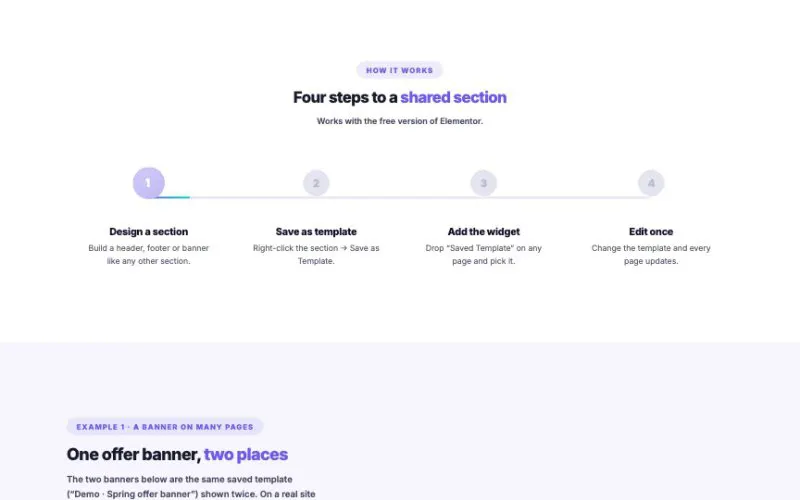 View demo#131Saved TemplateSave any section as an Elementor template, then show it on as many pages as you like. Edit the template once and every page updates — perfect for headers, footers, banners and calls to action.Site & NavigationLive demo
 View demo#134Display ConditionsDisplay Conditions adds rules to every section, container, column and widget: time, day, dates, visitors, pages, campaigns, devices and WooCommerce carts. No Elementor Pro, no code — everything on this page is changing live for you.Site & NavigationLive demo
 View demo#141Sticky Contact BarA contact bar that follows visitors: a bottom bar or floating pill on phones, a side dock or speed-dial button on desktop. It knows your opening hours and tells Google Analytics which button people tap.Site & NavigationLive demo
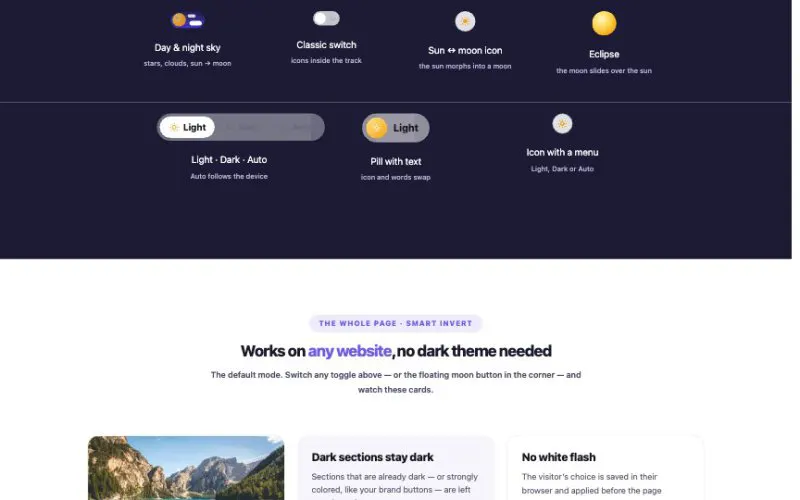 View demo#155Dark Mode ToggleSeven toggle designs, three ways to go dark, the whole page or one section. It remembers each visitor’s choice with no white flash, can follow the device or the clock, and switches with a circle that grows from the button. Try any toggle below — the whole page changes.Site & NavigationLive demo
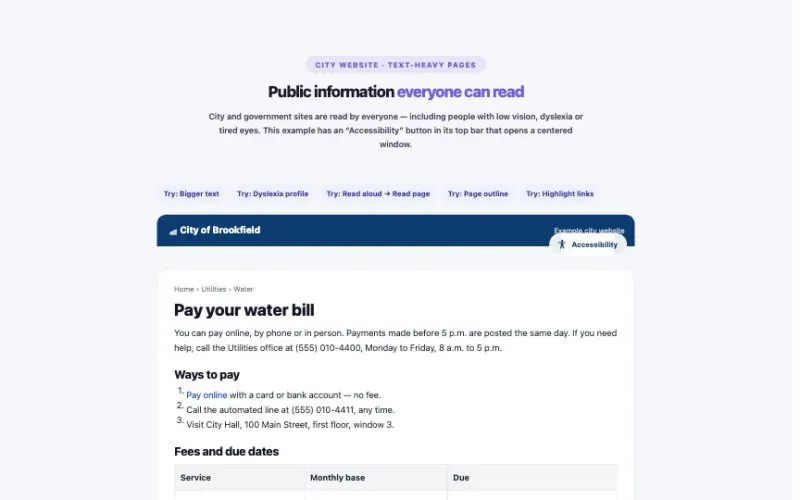 View demo#156Accessibility ToolbarA toolbar of reading aids: bigger text, spacing, a readable or dyslexia-friendly font, contrast and color modes, highlighted links, a big cursor, a reading guide, stop animations, read aloud and a page outline — plus one-tap profiles. Every change is saved in the visitor’s browser and works on every page.Site & NavigationLive demo
No widget matches that word. Try a shorter word or pick a category.
Hover, click and drag — each tile runs the real widget with its demo settings. Open the demo page for every variation.
For solo founders shipping their first product.
For teams that need room to scale.
Where our visitors come from this month.
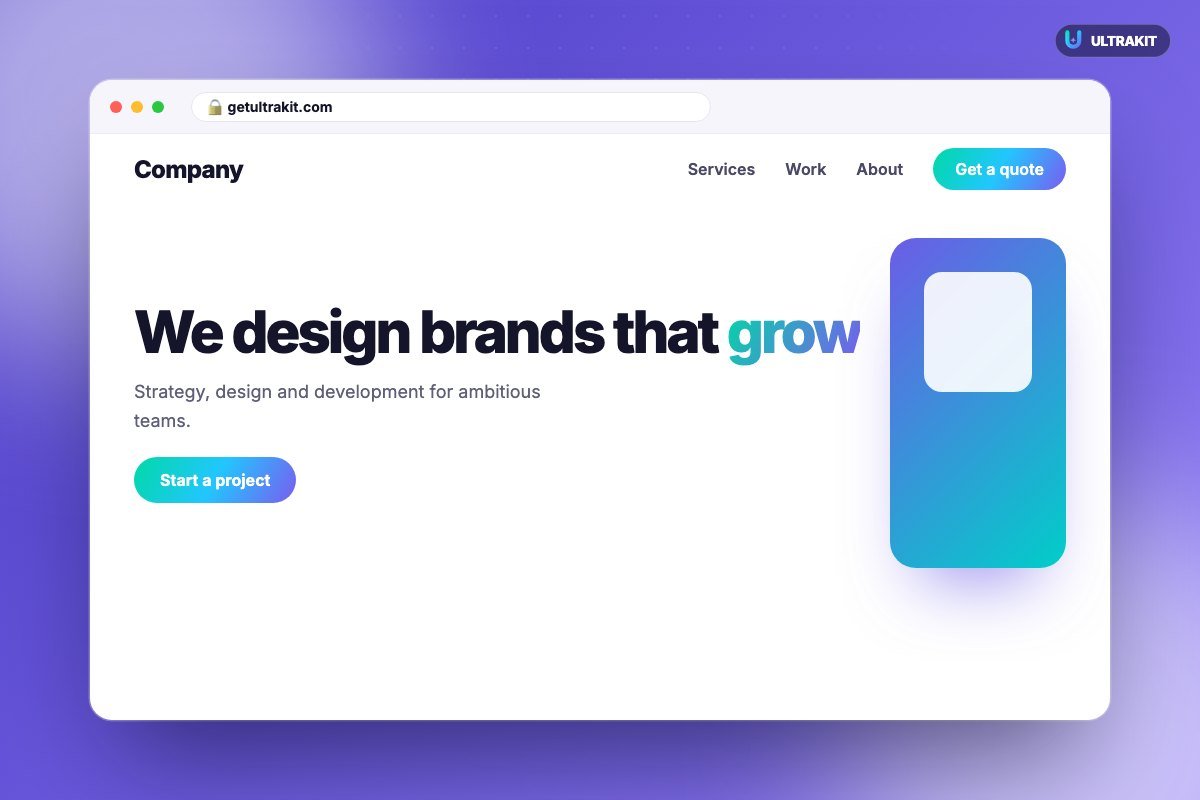
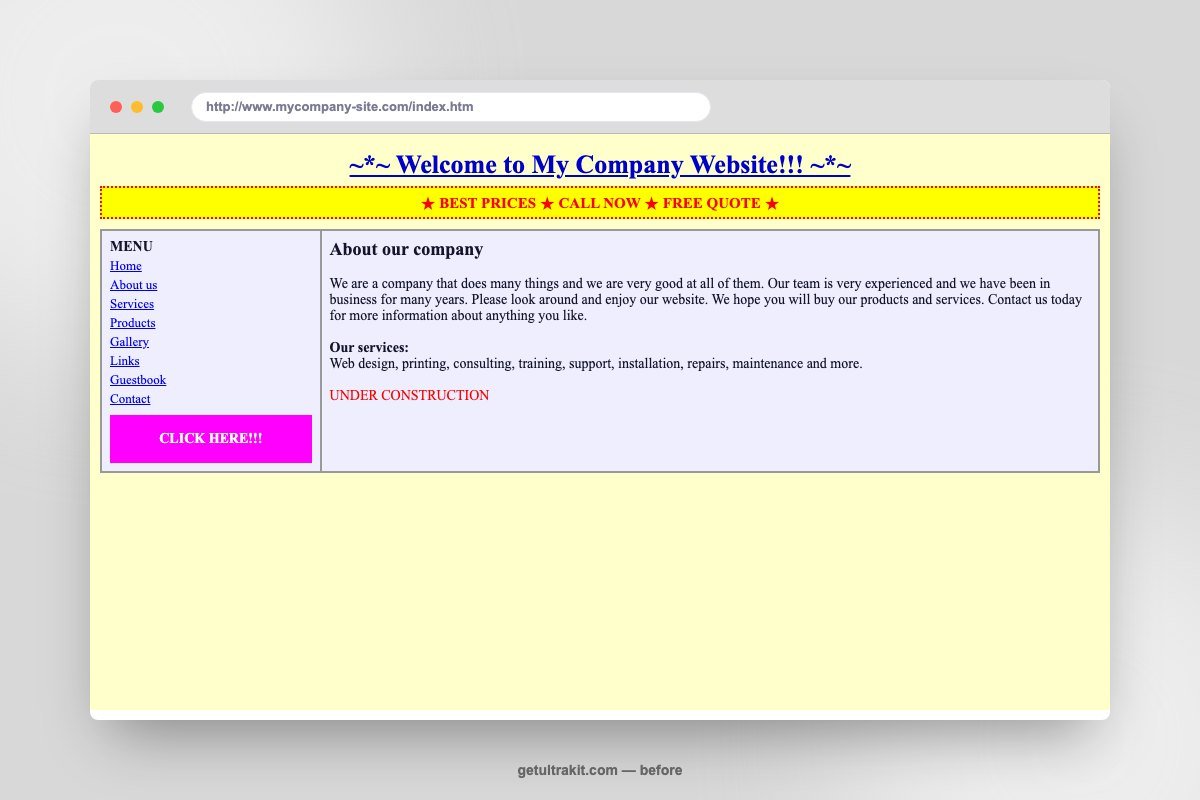 Before
After
Before
After
Happy Clients
Projects Done
No results found.
Standard shipping takes 3–5 business days within the US. Express shipping (1–2 days) is available at checkout.
30-day no-questions-asked returns. We'll email you a prepaid label — no receipt needed if you checked out with an account.
Yes, to over 40 countries. International orders typically arrive in 7–14 business days depending on customs.
Every order includes a 2-year manufacturer warranty covering defects in materials and workmanship.
Pick one of 71 header designs or build your own with the Mega Menu Builder, then show it everywhere — or on one page only.



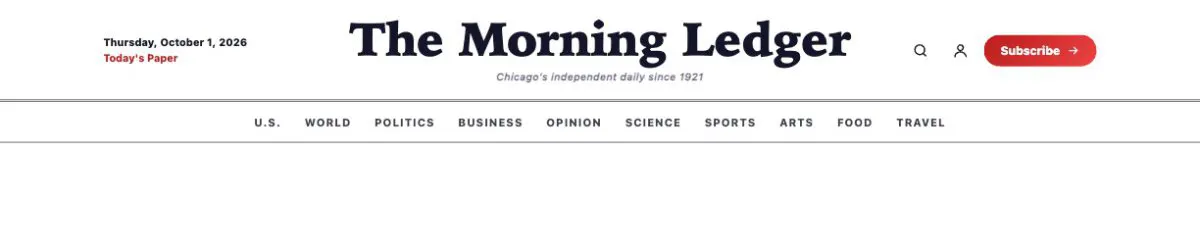

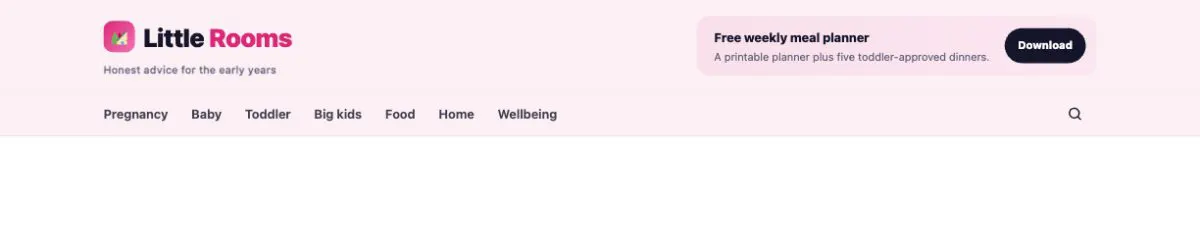
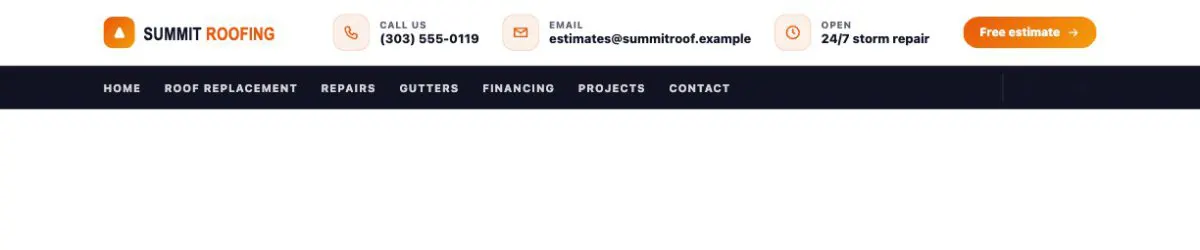






Templates are ordinary Elementor designs — single, archive, search and 404. Display conditions decide where each one shows, no Elementor Pro needed.
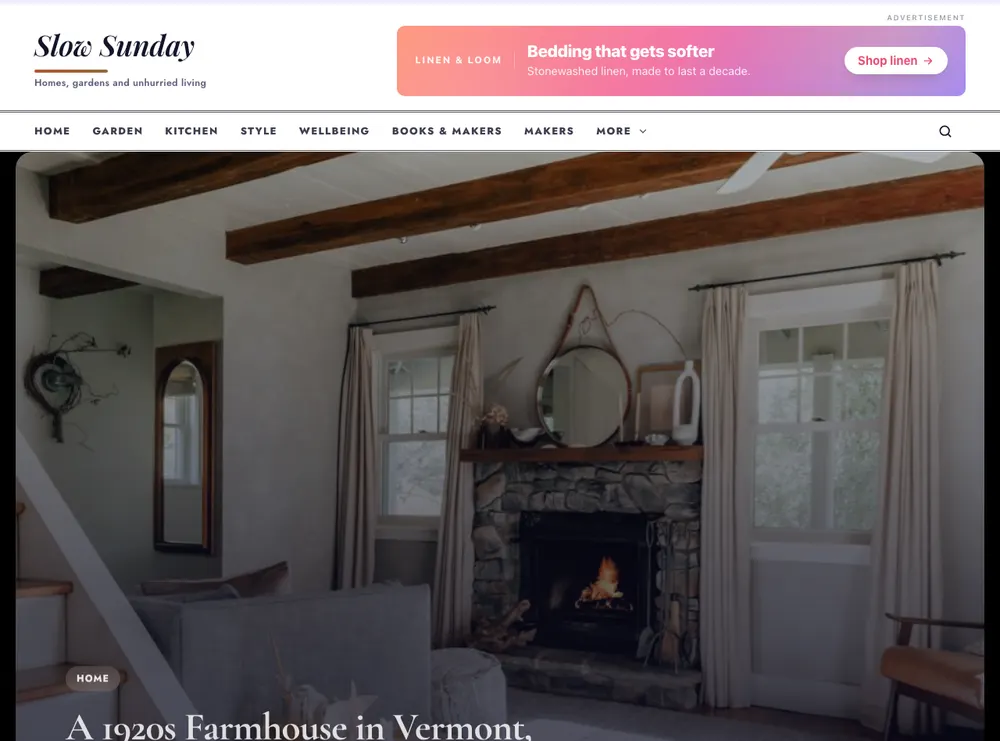

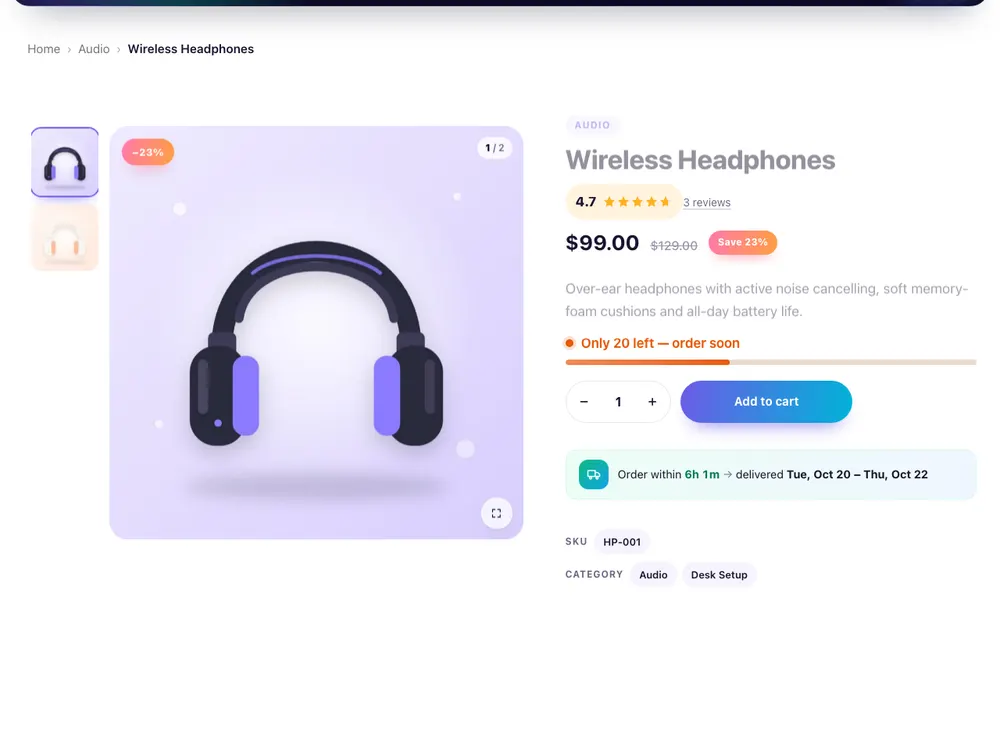
Build the product page and the shop archive in Elementor, then switch on the conversion extras — all from one plugin.
Posts, products, projects and custom fields — in a grid, masonry, list or carousel. This row is a live Loop Grid.




Insert any section from the Elementor editor — 39 types, all built with UltraKit widgets.

A per-page asset loader prints the stylesheets of the widgets on that page — nothing else. Turn off widgets you never use and their files never load.
Nonces and capability checks on every action.
One text domain, a .pot file and RTL stylesheets.
Unused widgets don’t load a single file.
Keyboard focus, ARIA labels and reduced motion.
Measured live from the asset loader’s cache for this page — the numbers update when the page changes. Sizes are unminified source files; UltraKit serves minified copies.
Straight answers about requirements, licensing, updates and support.
201 widgets and 925 sections — with the builders that tie them together.