Image Comparison
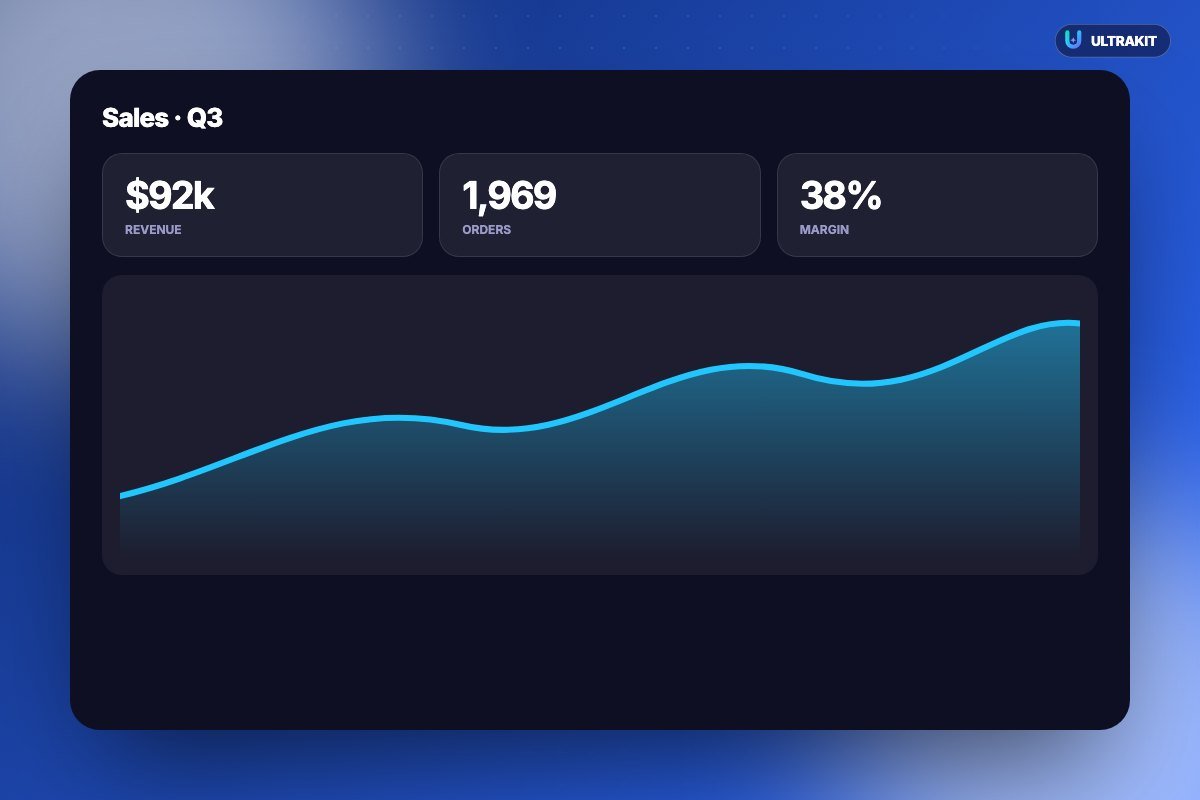
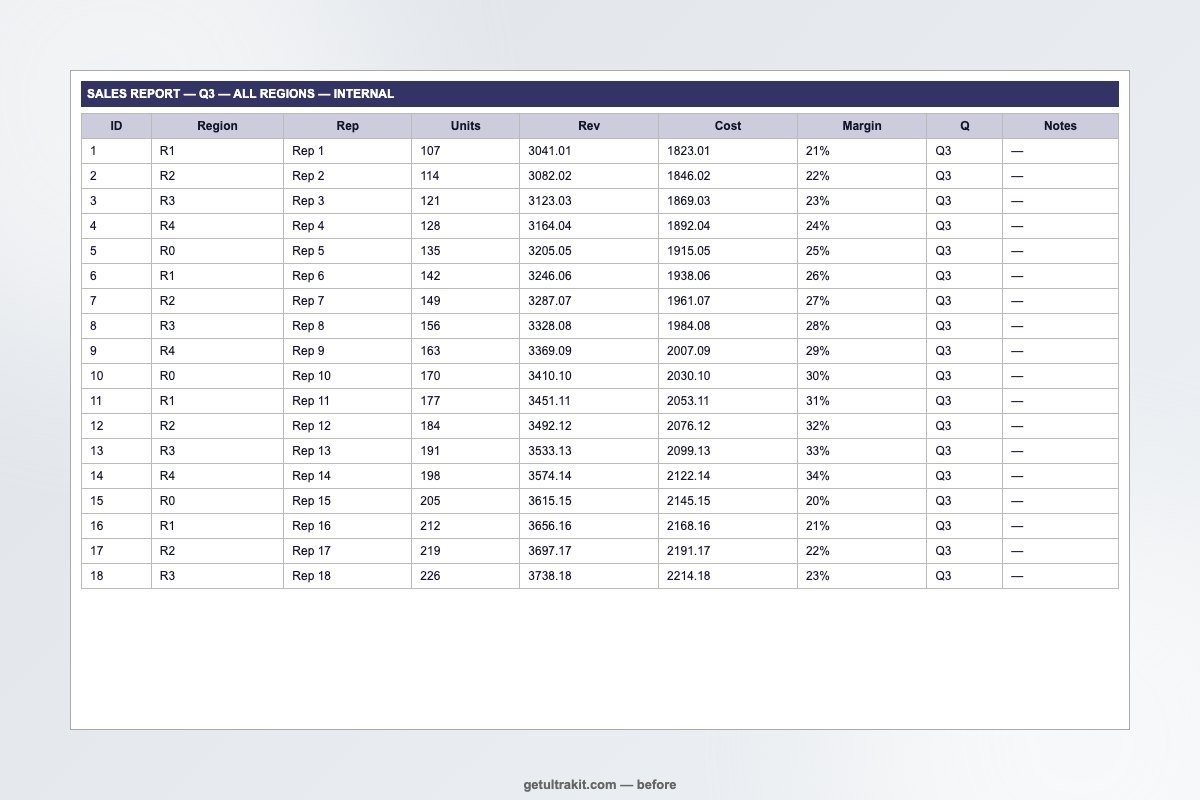
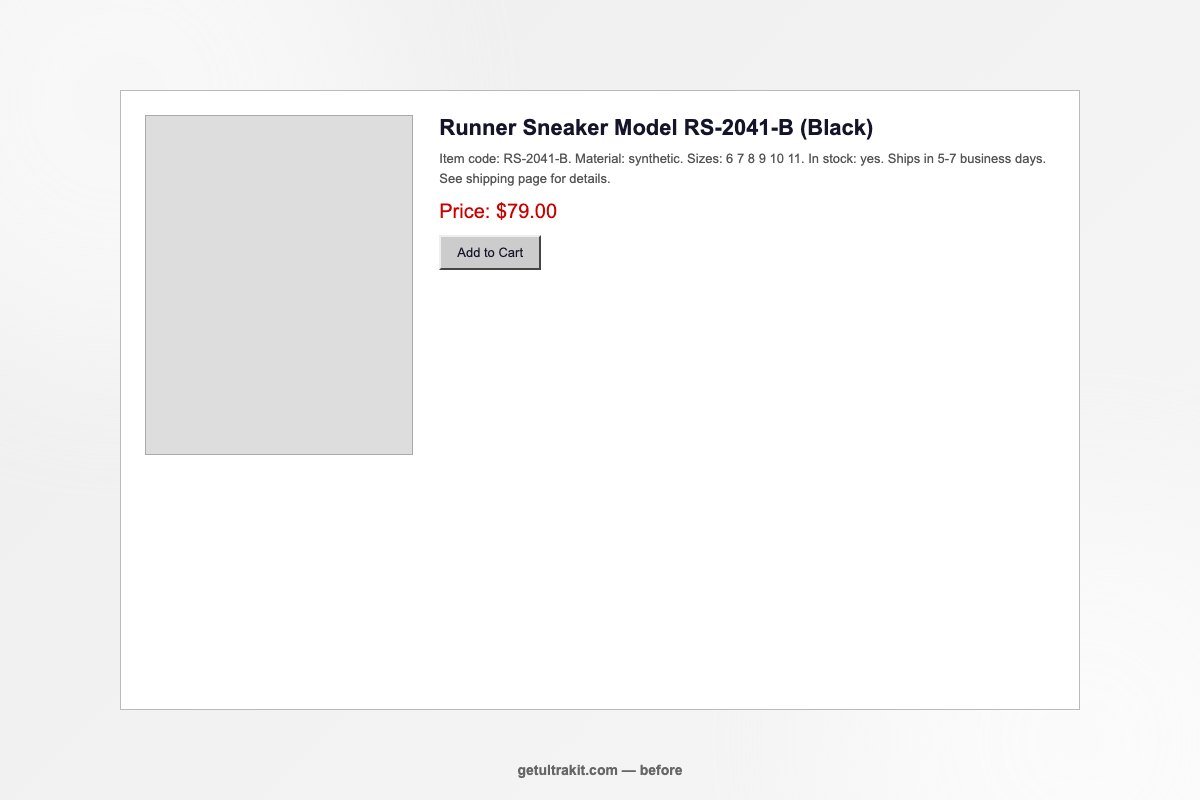
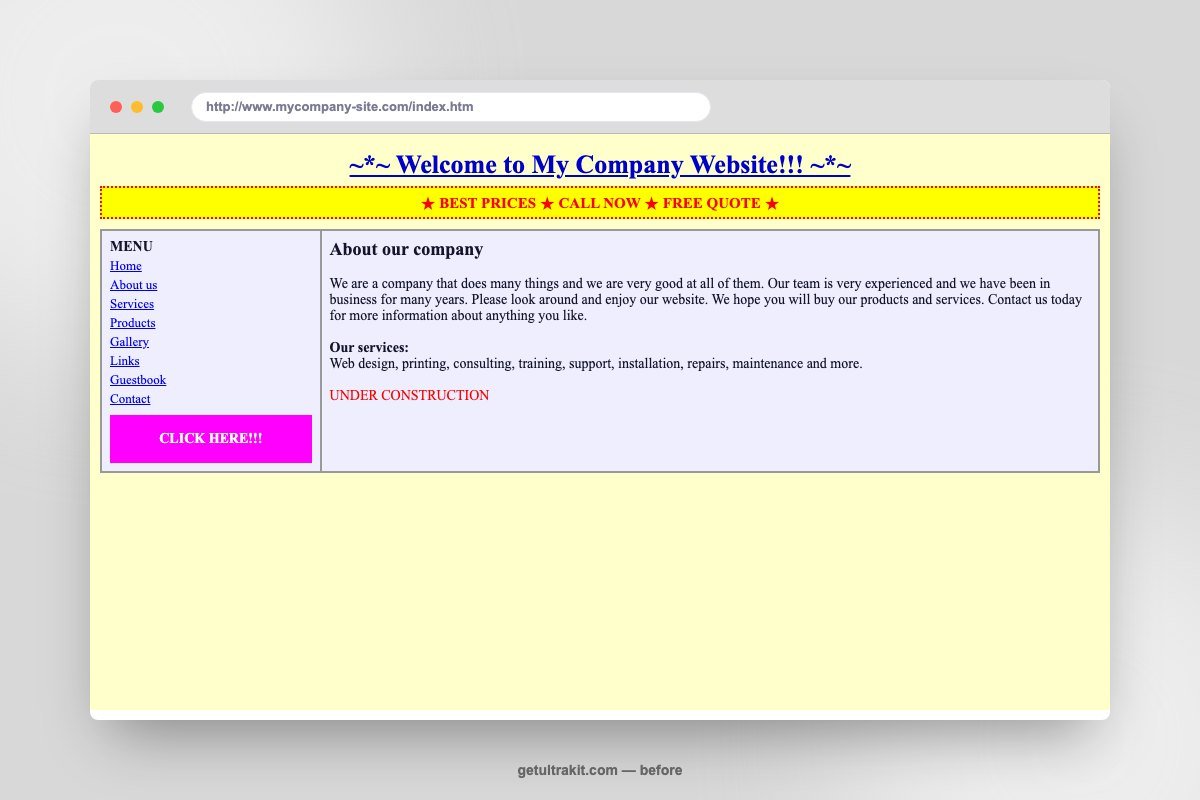
6 modes — drag, hover, click toggle, auto sweep, magic lens and cross-fade — × 5 handles × 5 frames × grid or switcher layouts. Made for portfolios, redesigns and retouching.
Drag to reveal the difference
The classic before/after with a circular handle, soft shadow frame, hint animation on scroll-in and full keyboard support.
Before
After
Before
After
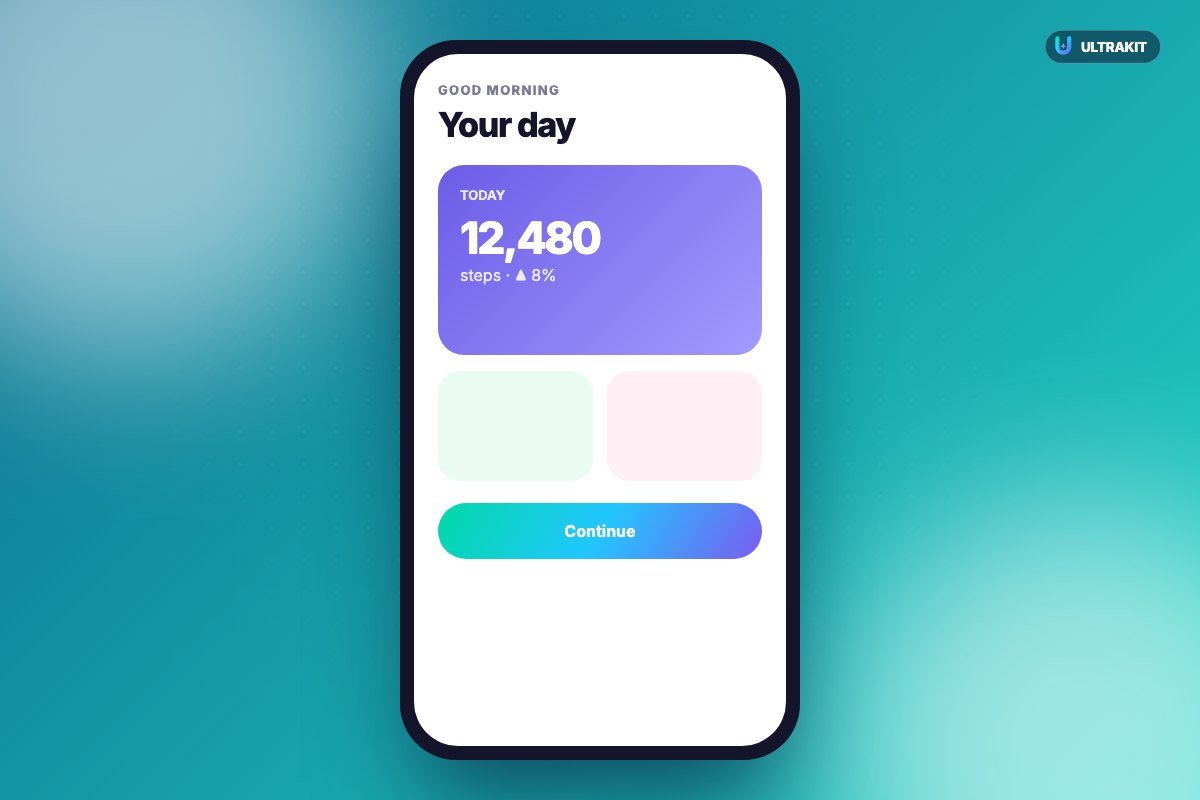
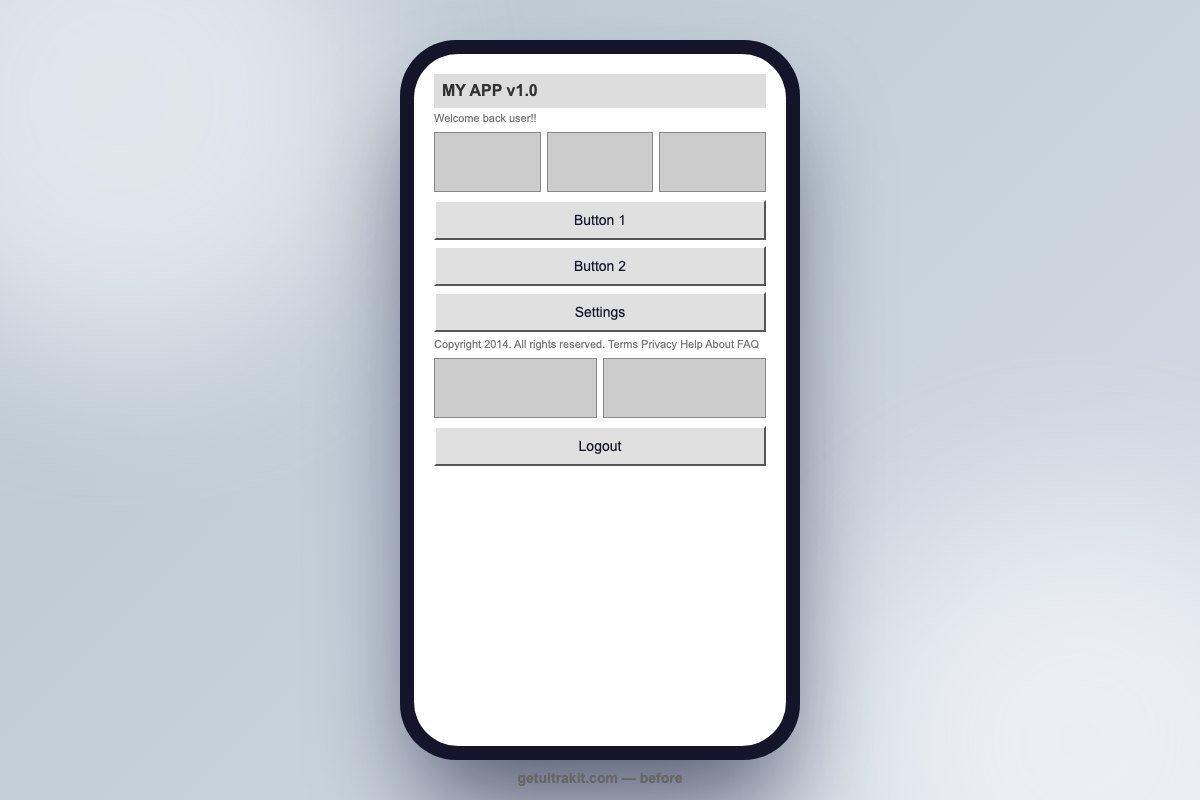
Slide it up and down
Switch the direction to vertical for tall subjects and mobile screens. Pill-grip handle, gradient frame.
Before
After
Before
After
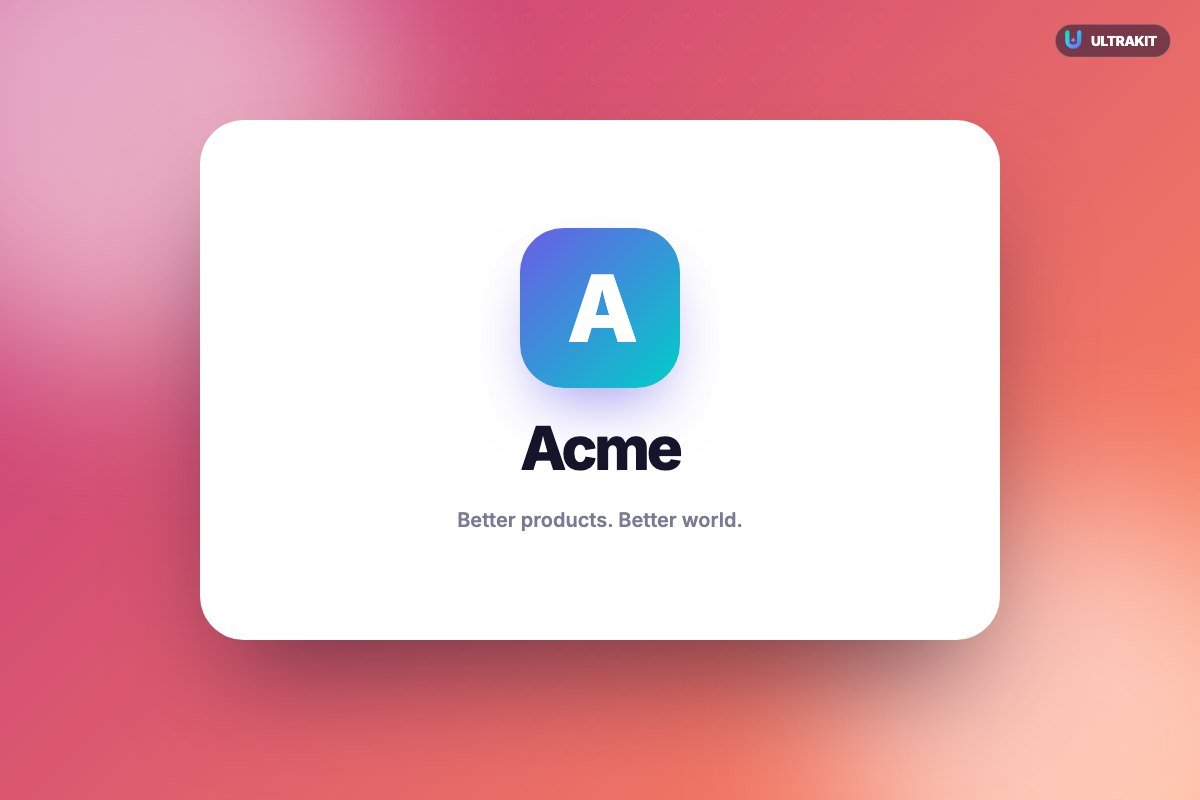
No clicking. Just hover
The divider follows the cursor — a fast, friction-free way to compare. Glass ring handle over a white-border frame.
Before
After
Before
After
One tap to switch
A smooth wipe between the two states with a Before / After switch. Ideal for mobile and for showing full-frame changes.
Before
After
Before
After
Before
After
Let it sweep on its own
The divider glides back and forth automatically — hover to take control. Gradient bar handle on a dark card.
Before
After
Before
After
Look through the lens
A circular lens follows your cursor and reveals the after image inside it — a memorable way to inspect retouching and detail.
Before
After
Move over the image
Before
After
Move over the image
A softer kind of change
Instead of a hard wipe the images blend into each other as you drag — perfect for lighting, colour and time-lapse comparisons.
Before
After
Before
After
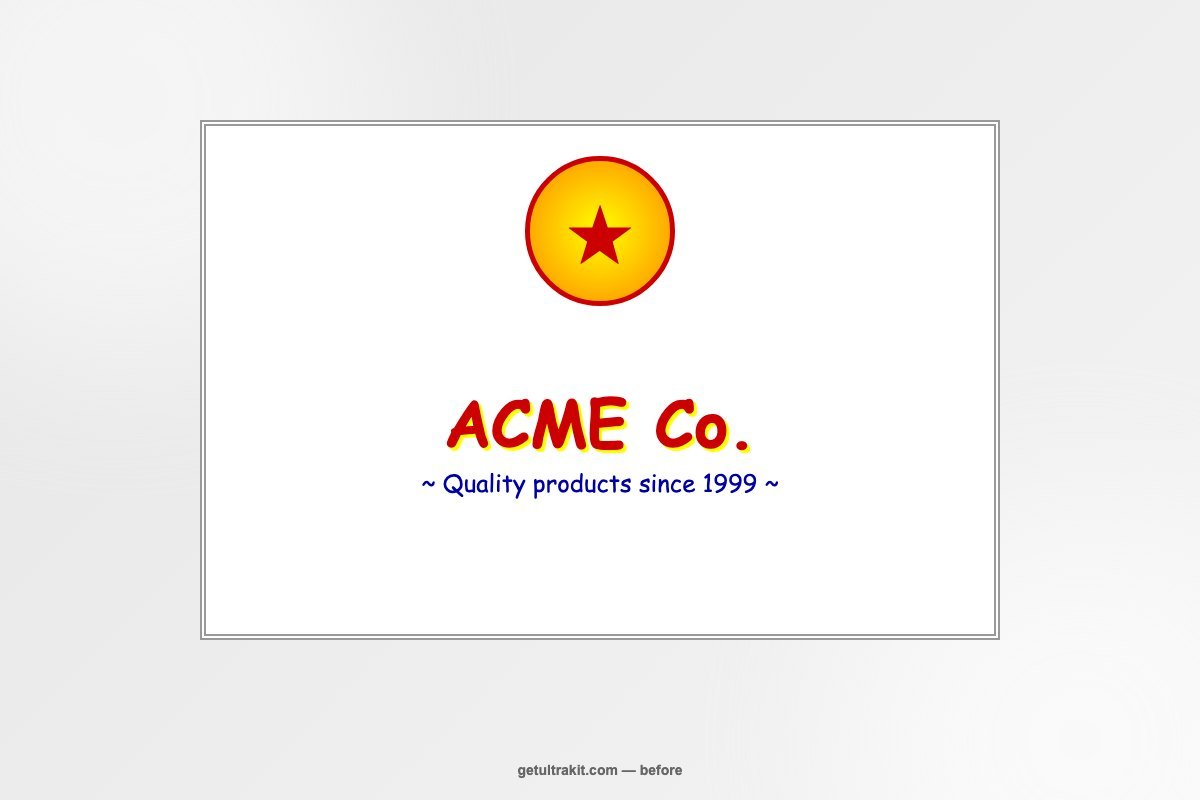
One big stage, six stories
Show a whole portfolio in a single spot: pick a project from the thumbnails and the big comparison swaps in.
Before
After
Before
After
Before
After
Before
After

Before
After
Before
After