201 elements · 925 sections · Works with free Elementor
Accessibility
Adjust this site to the way you read best.
Your choices are saved in this browser only.
Let every visitor read it their way
A toolbar of reading aids: bigger text, spacing, a readable or dyslexia-friendly font, contrast and color modes, highlighted links, a big cursor, a reading guide, stop animations, read aloud and a page outline — plus one-tap profiles. Every change is saved in the visitor’s browser and works on every page.
The panel on the right is live — it changes this whole page. The round button in the bottom-left corner opens the same tools from anywhere. It helps visitors adjust the page to their needs; it doesn’t replace building an accessible site.
Accessibility
Tap a tile to cycle through its levels.
Your choices are saved in this browser only.
Accessibility
Adjust this site to the way you read best.
Your choices are saved in this browser only.
Public information everyone can read
City and government sites are read by everyone — including people with low vision, dyslexia or tired eyes. This example has an “Accessibility” button in its top bar that opens a centered window.
Accessibility
Adjust this site to the way you read best.
Your choices are saved in this browser only.
Home › Utilities › Water
Pay your water bill
You can pay online, by phone or in person. Payments made before 5 p.m. are posted the same day. If you need help, call the Utilities office at (555) 010-4400, Monday to Friday, 8 a.m. to 5 p.m.
Ways to pay
- Pay online with a card or bank account — no fee.
- Call the automated line at (555) 010-4411, any time.
- Visit City Hall, 100 Main Street, first floor, window 3.
Fees and due dates
| Service | Monthly base | Due |
|---|---|---|
| Water | $18.50 | 15th of the month |
| Sewer | $22.00 | 15th of the month |
| Trash pickup | $14.75 | 15th of the month |
Need more time? Ask about a payment plan — there is no penalty for setting one up.
The City of Brookfield, its phone numbers and fees are fictional.
Bright shop, calmer on request
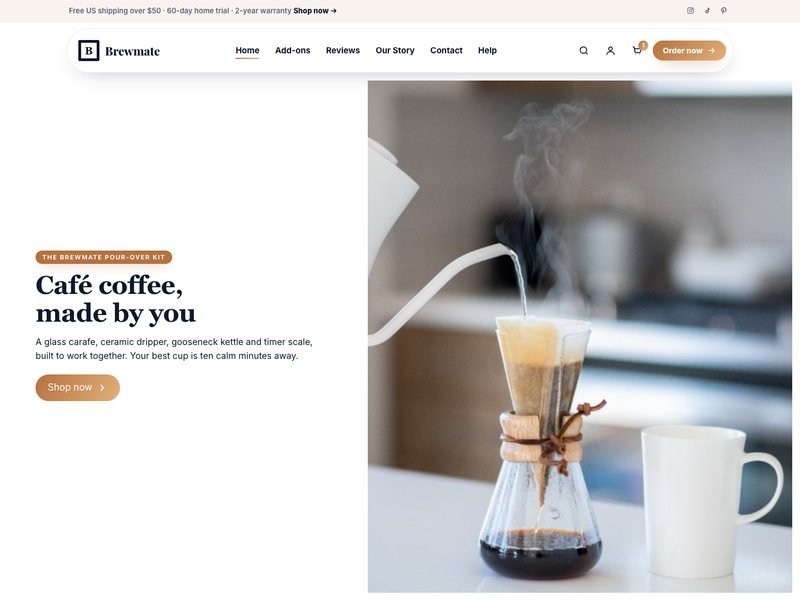
Color-heavy pages can be hard on the eyes. Shoppers can raise contrast, switch to dark or light high contrast, lower or remove color, or hide images to focus on names and prices.
Display options
Adjust this site to the way you read best.
Your choices are saved in this browser only.




Example products.
A proper “Display settings” page
Show the panel open inside a page — perfect for a help center or an “Accessibility” page linked from your footer. Here it uses the list layout with a plain header.
- ✓ Same settings as the floating button — change one, the other updates
- ✓ Tools grouped under Text, Colors, Reading and Calmer page
- ✓ Saved for every page of the site
Display settings
Northfield College · example
Your choices are saved in this browser only.
Northfield College is fictional.
Four buttons, four kinds of panel
Floating in a corner or placed in your header — each can open a drawer, a centered window or a small card, in light, soft, dark or glass.
Accessibility
Adjust this site to the way you read best.
Your choices are saved in this browser only.
Round iconopens a side drawer · light skin
Accessibility
Adjust this site to the way you read best.
Your choices are saved in this browser only.
Icon + textopens a centered window · soft skin
Accessibility
Adjust this site to the way you read best.
Your choices are saved in this browser only.
Rounded squareopens a card next to it · dark skin
Accessibility
Adjust this site to the way you read best.
Your choices are saved in this browser only.
Edge tabglass drawer · glass skin
Reading help, one tap away
Made for city and school websites, stores, blogs, news sites and help centers.
Add it once
Put the floating button in your footer or header template — it follows visitors to every page.
Pick the tools
Choose which of the 16 tools and 6 profiles to offer, the button design and the panel style.
Visitors take it from there
Their choices are saved in their own browser and applied before each page appears.
A toolbar helps people adjust a page, but it doesn’t make a website accessible or legally compliant on its own — good contrast, alt text, headings and keyboard support still matter most.