ULTRAKIT · WIDGET #155

Seven toggle designs, three ways to go dark, the whole page or one section. It remembers each visitor’s choice with no white flash, can follow the device or the clock, and switches with a circle that grows from the button. Try any toggle below — the whole page changes.

7 designssmart invertcolor palettetheme classwhole page or one sectionfollows device or clockno white flash

Day & night skystars, clouds, sun → moon

Classic switchicons inside the track

Sun ↔ moon iconthe sun morphs into a moon

Eclipsethe moon slides over the sun

Light · Dark · AutoAuto follows the device

Pill with texticon and words swap

Icon with a menuLight, Dark or Auto

THE WHOLE PAGE · SMART INVERT

The default mode. Switch any toggle above — or the floating moon button in the corner — and watch these cards.

Travel

The photo stays natural

Smart invert flips the page colors, then flips photos, videos and background pictures back — so they never look like film negatives.

Dark sections stay dark

Sections that are already dark — or strongly colored, like your brand buttons — are left exactly as they are.

Brand buttonDark button

No white flash

The visitor’s choice is saved in their browser and applied before the page appears — so the next page opens dark straight away. Reload this page in dark mode to see it.

The floating button (bottom right) controls the same page as the toggles above. This page remembers your choice for this page only.

SAAS APP · THEME CLASS

For sites and apps that already have dark styles. The toggle only adds a class and data-theme="dark" to the section; your CSS variables do the rest.

  • ✓Light · Dark · Auto buttons
  • ✓Auto follows the visitor’s device setting
  • ✓Only this section changes
Overview
Projects
Reports
Team
Settings
Good evening, Jordan
Here’s your week so far
Tasks done128+12% vs last week
Hours tracked36.5+4.2 h
On-time rate94%+3 pts

Tasklane is a fictional app.

DOCS SITE · COLOR PALETTE

The palette mode scans the section once: light backgrounds become your dark background and card colors, dark text becomes light text, light borders get softer. Code blocks that are already dark stay as they are.

Theme
  • ✓Icon with a Light / Dark / Auto menu
  • ✓Your own background, card, text, heading, link and border colors
  • ✓Dark code blocks are left alone
Getting started
Install
Your first API call
Authentication
Guides
Webhooks
Pagination

Docs / Getting started

Your first API call

Send a request with your test key. You’ll get back a JSON list of your projects. Read more about authentication.

curl https://api.example.com/v1/projects \
  -H "Authorization: Bearer test_key_123"
Tip: test keys never touch real data, so experiment freely.

Example documentation page.

PHOTOGRAPHY PORTFOLIO · ONE SECTION

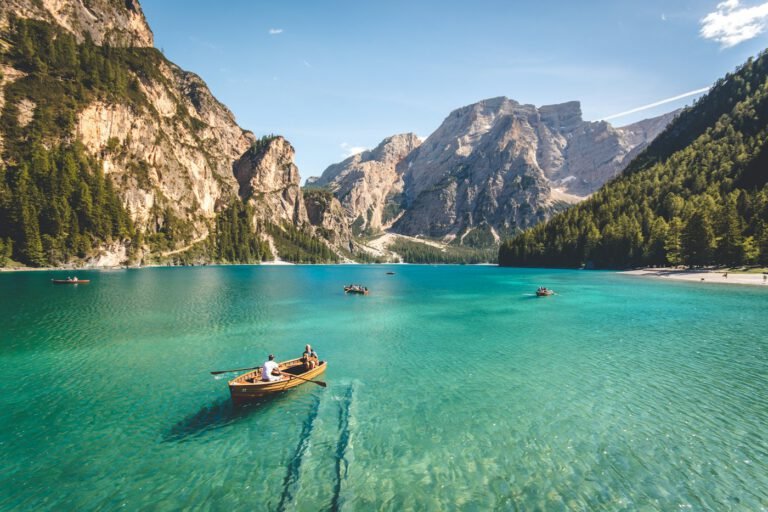
Photos look richer on a dark page. Here the eclipse toggle darkens only this gallery section — the photos themselves stay exactly as shot.

  • ✓Eclipse design
  • ✓Only this section goes dark
  • ✓Photos stay natural
Alpine lake · Washington
Beach at sunset · California
Hills at sunrise · Oregon
On the trail · Colorado

Ella Rae Photography is a fictional studio.

NEWS SITE · EVENING SCHEDULE

Set “Auto” to follow the clock: this section switches to dark from 7 p.m. to 7 a.m. in the reader’s time zone. Readers can still pick Light or Dark themselves.

  • ✓Pill toggle with words
  • ✓Auto = dark from 7 p.m. to 7 a.m.
  • ✓Smart invert on one section
The Evening LedgerExample news site

Lake cleanup volunteers set a new record

More than 600 people turned out on Saturday morning.

BUSINESS

Downtown bakery opens a second shop

WEATHER

Clear skies all weekend

SPORTS

Riverside wins in overtime

The Evening Ledger and its stories are fictional.

THREE STEPS

Made for blogs, news sites, docs, SaaS apps, portfolios and online stores.

1

Add the toggle

Put it in your header, a corner or any section — seven designs, any size and colors.

2

Choose how it goes dark

Smart invert for any site, a color palette, or just a class for your own dark styles.

3

Done

Visitors’ choices are remembered with no white flash, and “Auto” follows their device or the clock.