

Build it once, show it everywhere
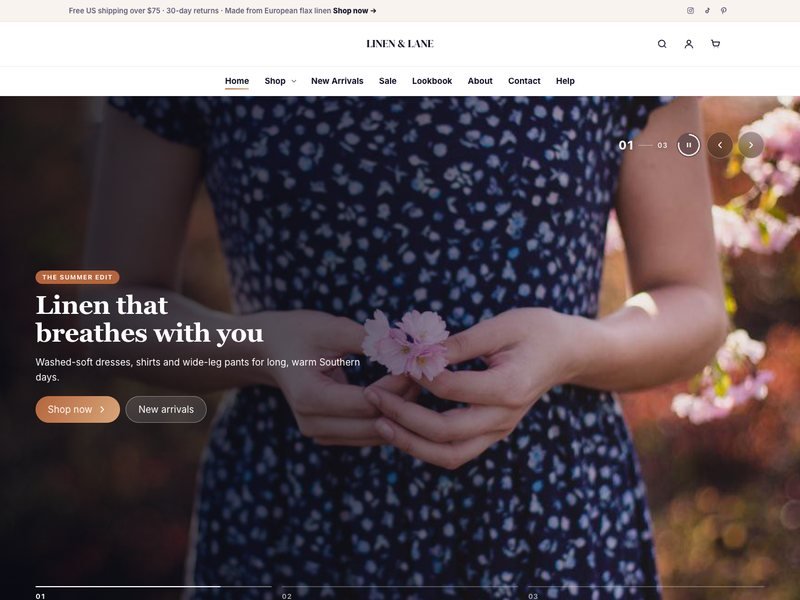
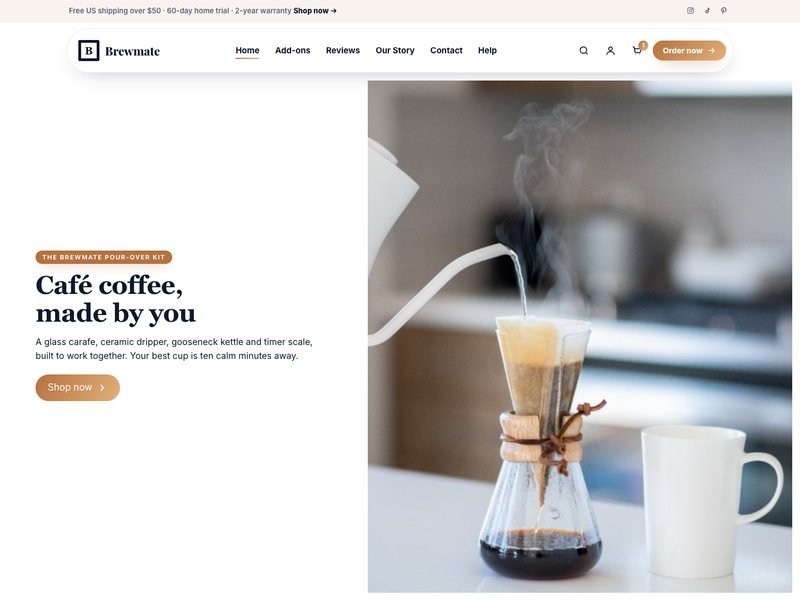
Save any section as an Elementor template, then show it on as many pages as you like. Edit the template once and every page updates — perfect for headers, footers, banners and calls to action.
Four steps to a shared section
Works with the free version of Elementor.
- 1
Design a section
Build a header, footer or banner like any other section.
- 2
Save as template
Right-click the section → Save as Template.
- 3
Add the widget
Drop “Saved Template” on any page and pick it.
- 4
Edit once
Change the template and every page updates.
One offer banner, two places
The two banners below are the same saved template (“Demo · Spring offer banner”) shown twice. On a real site you would put it on your home, pricing and blog pages — and change the offer in one place.
Spring offer: 20% off every plan
Ends Sunday. Use it on any plan, any length.
THE SAME TEMPLATE AGAIN, ON A DARK SECTION
Spring offer: 20% off every plan
Ends Sunday. Use it on any plan, any length.
The same footer on every page
This footer is also a saved template (“Demo · Shared footer”). Starter sites use exactly this: one header template and one footer template, shown on every page.
Flowbase is a fictional company. Its newsletter form is in demo mode and sends nothing.
Less clicking, fewer mistakes
Headers and footers, handled.
Pair it with the Site Header and Site Footer widgets.