Every article on Maple & Main can use its own design. Open an example to see each one, then pick a layout per post in the editor.
Centered headline, wide photo, narrow reading column.
Headline over a full-bleed photo — for big stories.
Photo beside the headline and a sticky sidebar with most read.
A card over the photo, drop cap and pull quotes.
No photo on top — big serif title, made for opinion and essays.
A gradient panel with the photo as a card — great for lifestyle.
Classic article with author, trending and newsletter beside it.
Full-screen opener, reading progress and a table of contents.
Open any post in the WordPress editor and pick a design in the Post Options box. The site-wide default lives in Theme Options → Single Post.
Five local stories, the weather and one thing to do tonight. Read by 18,000 neighbors.
Make Maple & Main easier to read.
Your choices are saved in this browser only.



 #01
#01 #02
#02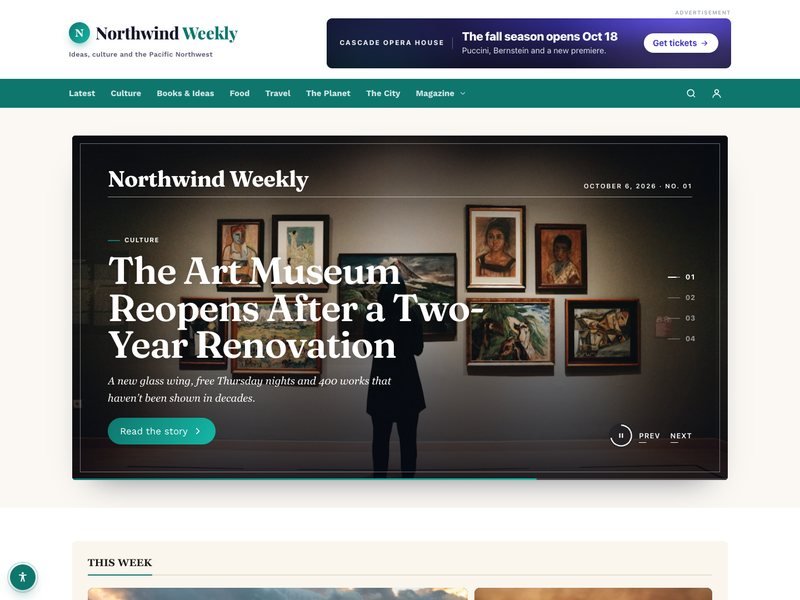 #03
#03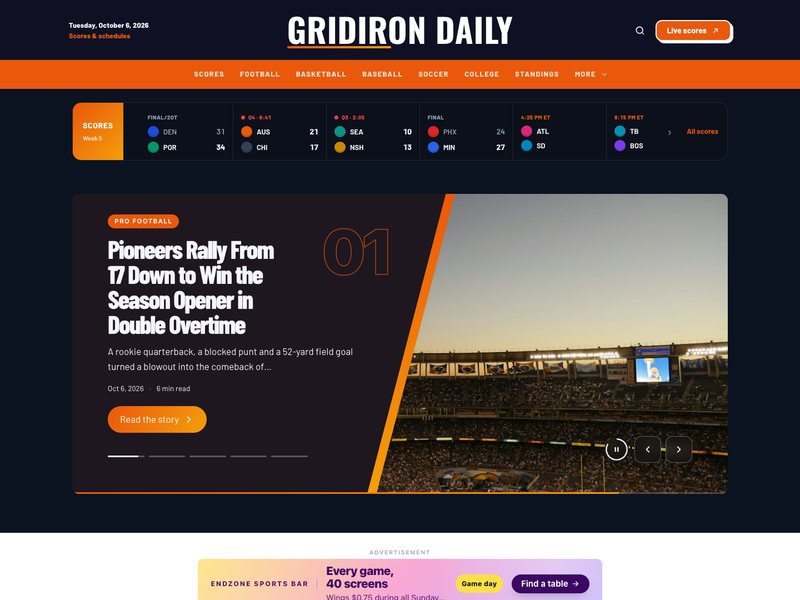 #04
#04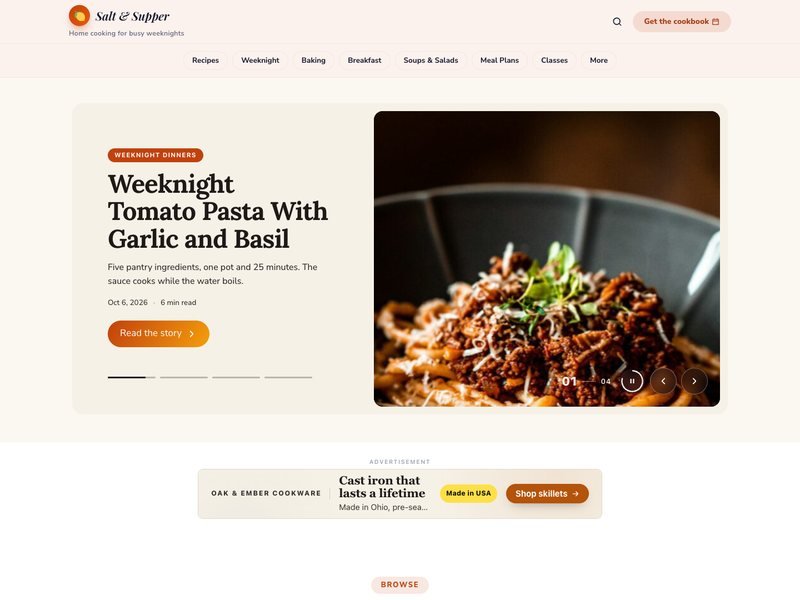 #05
#05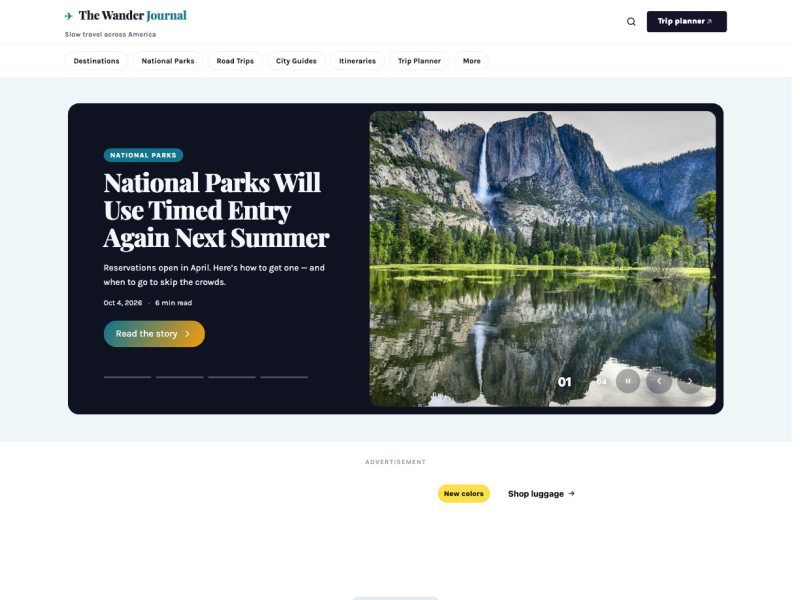 #06
#06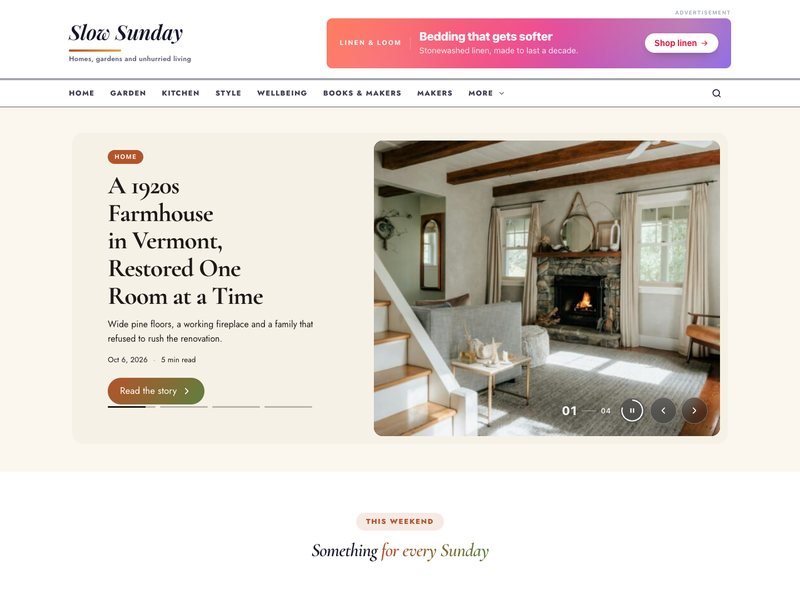 #07
#07 #08
#08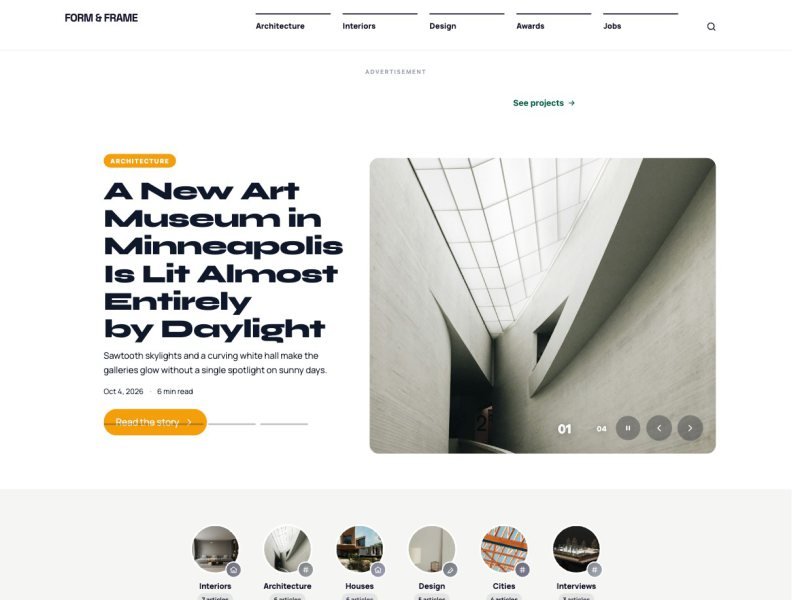 #09
#09 #10
#10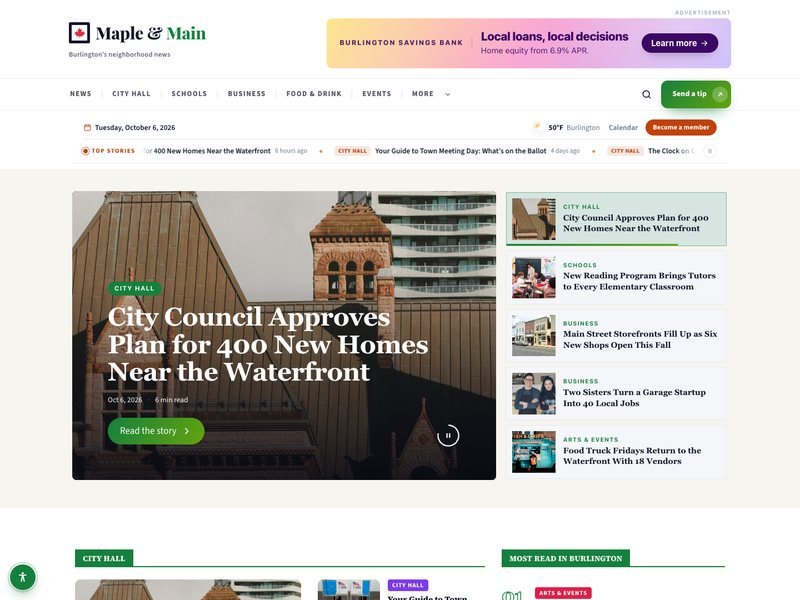 #11
#11 #12
#12 #13
#13 #14
#14 #15
#15 #16
#16 #17
#17 #18
#18 #19
#19 #20
#20 #21
#21 #22
#22 #23
#23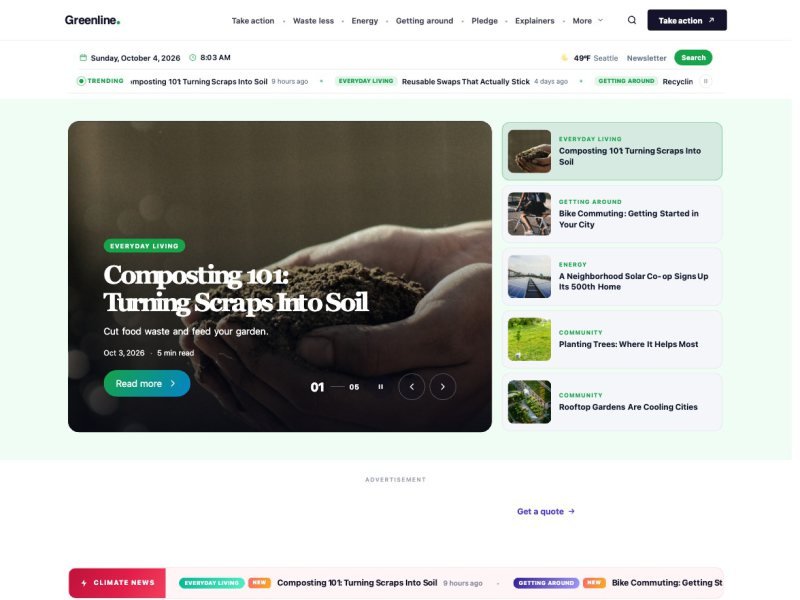 #24
#24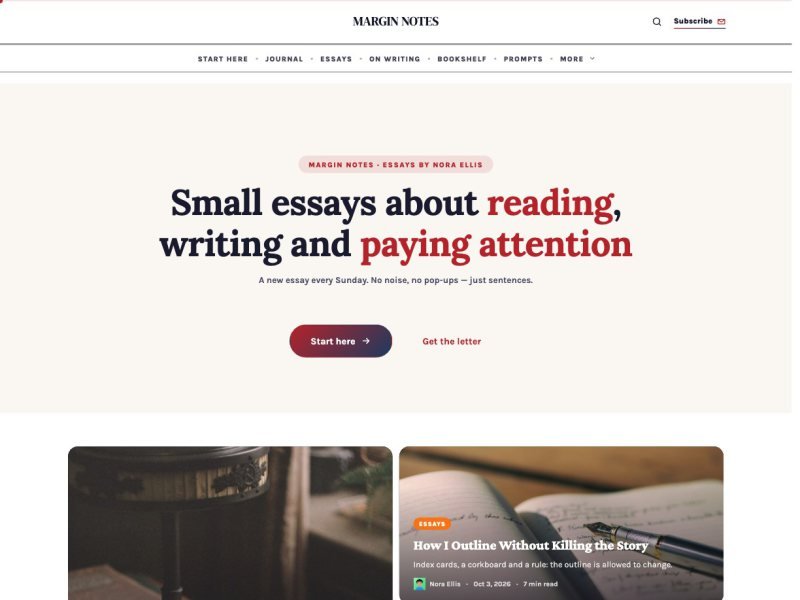 #25
#25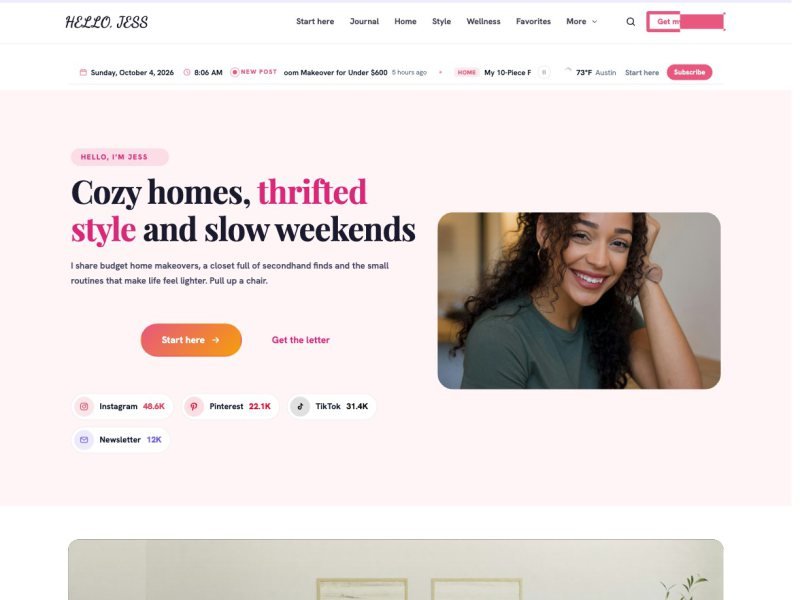 #26
#26 #27
#27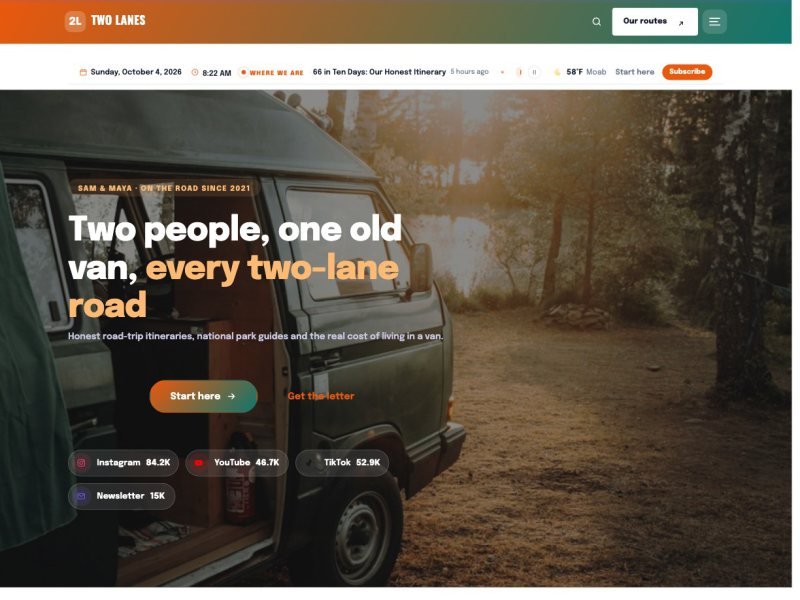 #28
#28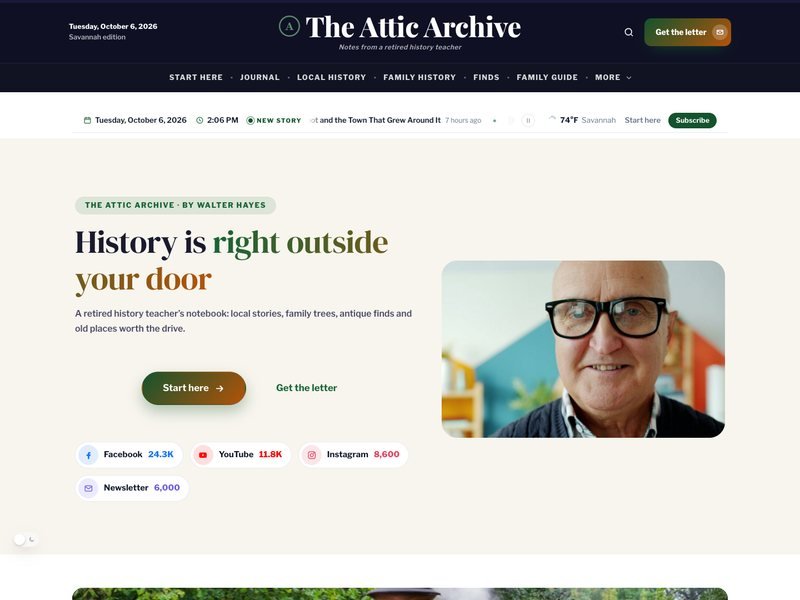 #29
#29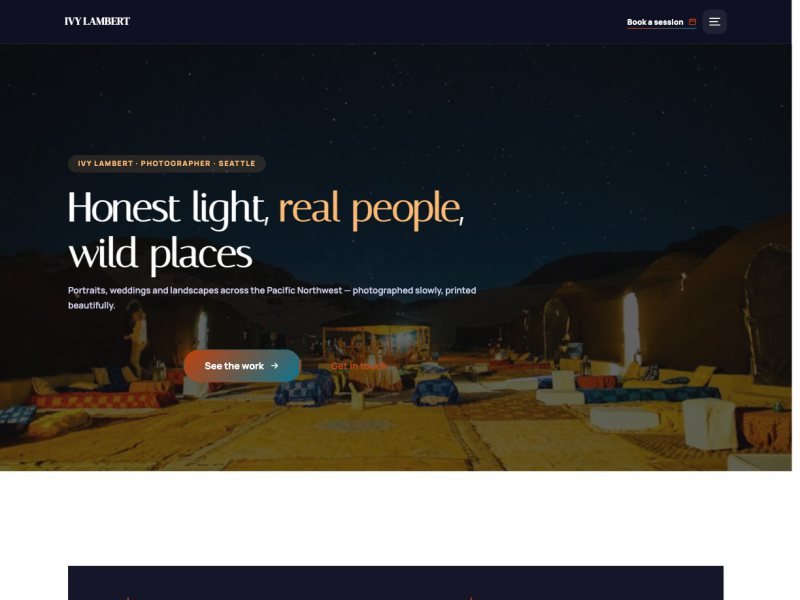 #30
#30 #31
#31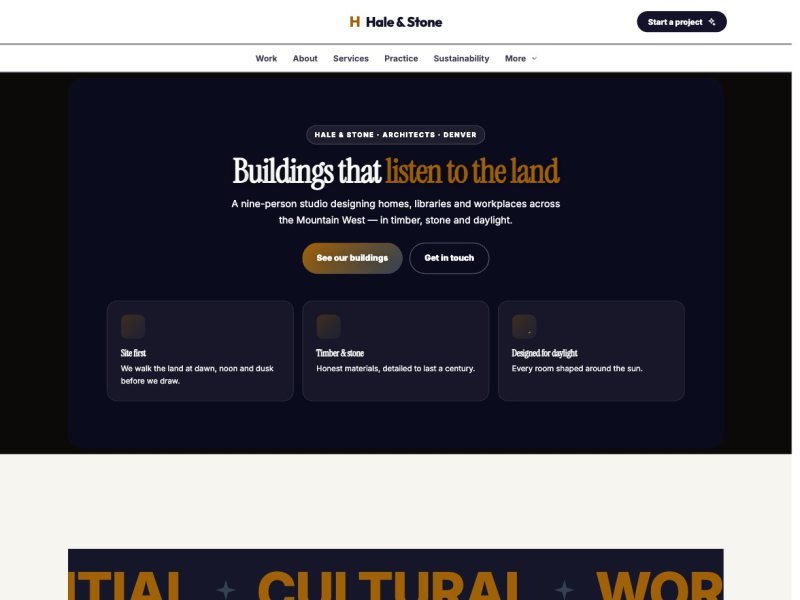 #32
#32 #33
#33 #34
#34 #35
#35 #36
#36 #37
#37 #38
#38 #39
#39 #40
#40 #41
#41 #42
#42 #43
#43 #44
#44 #45
#45 #46
#46 #47
#47 #48
#48 #49
#49 #50
#50 #51
#51 #52
#52 #53
#53 #54
#54 #55
#55 #56
#56 #57
#57 #58
#58 #59
#59 #60
#60 #61
#61 #62
#62 #63
#63 #64
#64 #65
#65 #66
#66 #67
#67 #68
#68 #69
#69 #70
#70 #71
#71 #72
#72 #73
#73 #74
#74 #75
#75 #76
#76 #77
#77 #78
#78 #79
#79 #80
#80 #81
#81 #82
#82 #83
#83 #84
#84 #85
#85 #86
#86 #87
#87 #88
#88 #89
#89 #90
#90 #91
#91 #92
#92 #93
#93 #94
#94 #95
#95 #96
#96 #97
#97 #98
#98 #99
#99 #100
#100 #101
#101 #102
#102 #103
#103 #104
#104 #105
#105 #106
#106 #107
#107 #108
#108 #109
#109 #110
#110 #111
#111 #112
#112 #113
#113 #114
#114 #115
#115 #116
#116 #117
#117 #118
#118 #119
#119 #120
#120